

Telnyx Compute — Full Documentation
Edge compute functions, runtime bindings, stateful actors, and private networking. Complete page content for the Compute section of the Telnyx developer docs (https://developers.telnyx.com). Root index: https://developers.telnyx.com/llms.txt · Lightweight index for this section: https://developers.telnyx.com/development/llms/compute-llms-txt.md
Overview
Edge Compute
Source: https://developers.telnyx.com/docs/edge-compute/platform-overview.mdEdge Compute is the platform of compute primitives you use to build and deploy applications to the Telnyx edge — serverless functions, stateful actors, KV, object storage, and SQL (coming soon). It’s particularly powerful when combined with two other sets of Telnyx primitives to create AI agents that act in the physical world:
- AI — inference, embedding, RAG, memory (coming soon), text-to-speech, speech-to-text, and voice design
- Real-world communication — calling, messaging, and email (coming soon)
Start building
- Functions quickstart — install the CLI, scaffold, ship, and curl a live URL
- Call the Telnyx API — reach calling, messaging, and AI from a function, no keys in your code
- Stateful Actors quick start — durable per-entity state and coordination
- KV quick start — create a namespace, bind it, read and write
- Pricing and Limits
Functions
Functions
Source: https://developers.telnyx.com/docs/edge-compute/overview.mdA function is the compute primitive of Telnyx Edge Compute: an ordinary HTTP server, packaged as a container, deployed to Telnyx’s global edge network, and served at its own public URL. You write a server that listens on
PORT; one command builds and ships it.
index.ts
The platform around your functions
Declare a binding infunc.toml and it surfaces on env at runtime in TypeScript, or as REST and injected environment variables in every other language. See Bindings for the mechanics — these are the products worth reaching for.
State and storage
Globally distributed key-value storage with server-side TTL — an env binding in TypeScript, REST everywhere else. For caches, sessions, and feature flags.
Beta — durable per-entity state and coordination: one instance per name, one call at a time. For counters, per-user state, and anything that needs a serialized owner.
S3-compatible buckets for files and media — a separate product, reached over its S3 API from any language.
Connect to Telnyx
A pre-authenticated client for Voice, Messaging, and AI — or plain REST with the injected key. Answer calls, send messages, and run inference without managing credentials.
Languages
telnyx-edge new-func -l scaffolds a project in TypeScript (ts), JavaScript (js), Go (go), Python (python), or Java (quarkus). Each language uses its own standard server contract — node:http, Go’s http.Handler, ASGI, Quarkus Funqy — documented in HTTP handler.
The binding SDK (@telnyx/edge-runtime) — a typed env exposing a pre-authenticated Telnyx client, secrets, and KV namespaces — is TypeScript-only today. The other runtimes use the same features over REST and injected environment variables.
Where your code runs
Functions run on the infrastructure that carries Telnyx voice and messaging traffic: edge sites inside carrier facilities, close to end users rather than in generic cloud availability zones. Each region is backed by multiple independent sites across different providers, with automatic failover if a site goes down.Resources
The entrypoint contract for each language. Environment variables, secrets, routing, and versions. Everytelnyx-edge command and flag.
Request timeouts, payload sizes, and quotas.
Free tier plus usage-based rates for requests and CPU time.
Ask questions and share what you build.
Quickstart
Source: https://developers.telnyx.com/docs/edge-compute/quickstart.mdDeploy your first function end-to-end: install the CLI, authenticate, scaffold, ship, and prove it with
curl. A function is a container running your own HTTP server on Telnyx infrastructure, reachable at a public URL.
The code steps below are shown for every supported language — pick a tab. TypeScript is the default and the only one with the typed binding SDK today; the rest are fully supported for plain HTTP.
Prerequisites
- A Telnyx account — sign up if you don’t have one.
- The toolchain for your language: Node.js ≥ 18 (TypeScript/JavaScript), Go, Python 3, or Java with Maven.
1. Install the CLI
Thetelnyx-edge CLI ships as binaries on the GitHub releases page. Assets are version-stamped, and each tarball extracts into a versioned directory containing the binary.
Linux (amd64)
macOS (Apple silicon)
macos-amd64 asset; Windows zips are on the same releases page. Verify the install:
2. Authenticate
Authenticate before creating a function —new-func registers the function with the platform, which requires credentials.
~/.telnyx-edge/config.toml. The CLI does not read a TELNYX_API_KEY environment variable — in CI, run auth api-key set as a setup step.
3. Create a function
new-func creates the function server-side, writes the assigned UUID into func.toml, and scaffolds a working project. Pass -l to pick the language:
TypeScript
JavaScript
Go
Python
Java
func.toml that ties the directory to the registered function:
index.ts
index.js
handler.go
function/func.py
src/main/java/functions/Function.java
4. Ship
ship uploads the project, builds it, deploys it, and monitors the rollout (default timeout 5 minutes; --timeout to change). The output ends with the live URL:
{func-name}-{org-nickname}.telnyxcompute.com — see Routes & Domains.
5. Call it
Use the URLship printed. Every scaffold answers a GET with the same default response:
telnyx-edge ship again — each successful ship creates an immutable revision you can roll back to.
Next Steps
- Bindings — pre-authenticated Telnyx client, secrets, and KV on
env. - KV quick start — persist data across requests from your function.
Best Practices
Source: https://developers.telnyx.com/docs/edge-compute/best-practices.mdAn Edge Compute function is a real container running your own HTTP server — not a per-request sandbox. Most of the practices below follow from that model: module scope runs once per container, an escaped exception kills a process, and state has to live somewhere other than the container. Code samples are TypeScript. The same principles apply in every runtime; the binding SDK (
@telnyx/edge-runtime) is TypeScript-only today, so other languages use environment variables and the REST APIs where a binding is shown.
Configuration
Keep Secrets Out of Code
Store credentials as secrets — the CLI takes the key and value as positional arguments:[[secrets]] binding in func.toml can also read it through env.SECRETS.get(""), which telnyx-edge types type-checks against the declared handles. Both surfaces are live at the same time — see Secrets.
Budget for the Platform Timeout
The request timeout is 30 seconds by default and 60 seconds at most — there is nofunc.toml field that raises it. A request that exceeds it is terminated with a 504. Set your own deadlines on outbound calls a few seconds below the platform’s so you fail with a useful error instead (see Time Out and Retry Outbound Calls), and split work that genuinely needs longer. Exact numbers: Limits.
Name Functions for Their URL
The function name becomes the hostname —{func-name}-{org-nickname}.telnyxcompute.com — and new-func registers the function with the platform at scaffold time, so pick the name up front:
Performance
Initialize Once, at Module Scope
A container serves many requests. Module scope runs once per container; the request callback runs per request. Build clients, load config, and compile anything expensive outside the callback:Keep Cold Starts Small
A new container starts when traffic scales up or after a deploy, and the first request it serves waits for everything beforeserver.listen — imports, client construction, config loads. Keep dependencies minimal, and lazy-load heavy libraries used only on rare paths so the common path doesn’t pay for them.
Cache Expensive Reads in KV
Declare a KV namespace infunc.toml and it resolves as a binding on env:
expirationTtlis server-side expiry in whole seconds (≥ 1) and requires@telnyx/edge-runtime≥ 0.2.2 — earlier versions accept the option and silently ignore it.- Keys allow
a-zA-Z0-9-_/=.and forbid colons — writeuser/123, notuser:123.
Put State Where It Belongs
Containers come and go, and concurrent requests can land on different containers — anything kept in process memory is a cache at best. Pick the store by the shape of the data:
Don’t build counters, locks, or rate limiters on KV: it has no transactions or compare-and-swap, and concurrent writers to one key are last-write-wins. That job is exactly what Stateful Actors exist for. Full comparison: Where state lives.
Reliability
Make Handlers Idempotent
Clients retry and webhooks are redelivered, so design handlers where processing the same request twice has the same effect as once. Key side effects on a caller-supplied identifier — a webhook event id, anIdempotency-Key header — and skip work already done. If the duplicate check itself must be race-free, do it inside a Stateful Actor; a check-then-act on KV can race.
Keep the Health Endpoint Fast
The scaffolds answer/health before any other routing:
Catch Everything at the Top of the Handler
Your function is one process. An exception that escapes the request callback — including an unhandled promise rejection — crashes it, drops every in-flight request, and makes the next request pay a cold start. Wrap the whole handler body:Time Out and Retry Outbound Calls
Don’t let a slow upstream ride you into the platform’s 30-second504 — set an explicit deadline on every outbound call:
5xx responses, with exponential backoff, and keep the total budget under the platform timeout:
Security
- Validate input before use — check required fields and types, reject with
400. Nothing between the internet and your handler does it for you. - HTTPS only for outbound calls.
- Never log secret values — and don’t log full request bodies, which may carry PII. Log metadata: method, path, status, duration.
- Authenticate anything that mutates state — your function URL is public. Require a token or shared secret (stored as a secret, checked in the handler) before acting on a request.
Observability
There is no logs command and no metrics dashboard today. What you have is the output ofship, status, and inspect — plus whatever your function emits itself. So emit deliberately:
- Send structured events over HTTP to a sink you control (a log aggregator, your own collector) if you need request-level visibility. There is no surface that shows you
console.logoutput. - Propagate a request id — read
X-Request-IDor generate one, return it in the response, and attach it to every event you emit, so a user-reported failure is findable in your sink.
Next Steps
- Limits — the exact numbers behind timeouts, memory, and payload sizes
- Observability — building your own telemetry with no platform logging surface
- Execution Model — container lifecycle, scaling, and cold starts
AI Assistants and Edge Compute
Source: https://developers.telnyx.com/docs/edge-compute/guides/ai-assistant-backend.mdTelnyx AI Assistants can call out to your own backend in several scenarios — resolving dynamic variables at the start of a conversation, executing webhook tool calls mid-conversation, and more. Whenever you need a backend for these callbacks, Telnyx Edge Compute is a natural fit: no server to manage, secrets injected at runtime, and deployment via a single CLI command. This guide walks through building a single Go function that handles both dynamic variables and webhook tool calls, using the demo app
telnyx-ai-edge as the reference implementation.
What you’ll build
A support assistant for “Telnyx Logistics” that:- Greets callers by name (dynamic variables resolved from the caller’s phone number)
- Has a
lookup-ordertool the assistant can call to retrieve order status, carrier, and estimated delivery
Prerequisites
- A Telnyx account with Edge Compute enabled.
- The
telnyx-edgeCLI installed and authenticated. - An existing AI Assistant (or you can create one via API as shown below).
- Go 1.24+ installed locally (if following along with the Go sample).
Key concepts
Single function, two callbacks
Edge Compute routes all HTTP methods and paths under your function URL to your handler — path handling is up to your code (see Routes & Domains). The platform handles/health/liveness and /health/readiness probes automatically.
In this guide, both the dynamic variables webhook and the webhook tool call point to the same function URL, so the handler dispatches on the request body shape rather than the URL path:
- Dynamic variables webhook — Telnyx wraps the payload under
data.event_type. - Webhook tool call — the body is the flat arguments object from the tool’s
body_parametersschema (e.g.{"order_id": "ORD-10042"}).
/dynamic-variables and /tool/lookup-order) if you prefer path-based routing — both approaches work. This guide uses body-shape dispatch to keep everything at a single URL.
Webhook signature verification
Telnyx signs every dynamic-variables webhook and webhook tool call with an Ed25519 key. The signature is in thetelnyx-signature-ed25519 header, and the timestamp is in telnyx-timestamp. The signed message is "{timestamp}|{raw_body}".
You must verify this signature to confirm the request is genuinely from Telnyx. Your org’s public key is available at:
data.public (not data.public_key) — the base64-encoded Ed25519 public key.
Dynamic variables response format
The response must nest variables under adynamic_variables key. A flat object (e.g. {"customer_name": "James"}) is silently ignored — variables will remain unresolved.
Timeout
The default dynamic variables webhook timeout is 1,500 ms. Edge Compute functions may occasionally need more time on a cold start, so consider settingdynamic_variables_webhook_timeout_ms on the assistant to a higher value (up to 10,000 ms). A value of 8,000 ms is a reasonable choice for edge backends.
Step 1: Scaffold the function
func.toml with the registered function ID and a Go handler scaffold.
The Go module must be named function (package function, entrypoint Handle(w, r)). Other module names fail to build: “malformed module path: missing dot in first path element.” Use go 1.24 in go.mod.
Step 2: Store the public key as a secret
Fetch your org’s public key and store it as an encrypted secret. The public key endpoint requires authentication — use your Telnyx API key:os.Getenv("TELNYX_PUBLIC_KEY") at startup. Secrets are never visible in secrets list — only the name is shown.
Step 3: Write the handler
The handler does three things:- Verifies the Telnyx Ed25519 signature on every request
- Detects whether the request is a dynamic-variables webhook or a tool call
- Returns the appropriate response
handler.go
Step 4: Ship the function
uploaded successfully, poll telnyx-edge list until the status shows deploy_ok. Don’t trust a CLI timeout as a failure — the function may still be building server-side.
Step 5: Configure the AI Assistant
Set the function URL as both the dynamic variables webhook URL and the webhook tool URL on the assistant.Dynamic variables webhook
In the Portal or via the API:
Consider setting the timeout to 8,000 ms to give the function room on cold starts. The default 1,500 ms may be tight for a cold function.
Template variables in the assistant
Use{{variable_name}} in the assistant’s instructions and greeting to reference the variables your function returns:
Webhook tool
Add a webhook tool that points to the same function URL:lookup-order, Telnyx sends a POST with the tool arguments as the flat body ({"order_id": "ORD-10042"}), signed with the same Ed25519 key. Your function detects the body shape, handles it as a tool call, and returns the result.
Step 6: Test end-to-end
-
Call the function directly (without a signature — it’ll return 403, confirming it’s live):
-
Make a test call to the assistant from the Portal or via the API:
-
Verify in the conversation transcript that:
- The greeting includes the resolved
customer_name - The assistant can call
lookup-orderand read back real order data
- The greeting includes the resolved
Tips and gotchas
Choosing body-shape vs path-based dispatch
Since Edge Compute routes all paths to your handler, you can use path-based routing (e.g.r.URL.Path == "/tool/lookup-order") or body-shape dispatch as shown in this guide. Both work. If you configure separate URLs for the DV webhook and the tool on the assistant, path-based routing is natural. If you point both at the same URL, body-shape dispatch is the way to go.
For a path-based routing example, see the RESTful API example in the Edge Compute CLI repo.
Consider a higher webhook timeout
The default dynamic variables webhook timeout is 1,500 ms. Edge Compute functions may occasionally need a bit more time on a cold start, so consider settingdynamic_variables_webhook_timeout_ms to 8,000 ms to give the function room. The maximum is 10,000 ms.
Always verify signatures
Without signature verification, anyone who knows your function URL can inject fake dynamic variables or tool responses. Thetelnyx-signature-ed25519 and telnyx-timestamp headers are present on every request from Telnyx.
Ship takes a few minutes
A normal ship takes 2–3 minutes. The CLI’s build monitor has a 5-minute timeout, but the build continues server-side regardless. If the CLI reports a timeout, checktelnyx-edge list for the actual status before retrying — the function may have deployed successfully.
Secrets require re-shipping
Adding or changing a secret (telnyx-edge secrets add) does not affect an already-deployed function. Run telnyx-edge ship again to pick up the new secret.
The dynamic_variables wrapper is mandatory
Returning a flat JSON object like {"customer_name": "James"} will be silently ignored. Variables must be nested under dynamic_variables:
Next steps
- Dynamic Variables — full reference for the DV webhook payload and resolution precedence.
- Webhook signing — how Telnyx signs webhooks and how to verify signatures.
- Edge Compute quickstart — getting started with your first function.
- Secrets — encrypted, org-scoped environment variables.
- Bindings — pre-authenticated Telnyx API client for your function.
Local Development
Source: https://developers.telnyx.com/docs/edge-compute/development.mdAn Edge Compute function is an ordinary program in a container, not code inside a proprietary runtime. The TypeScript and JavaScript scaffolds run their own HTTP server on
$PORT (default 8080); the Python, Go, and Quarkus scaffolds export a handler and the server is run for you. Local development is therefore unremarkable: run the program, curl localhost:8080, iterate, then telnyx-edge ship.
Everything below runs against the projects generated by telnyx-edge new-func (see the Quickstart); the Python and Go serve rows add a small local entry point shown in their tabs:
Run and test, by language
The scaffold’sindex.ts (or index.js) at the project root is a node:http server. Build (TypeScript only) and run it:
npm run dev runs index.ts directly through ts-node with no build step. The server reads process.env.PORT and falls back to 8080.
Exercise it with curl:
/health fast-path at the top of the scaffold answers the platform’s probes — keep it fast and dependency-free when you rework the server.
The scaffold starts its server at module load and exports nothing, so there is nothing to import in a unit test. Keep request handling in exported functions the server delegates to, test those with node --test, and treat curl against the running server as your integration test.
The scaffold is an ASGI application: function/func.py exposes a module-level new() factory, and the returned instance’s handle(scope, receive, send) method is the ASGI callable. Any ASGI server runs it — with uvicorn, add a local entry point:
--interface asgi3 is required — handle is a bound method and uvicorn’s interface auto-detection misclassifies it, returning 500s without the flag. --lifespan off silences a harmless Invalid ASGI scope type: lifespan error at startup — the scaffold doesn’t implement the lifespan protocol uvicorn probes for by default. uvicorn also never calls the optional start(cfg)/stop() hooks; only the platform does.
For tests, the scaffold’s pyproject.toml already declares pytest, pytest-asyncio, and httpx as dev dependencies, with asyncio_mode = "strict" — mark async tests explicitly. No server is needed: call handle directly with a hand-built scope.
Handle(w http.ResponseWriter, r *http.Request) from package function — there is no main(); the platform provides the server. net/http/httptest drives Handle without one:
main in its own package. The import path is function because that is the module path in the scaffold’s go.mod:
quarkus-junit5, rest-assured) is already in the pom.xml:
Testing
A standalone function needs no emulator: the platform runs your program in a container and sends it HTTP, which is exactly what your terminal just did — the language-standard tools above are the whole testing story. (Projects that add Stateful Actors run locally withtelnyx-edge dev; see its docs.)
The one structural habit worth adopting: keep transport separate from logic. Parse, validate, and compute in plain functions; let the server (or Handle, or handle) stay a thin adapter. That keeps unit tests fast and keeps the binding limitation below out of most of your test suite.
Framework servers
For TypeScript and JavaScript, the platform contract is a process that binds the port in$PORT (default 8080). Any HTTP server that does so runs in the container — Express, Fastify, Hono, or anything else — and the server you ran locally is the server that runs deployed. There are no framework-specific guides.
Bindings and secrets
Theenv binding surface — [telnyx] clients, env.SECRETS.get(), KV namespaces, actors — resolves only inside a deployed function. A standalone function has no local binding emulation — to exercise binding-backed code paths, ship to a scratch function and curl its live URL. (Stateful Actors projects are the exception: telnyx-edge dev runs their actor stack locally so env. calls resolve.)
Plain environment variables are the exception. In production, secrets created with telnyx-edge secrets add are injected as environment variables into your functions, and declaring a [telnyx] binding injects TELNYX_API_KEY. Code that reads plain env vars therefore works locally by exporting the same names:
Deploy
When it works locally, ship it:telnyx-edge revisions list shows them and telnyx-edge rollback retargets traffic to an earlier one. See Deploy.
Next Steps
- Deploy — ship, revisions, and rollback
- HTTP handler — the exact entrypoint contract per language
- Bindings — the
envsurface a deployed function gets - CLI reference — every
telnyx-edgecommand
Configuration
Source: https://developers.telnyx.com/docs/edge-compute/configuration.mdEvery Edge Compute project has a TOML manifest at its root. It is the one place a function is configured: it identifies what
telnyx-edge ship deploys and declares the bindings the runtime resolves onto env. Everything below is a block in that file.
There are two forms:
func.toml(classic) — a single function. Written bytelnyx-edge new-func, which also registers the function server-side, so the UUIDfunc_idis already filled in. Declares[env_vars],[telnyx],[[secrets]],[storage.kv.], and[storage.cloudstorage.].telnyx.toml(umbrella) — a TypeScript project with a top-levelmainentry, bundled client-side onship. Declares the same binding blocks plus[[actors]], which classic projects cannot.
telnyx-edge types reads either form and writes telnyx-env.d.ts, typing env. for each declaration. Configuration changes take effect on the next telnyx-edge ship — there is no live update; re-run telnyx-edge types after changing a binding declaration so telnyx-env.d.ts matches the manifest.
The binding blocks — [telnyx], [[secrets]], [storage.kv.], [storage.cloudstorage.], and [[actors]] (umbrella only) — each resolve to a typed handle on env. This page documents their manifest keys; the bindings catalogue lists every binding at a glance — declaration and env surface — and each block below links to its full documentation.
func.toml
new-func writes the minimal manifest — and because it registers the function server-side at scaffold time, the UUID func_id is already in it:
language key (the runtime comes from the project files the scaffold creates), no build block, and no timeout key — the request timeout is a platform property (default 30 s, maximum 60 s; see Limits).
[edge_compute] — identity
[env_vars] — environment variables
Free-form key-value pairs injected as process environment variables on each deploy. All values are strings; changes take effect on the nextship; values are plaintext in git — put credentials in secrets instead.
Dive in: Environment Variables.
[[secrets]] — secret bindings
The binding is the typed TypeScript surface; independently of it, every secret is injected as an environment variable into all functions in your organization.
Dive in: Secrets.
[telnyx] — Telnyx API binding
Declaring the block also injects a
TELNYX_API_KEY environment variable into the container — this is how non-TypeScript runtimes call the Telnyx API over plain REST.
Documented in Telnyx API binding.
[storage.kv.] — KV namespace binding
Multiple blocks are allowed — each becomes its own
env property. telnyx-edge types generates KvNamespace types for these blocks since CLI v0.2.4.
Documented in the KV quick start.
[storage.cloudstorage.] — Cloud Storage bucket binding
Multiple blocks are allowed — each becomes its own
env property. The runtime injects the credential, so no access key or secret key appears in your code.
Documented in Cloud Storage binding.
telnyx.toml
The umbrella manifest replaces[edge_compute] with top-level keys and adds [[actors]]. On ship, the module graph rooted at main is bundled into a single file with esbuild (TypeScript/JavaScript only) and the manifest ships with it.
The project shape — one module exporting both the actor class and a
fetch handler — is covered in Project Structure. telnyx-edge new-func --actor scaffolds it.
Documented in Stateful Actors — the configuration reference covers the [[actors]] block in full.
Configured outside the manifest
The manifest references resources that exist outside it by name or ID — you create each one separately, and the block only points at it:- Secret values — stored server-side with
telnyx-edge secrets;[[secrets]]and the injected environment variables only reference the key. See Secrets. - KV namespaces — created with
telnyx-edge storage kv create;[storage.kv.]only references the namespaceid. See the KV quick start. - Cloud Storage buckets — created in the Mission Control portal or over the S3-compatible API;
[storage.cloudstorage.]only references an existing bucket bybucket_name. See Cloud Storage binding.
Ship-time validation
Binding handles and[env_vars] names share one env namespace. ship (and types) enforce two hard rules and warn on a third:
- Duplicate
[[secrets]]handles are rejected —shipfails, becauseenv.SECRETS.get("")would be ambiguous. - A binding (or actor) named
SECRETSis rejected when a[[secrets]]block is declared — it conflicts with theenv.SECRETSnamespace. - A name collision between
[env_vars]and a binding — including an[env_vars]entry namedSECRETS— only warns. Both land onenv, so one shadows the other andshipproceeds; rename one.
Related
- Bindings catalogue — every binding at a glance: declaration and
envsurface for Telnyx API, Secrets, KV, Object storage, and Actors - Environment variables — everything that lands in the container’s environment
- Secrets — both access surfaces for
[[secrets]] - Telnyx API binding — the
[telnyx]block and theenv.client - KV quick start — the
[storage.kv.]block andKvNamespace - Cloud Storage binding — the
[storage.cloudstorage.]block andCloudStorageBucket - Stateful Actors configuration — the
[[actors]]block in full - CLI reference —
new-funcwrites the manifest;shipandtypesread it
Environment Variables
Source: https://developers.telnyx.com/docs/edge-compute/configuration/environment-variables.mdFunctions run as real containers, so configuration reaches your code as ordinary process environment variables —
process.env, os.environ, os.Getenv, System.getenv. There is no separate configuration API to learn.
What’s in the environment
Declaring variables
Define non-sensitive configuration under[env_vars] in func.toml:
- All values are strings. Parse numbers and booleans in your code.
- Changes take effect on the next
telnyx-edge ship— there is no live update. - Names share the
envnamespace with bindings. If an[env_vars]entry has the same name as a declared binding — or is namedSECRETSwhile a[[secrets]]block is declared —shipwarns that one shadows the other onenvand still proceeds; rename one. (A binding namedSECRETS, or a duplicate[[secrets]]handle, is a hard error.)
[env_vars] values are plaintext in func.toml and end up in version control. Put credentials in secrets instead.
Reading variables
Environment variables vs secrets
Next Steps
- Secrets — the server-side counterpart for sensitive values, including the typed
env.SECRETSsurface for TypeScript - Bindings — typed, pre-authenticated handles instead of raw variables
- Configuration — the full manifest reference: every
func.tomlandtelnyx.tomlkey
Secrets
Source: https://developers.telnyx.com/docs/edge-compute/configuration/secrets.mdSecrets are key-value pairs for sensitive data — API keys, database passwords, signing keys. They are scoped to your organization, stored server-side, and never displayed by the CLI after you set them. Every function receives them; there are two ways to read one.
Managing secrets
Thesecrets commands take positional arguments:
telnyx-edge ship each function that uses it.
Reading secrets
As environment variables — every language
Each secret is injected into all functions in your organization as an environment variable named after its key. No declaration needed:Through the typed binding — TypeScript
TypeScript projects can additionally declare a[[secrets]] binding in func.toml and read the secret through env.SECRETS:
env.SECRETS.get accepts only the literal union of declared handles — a typo’d handle fails to compile — and the in-code handle is decoupled from the stored key name, so you can swap name in the manifest without touching code. The binding SDK is TypeScript-only today; other runtimes use the injected environment variables.
Enforced when [[secrets]] is declared: a binding named SECRETS and duplicate [[secrets]] handles are hard errors — ship fails. An [env_vars] entry named SECRETS only warns (it shadows the env.SECRETS namespace), so rename it. See Bindings for how the env namespace works.
Rotating a secret
add with an existing key overwrites its value:
Scoping and local development
Secrets are organization-scoped. There is no per-environment scoping (dev/staging/prod) today — if you need separation, encode it in the key name (DEV_DATABASE_PASSWORD, PROD_DATABASE_PASSWORD) and pick one in code.
There is no local secrets emulation in the CLI. When running a function locally, export the same names as ordinary environment variables:
Troubleshooting
Next Steps
- Environment variables — the full picture of what lands in your container’s environment
- Bindings — the declare →
types→envpattern all bindings share - Configuration —
[[secrets]]and every other manifest key
CI/CD
Source: https://developers.telnyx.com/docs/edge-compute/deploy.mdEvery Edge Compute deployment from CI is the same three steps: install a pinned
telnyx-edge binary, authenticate with auth api-key set, and run ship. This page gives you those steps as working pipelines for GitHub Actions, GitLab CI, and CircleCI, plus the patterns for staging/production and rollback.
The three steps every pipeline runs
- The CLI ships as GitHub release binaries only — it is not on npm and there is no package manager formula. There is also no un-versioned “latest” asset:
releases/latest/download/...URLs return 404. Pin a version in aTELNYX_EDGE_VERSIONvariable so bumping is a one-line change. For arm64 runners, use thelinux-arm64asset. telnyx-edgedoes not read aTELNYX_API_KEYenvironment variable on its own. Store your API key as a CI secret and runtelnyx-edge auth api-key set "$TELNYX_API_KEY"as a pipeline step — it persists the key to~/.telnyx-edge/config.tomlfor the rest of the job.shiphas no environment flag. It deploys the function identified byfunc.tomlin the shipped directory, and its flags are--from-dirand--timeoutonly. Staging and production are separate functions.
ship prints the function’s live URL (https://{func-name}-{org-nickname}.telnyxcompute.com — see Routes & Domains). The URL is stable across deploys.
GitHub Actions
A complete workflow that tests on every push and deploys on pushes tomain. Only the install, authenticate, and ship steps are Telnyx-specific — the test job is ordinary npm and assumes a committed lockfile and a test script (the scaffold ships neither); substitute your project’s own checks.
TELNYX_API_KEY.
GitLab CI
TELNYX_API_KEY as a masked variable under Settings → CI/CD → Variables. The ubuntu:24.04 image runs as root, so no sudo is needed.
CircleCI
TELNYX_API_KEY as a project environment variable (Project Settings → Environment Variables) or in a context.
Staging and production
There is no--env flag and no environment promotion — ship always deploys the function that func.toml names. Environments are separate functions, e.g. my-api-staging and my-api, each with its own URL, secrets bindings, and revision history.
Register both once, locally (new-func creates the function server-side and writes its UUID func_id into that directory’s func.toml — this is a one-time setup step, not a CI step):
func.toml files in the repo; each pipeline job copies the matching one into place before shipping:
func.toml, the two files can also point at per-environment resources — for example a separate KV namespace id per environment.
func.toml swap, keep one function directory per environment and ship each with telnyx-edge ship --from-dir . If staging and production live in different Telnyx accounts, store one API key secret per account and reference the right one in each job.
Rollback
Every successfulship produces an immutable revision. Rolling back retargets traffic to a previous revision instantly — no rebuild, no re-upload:
deploy_ok can be rolled back to. You can wire these commands into a manually triggered pipeline job (e.g. workflow_dispatch on GitHub Actions), but they work just as well from a laptop — rollback does not need your source tree.
A git revert + re-ship also works, but it goes through a full build; rollback is the fast path.
Smoke test after deploy
The function URL is stable, and the TypeScript/JavaScript scaffold answers/health with 200 — on other runtimes, point the check at a route your function serves. A post-deploy check is one step:
telnyx-edge rollback as above. There is no platform metrics or logs surface to poll — see Observability for what your function should emit instead.
CI secrets vs. function secrets
Two different things:
Function secrets are not deployed from CI variables — manage them with the CLI (the arguments are positional). Values are injected into function containers at deploy time, so re-ship a function after changing a secret it uses. See Secrets.
Troubleshooting
Next Steps
- CLI reference — every command and flag.
- Versions & Rollback — how revisions and rollback work.
- Secrets — runtime secrets for your functions.
- Observability — what you can (and can’t) see after a deploy.
Routes & Domains
Source: https://developers.telnyx.com/docs/edge-compute/configuration/routing.mdEvery function deployed with
telnyx-edge ship gets a public HTTPS URL. Requests to that URL are the only trigger — there are no cron, queue, or event triggers today. If you need scheduled invocation, point an external scheduler (for example, a GitHub Actions cron job) at the URL.
Public URL pattern
A function named
hello-world in the organization acme is served at:
telnyx-edge ship prints the URL after a successful deploy:
telnyx-edge list shows the invoke URL for every function in your organization.
Calling your function
All HTTP methods and paths under the function’s URL are routed to your server — path handling is up to your code (see HTTP handler):Custom domains
There is no custom domain support today — functions are reachable only at theirtelnyxcompute.com URL. To serve a function from your own domain, put a proxy you operate (CDN or reverse proxy) in front of it.
Region placement
You can’t pin a function to a region today; the platform chooses placement.Next Steps
- HTTP handler — the entrypoint contract behind the URL
- Versions & Rollback — the URL always points at the active revision
- Limits — request timeout and payload constraints
Versions & Rollback
Source: https://developers.telnyx.com/docs/edge-compute/configuration/versions.mdEvery successful
telnyx-edge ship produces an immutable revision. telnyx-edge revisions list shows a function’s deploy history; telnyx-edge rollback retargets traffic to a previous revision without rebuilding or re-uploading anything.
Listing revisions
*.
Revision IDs are short identifiers like a1b2c3d — you pass one to rollback.
Rolling back
- The target must have reached
deploy_ok. A revision whose build or deploy failed never served traffic and can’t be rolled back to;revisions listshows each revision’s deploy status. - Rollback doesn’t touch your source. Your working tree and git history are unchanged. The next
shipdeploys whatever is on disk — as a new revision — regardless of which revision is currently active.
Rolling forward
To move forward again, eithership — every successful ship creates a new revision and moves traffic to it — or rollback to any other revision that reached deploy_ok.
Recovering a failed function
Rollback assumes the function has a healthy revision to return to. A function stuck in a terminal failure state (build_failed, deploy_failed, delete_failed) can instead be reset:
created state — preserving its ID, name, and config — so you can fix the code and ship again. A healthy function (build_ok/deploy_ok) can’t be reset; use delete-func if you want it gone.
Next Steps
- CI/CD — ship from a pipeline; rollback is your escape hatch
- Routes & Domains — the function URL always points at the active revision
- CLI reference —
ship,revisions,rollback, andreset-funcin full
Overview
Source: https://developers.telnyx.com/docs/edge-compute/runtime.mdMost serverless platforms hand you a sandbox: a restricted runtime, a fixed set of provided APIs, one supported way to return a response. Edge Compute doesn’t. A function is a real Linux container running your language’s own runtime — so the bulk of your “runtime API” is just the standard library and any dependency you install, exactly as it behaves on any Linux box. What the platform adds on top is small and explicit, and this section documents it end to end:
- An execution environment — how containers start, stay warm, scale, and get a request budget. This is the architecture your code runs inside.
- An entrypoint contract — which file the platform runs and how a request reaches your code, per language.
- Bindings — declared connections to platform resources: the Telnyx API, secrets, KV, and object storage, with credentials injected for you so nothing sensitive lives in your code.
Real containers
Because a function is a real container:- Native runtimes — Node.js, Go, Python, and Java (Quarkus) run as themselves. No fetch-only sandbox, no restricted language subset.
- Any dependency that installs — npm packages, Go modules, PyPI packages, Maven artifacts.
- POSIX environment — environment variables, plus file I/O in the working directory and
/tmp. The root filesystem is read-only and writes are ephemeral — they don’t survive the container being recycled, so persist real data in KV or a bucket. - Outbound network — HTTP clients, TCP sockets, DNS resolution.
The entrypoint contract
HTTP is the only trigger. What “handling a request” means differs by language:
The exact per-language contract — files, signatures, health probes, bodies, the request budget — is specified in HTTP handler.
Bindings
A function reaches platform resources — the Telnyx API, secrets, KV, and object storage — through bindings you declare in the project manifest. The platform injects the credential, so no keys or tokens appear in your code. How you reach a binding depends on the language:- TypeScript gets a typed handle for each declared binding, resolved at runtime.
- Go, Python, and Java reach the same resources through injected environment variables (the Telnyx API key, each secret) and REST.
In this section
How your code runs: cold starts, warm reuse, scaling, the request budget, and where state lives. The per-language entrypoint contract — files, signatures, health probes. Reach platform resources — Telnyx API, secrets, KV, object storage — from any language.Execution Model
Source: https://developers.telnyx.com/docs/edge-compute/runtime/execution-model.mdAn Edge Compute function is a Linux container running an HTTP server — one you run yourself in TypeScript and JavaScript, one run for you in Go, Python, and Java. The platform starts containers when traffic arrives, reuses them while it continues, and reclaims them — down to zero — when it stops. Everything on this page follows from that.
Request path
- Route — a request to
https://-.telnyxcompute.comreaches the platform (routing). - Place — a warm container takes it, or a new one starts (a cold start).
- Execute — the server process handles the request and writes the response.
- Keep warm — the container stays up for subsequent requests until it is recycled.
Container lifecycle
Cold start
A cold start is the first request’s cost of a new container: the image starts, the language runtime boots, your module-level code runs, and then the request is served. Put expensive setup — HTTP clients, connection pools, parsed config — at module scope so it runs once per container instead of once per request:containerAgeMs means the request paid a cold start; a growing one means the container was reused. The same split exists in every runtime — package-level vars and init() in Go, module scope or the optional start(cfg) hook in Python, application-scoped state in Quarkus. The per-language entrypoint contracts are in HTTP handler.
Warm reuse
While traffic continues, requests land on existing containers and skip initialization. Module state persists between requests on the same container — treat it as a cache keyed by container, nothing more. Two requests may or may not share a container, and the platform gives you no way to control which.Recycling and scale to zero
Containers are reclaimed without notice: after idling, when a new revision is shipped (telnyx-edge ship — see Versions), or by platform scaling decisions. At zero traffic a function scales to zero containers; the next request pays a cold start.
Treat container memory like a process that can be killed at any instant: only what you wrote to durable storage is real. See Where state lives for what “durable storage” means here. In Python, your function class may define an optional stop() hook, called on scale-down or update — use it for best-effort cleanup, never for durability.
Scaling
The platform scales the container count with concurrent load. There is no concurrency knob to configure — scaling is automatic.Request timeout
A function must respond within 30 seconds by default, 60 seconds maximum; a request that exceeds the budget is terminated with a504. There is no func.toml field for this — see Limits for the full table.
Budget outbound calls below the deadline so you return a real error instead of being cut off:
Triggers
HTTP is the only trigger — there are no cron, queue, or event triggers. A Telnyx webhook (a messaging profile or Call Control application pointed at your function URL) is just an HTTP request, so your function handles it like any other — see Receiving messages and Handling calls. For periodic work, call the URL from an external scheduler (a GitHub Actions cron job is enough), or use a Stateful Actor alarm to fire a callback on the platform itself.Where state lives
Module state dies with the container, so anything that must survive needs a home:
Don’t build counters or per-entity coordination on KV — concurrent read-modify-write races there, which is exactly the problem Stateful Actors exist to solve.
Next Steps
- HTTP handler — the entrypoint contract per language
- Limits — timeouts, memory, and payload caps
- Versions — revisions,
ship, androllback
HTTP Handler
Source: https://developers.telnyx.com/docs/edge-compute/runtime/http-handler.mdHTTP is the only way a function is invoked. Requests arrive at
https://-.telnyxcompute.com (see Routing) and are handed to your entrypoint — but what “your entrypoint” means differs by language. In TypeScript and JavaScript you own and run the HTTP server (the CLI scaffolds a working one); in Go, Python, and Java the server is run for you and your code is called per request.
telnyx-edge new-func -l generates a working entrypoint for each language. The code on this page is that scaffold — start from it rather than a blank file.
The contract at a glance
The scaffold, by language
Each tab is one language’s entrypoint contract and the scaffoldnew-func generates for it.
You own the server. There is no framework-provided handler(request) entrypoint and no Response object to return — your function is a container running a plain node:http server (or any server framework you install). Two things are contractual:
- Listen on
process.env.PORT, falling back to8080. - Answer
/health(and paths under it) with a200. The platform’s liveness and readiness probes hit it — a function that doesn’t answer isn’t routed traffic and can be restarted. Keep the probe path fast: respond before any other work.
index.ts lives at the project root, next to func.toml — not in src/. The scaffold, lightly condensed (comments trimmed):
-l js) is the same file minus type annotations, at index.js (same project-root location).
Request bodies arrive as data events carrying Buffer chunks. The scaffold accumulates them as a string, which is fine for text and JSON — for binary bodies collect the buffers instead (chunks.push(chunk) then Buffer.concat(chunks)), because toString() corrupts non-UTF-8 bytes.
The platform owns the server. You write an ordinary net/http handler — exported as Handle, in package function, with no main(). The platform binds the port and routes requests to Handle; the scaffold defines no health route and doesn’t need one.
handler.go — the scaffold, lightly condensed (comments trimmed):
go.mod declares module function (Go 1.24). Standard net/http semantics apply: read the body from r.Body, set headers with w.Header().Set(...) before the first write.
The contract is ASGI. Your project is a function/ package whose func.py exposes a module-level new() factory; the runtime calls it when an instance starts, keeps the returned object, and dispatches every HTTP request — except liveness and readiness probes, which the platform answers itself — to its handle coroutine.
There is no handler(request) returning a dict, and no requirements.txt — dependencies go in pyproject.toml (the scaffold uses hatchling).
function/func.py — the scaffold, trimmed (scope validation and logging removed):
function/__init__.py re-exports the factory: from .func import new.
Functions are Quarkus Funqy functions: a plain class with a method annotated
@Funq that takes a bean and returns a bean. Quarkus owns the server, deserializes the JSON request body into your input bean, and serializes your return value back to JSON.
src/main/java/functions/Function.java — the scaffold:
Input and Output are plain beans in the same package — a message field with a no-arg constructor, getter, and setter. Invocation is JSON in, JSON out:
application.propertiesselects the exported method by name:quarkus.funqy.export=function. Rename the method, update the property.- Health endpoints come from SmallRye Health, pre-configured at
/health/livenessand/health/readiness— leave them in place.
Bodies, headers, and binary data
These apply to the raw-HTTP contracts — TypeScript, JavaScript, Go, and Python. Java/Funqy is the exception: it’s typed JSON in/out, so raw bodies, binary responses, and custom headers aren’t available from a@Funq method (see the Java tab).
-
Bodies pass through raw, both directions. There is no base64 envelope and no JSON wrapping between the caller and your code. To serve binary, set the
Content-Typeand write the bytes: -
Headers are yours. Whatever your server (or
Handle, orhttp.response.start) sets is what the caller receives. There is no platform header rewriting to work around. - Bodies are size-capped. Request and response body limits are listed in Limits.
The request budget
A function has 30 seconds by default to respond, and 60 seconds at most. Past the budget the request is terminated and the caller gets a504. This is a platform limit, not a func.toml field — there is no timeout_seconds setting.
For work that can run long, set your own internal timeout a few seconds under the platform’s and return an error or partial result instead of being cut off mid-response. Exact numbers and the other caps — memory, body size, deploy rate — are in Limits.
Related
- Bindings — the typed
envsurface: Telnyx API, secrets, KV - Execution model — lifecycle, cold starts, concurrency
- Limits — timeouts, body size, memory
Overview
Source: https://developers.telnyx.com/docs/edge-compute/runtime/bindings.mdA binding maps a name you declare in
func.toml to an authenticated resource handle, resolved by the runtime — the credential is injected for you and never appears in your code, bundle, or logs.
Each binding resolves on the env object (from @telnyx/edge-runtime) — env.MY_TELNYX, env.SECRETS, and so on.
The env object and telnyx-edge types are TypeScript-only today. Other runtimes (js, go, python, quarkus) don’t get the typed env handle, but reach the same resources through the credentials injected into the container — see Bindings from other languages.
Every binding works the same way
MY_TELNYX) is yours to choose; it becomes the property on env. telnyx-edge types writes telnyx-env.d.ts from the manifest — re-run it after every binding change. Typing for [storage.kv.] blocks requires CLI v0.2.3 or later.
The SDK types .data as T | undefined for list calls. Under tsc --strict, indexing into data (e.g. data.length) fails with TS18048: 'data' is possibly 'undefined'. Coalesce before use: const arr = list.data ?? [];.
Catalogue
Manifest: func.toml or telnyx.toml
Bindings are declared in your project manifest. telnyx-edge types reads either form and types env. for each declared binding.
func.toml(classic) — the standard[edge_compute]project file. Can declare[telnyx],[[secrets]],[storage.kv.], and[storage.cloudstorage.].telnyx.toml(umbrella) — a manifest with top-levelnameandmain. Declares the same bindings, plus[[actors]]— actor classes are imported frommain, which is why actors require the umbrella form.
Bindings from other languages
Theenv SDK surface is TypeScript-only, but the credentials behind it are not:
- Telnyx API — declaring
[telnyx]also injects aTELNYX_API_KEYenvironment variable into the container at runtime. Any language can call the Telnyx REST API with it as a bearer token — see Using the Telnyx API. - Secrets — every secret is also injected as a plain environment variable into all your functions (
os.environ["DEMO_GREETING"],os.Getenv("DEMO_GREETING"), …).env.SECRETS.get()and the environment variable are two views of the same value. - KV — any language can use the KV REST API with the injected
TELNYX_API_KEY. - Object storage — the typed
envbinding is TypeScript only; from any language, reach the same buckets over the S3-compatible API with your own access keys. - Stateful Actors — TypeScript only; there is no REST fallback today.
Bindings vs secrets
- Binding — a Telnyx or platform resource, authenticated for you (
env.MY_TELNYX). - Secret — a value you supply (
env.SECRETS.get("STRIPE_KEY")).
Next Steps
- Telnyx API quick start — declare
[telnyx]and make your first authenticated call - KV quick start — create a namespace, bind it, read and write
- Object storage binding — bind a bucket and read, write, and list objects from
env - Secrets — add, rotate, and access secrets
- Stateful Actors — per-entity state and coordination
Overview
Source: https://developers.telnyx.com/docs/edge-compute/telnyx-api.mdThe Telnyx API binding puts a ready-to-use, authenticated Telnyx client on
env. You never handle an API key — the binding injects credentials at the edge and keeps them out of your code, bundle, and logs.
- Free-formed name —
MY_TELNYXis whatever you set asbindinginfunc.toml. It becomes the property onenv. - Typed —
telnyx-edge typestypesenv.MY_TELNYXas the Telnyx client. - One per organization — every function in the org shares it.
bindings create / validate / update) is account-level and rarely touched — see the CLI reference.
Quick Start
Source: https://developers.telnyx.com/docs/edge-compute/telnyx-api/quick-start.mdA complete function that returns your Telnyx account balance — declared, typed, shipped, and called.
1. Create a function
2. Declare the binding
Add a[telnyx] block to the generated func.toml:
3. Generate types
env.MY_TELNYX is now typed as the Telnyx client.
4. Write the handler
5. Ship
6. Call it
ship prints your function URL. Hit it:
API Reference
Source: https://developers.telnyx.com/docs/edge-compute/telnyx-api/api-reference.md
env.MY_TELNYX is a ready-to-use, authenticated Telnyx client handle — call it like any Telnyx API client, with auth already wired in (no new Telnyx(...), no API key to manage). Calls take the shape env.MY_TELNYX..(...), using resource and method names — not raw HTTP paths:
- “ — a camelCase property:
messages,calls,balance,availablePhoneNumbers, … - “ — a method on the resource:
.send,.dial,.list,.retrieve, …
messages.send is POST /messages, but messages.cancelScheduled is DELETE /messages/{id}), so discover them rather than guessing from endpoints:
- Autocomplete — after
telnyx-edge types, your editor completesenv.MY_TELNYX.with every resource and method. - Client method reference (
api.md) — lists every.(...)and the endpoint it maps to. - HTTP API reference — endpoint parameters and behavior.
.data.
Errors
Calls reject on API errors. Catch and inspect:Receiving Messages
Source: https://developers.telnyx.com/docs/edge-compute/telnyx-api/receiving-messages.mdInbound SMS is webhook-driven: Telnyx POSTs a
message.received event to your messaging profile’s webhook, and your Edge Compute function is that webhook. Replying to another Telnyx number is on-net — no 10DLC campaign required.
1. Write the handler
func.toml (see the Quick start):
2. Ship
3. Point a messaging profile at it
Set a messaging profile’s inbound webhook to your function URL, then assign your number to that profile:4. Test on-net
Send from another Telnyx number on your account to your function’s number:GET https://YOUR-FUNC.telnyxcompute.com shows what arrived. The inbound event the function parses looks like:
Keyword auto-reply
The handler above echoes every message. To answer commands instead, replace themessages.send call in step 1 with a keyword match:
Handling Calls
Source: https://developers.telnyx.com/docs/edge-compute/telnyx-api/handling-calls.mdInbound voice is webhook-driven through Call Control: Telnyx POSTs call events to your Call Control application’s webhook, and your Edge Compute function is that webhook. On
call.initiated you answer the call; on call.answered you play audio.
1. Write the handler
func.toml:
2. Ship
3. Point a Call Control app at it
4. Test
Call the number from any phone. The function answers and plays your audio.audio_url must be a publicly reachable HTTPS .mp3 or .wav. The flow is two events — call.initiated (answer) then call.answered (play) — so handle both. To loop, hang up, or chain more actions, respond to later events (call.playback.ended, call.hangup) the same way.
Time-of-day routing
To route callers to a person instead of playing audio, replace both event branches in step 1 with a singletransfer on call.initiated — Telnyx dials the destination and bridges the caller when it answers, so there’s nothing to do on call.answered:
call.hangup webhook for the destination leg and the caller’s leg stays active — transfer to an alternate number or answer and play a message.
Observability
Source: https://developers.telnyx.com/docs/edge-compute/observability.mdEdge Compute has no customer-facing telemetry surface today: there is no
telnyx-edge logs
command, no log dashboard, and no metrics or traces. console.log output from a running
function is not readable anywhere. What you can observe is built from three things — the
CLI’s control-plane views, your function’s own health endpoint, and structured events your
function emits over HTTPS to a collector you run.
Control-plane visibility
The CLI answers “is it deployed, and where does it answer” — not “what is it doing”:
Add
-v to any command for verbose client-side logging when a command itself misbehaves.
None of this shows requests, errors, or output from the running container. For that, read on.
Health checks
The scaffolded TypeScript and JavaScript entrypoints answer/health before any other
routing:
/health through SmallRye Health; in Go and Python, add an equivalent route yourself.
HTTP is the only trigger, so probing is external by design: point an uptime monitor — or
a scheduled job such as a GitHub Actions cron — at
https://-.telnyxcompute.com/health.
Emit events to a sink you run
Since nothing shows you a running function’s output, the pattern is to send structured events over HTTPS to a collector you control — any log store with an HTTP ingest endpoint works. Store the collector’s credential as a secret, never in code. Declare the secret infunc.toml and store its value:
- Propagate a request id. Read
X-Request-IDor generate one, return it in the response, and attach it to every event — a user-reported failure becomes findable in your sink. - Log metadata, not payloads. Method, path, status, duration. Never secret values, and not full request bodies, which may carry PII.
- Buffering trades loss for volume. The per-request emit above is the simple, safe default. If volume demands batching, remember events buffered in memory are gone when the container stops — see Execution model for the container lifecycle.
env.SECRETS binding is TypeScript-only, but secrets are also injected as plain
environment variables into every function, so the same pattern works in any runtime: read
the key from the environment (os.Getenv("LOG_SINK_KEY") in Go, os.environ in Python)
and POST JSON to your sink.
Next Steps
- Best Practices — error handling and outbound-call deadlines the emitter should respect
- Limits — the 30 s default / 60 s max request budget your telemetry lives inside
- Secrets — both access surfaces for the sink credential
- CLI Reference — full flags for
list,inspect,status, andrevisions
CLI Reference
Source: https://developers.telnyx.com/docs/edge-compute/reference/cli.md
telnyx-edge is the command-line tool for Edge Compute: it scaffolds function projects, deploys them, and manages the resources they bind. This page covers every command in v0.2.5.
Installation
The CLI ships as GitHub release binaries only — it is not on npm and there is no Homebrew formula. Assets are version-stamped; there is no un-versioned “latest” asset (releases/latest/download/... URLs return 404).
Each tarball extracts into a versioned directory containing the
telnyx-edge binary:
macos-arm64 (Apple silicon) or macos-amd64 (Intel) in both lines. To update, download the new version’s asset and replace the binary the same way.
Global flags and configuration
Credentials persist in
~/.telnyx-edge/config.toml. Two environment variables affect the binary itself: TELNYX_CONFIG_PATH relocates the config file, and TELNYX_NO_UPDATE_CHECK disables the release update check.
auth
login opens a browser for OAuth; api-key set writes the key to ~/.telnyx-edge/config.toml. Both end in the same place — subsequent commands read the stored credential.
The CLI does not read a TELNYX_API_KEY environment variable. In CI, run telnyx-edge auth api-key set "$TELNYX_API_KEY" as a pipeline step — see CI/CD.
new-func
new-func does two things: it creates a project directory (the command fails if one with that name already exists), and it registers the function server-side — so it requires authentication, and the generated func.toml already contains the function’s UUID func_id. Rapid successive calls can hit HTTP 429 rate limits.
What each scaffold contains:
The entrypoint contract differs per language — see HTTP handler.
ship
ship uploads, builds, pushes, and deploys the function named by the directory’s func.toml. There is no environment flag — staging and production are separate functions. Umbrella projects (telnyx.toml) are bundled client-side before upload: the module graph rooted at main is compiled into a single file with esbuild (TypeScript/JavaScript only), and the manifest is included so the platform can deploy any [[actors]] it declares.
On success, ship prints the live URL — stable across deploys:
{func-name}-{org-nickname}.telnyxcompute.com — see Routes & Domains. Each successful ship also produces an immutable revision (revisions, rollback).
list
--page (default 1) and --page-size (default 25).
inspect
status
https://api.telnyx.com. Run it first when any other command misbehaves.
revisions
ship produces an immutable revision — see Versions & Rollback.
rollback
deploy_ok can be rolled back to; get ids from revisions list. Your source tree is untouched — the next ship deploys whatever is on disk, as a new revision.
secrets
Secrets are organization-scoped key-value pairs for sensitive data. The arguments are positional — there are no--name/--value flags:
add on an existing key overwrites it. Values are injected at deploy time, so ship each function that uses a changed secret.
Functions read secrets two ways, and both are always true: every secret is injected as a plain environment variable into all functions in your organization, and TypeScript functions can additionally declare a [[secrets]] binding and read through the typed env.SECRETS.get(). See Secrets for both surfaces.
bindings
Manages the org-level Telnyx credential (one per organization) behind the Telnyx API binding. The per-function flow needs none of these commands — declaring[telnyx] in func.toml wires the binding automatically on ship.
types
env surface from your manifest (func.toml or telnyx.toml), folding every declared binding into one global Env interface:
Declarations only — no JavaScript, no runtime glue, no source edits. Re-run after changing any binding declaration.
types generates a .d.ts consumed by tsc — it has no effect on js, go, python, or quarkus runtimes. Bindings on those runtimes are reached over REST instead; see Bindings.
storage
storage kv covers namespace create/list/get/delete, and storage kv key covers put/get/list/delete including server-side TTL and prefix listing. Full flags and examples live in the KV CLI reference.
actors
inspect reports the actor type’s live instance count; instances lists the persisted instances (type/id pairs, e.g. Counter/alice). Output renders backend state — never inferred from local files.
reset-func
created state — preserving its id, name, and config — so you can fix the code and ship again. Allowed only from a terminal failure state (build_failed, deploy_failed, delete_failed); a healthy function can’t be reset (use delete-func), and an in-progress operation must finish first.
delete-func
Related
- Configuration — every
func.toml/telnyx.tomlkey the CLI reads - CI/CD — install, authenticate, and ship from a pipeline
- Versions & Rollback — how revisions and rollback behave
- KV CLI — the full
storage kvsurface - Stateful Actors — the projects behind
--actorand theactorscommand
Pricing
Source: https://developers.telnyx.com/docs/edge-compute/platform/pricing.mdFunctions bill on two meters: requests (each HTTP request your function handles) and CPU time (metered in milliseconds). These are the only two meters — there is no charge for deploying, for the number of functions you keep, or for idle functions.
Functions
Storage
Storage is billed separately from function execution:- KV bills per operation and per GB-month stored — see KV Pricing.
Related
- Limits — execution, size, and rate limits
- KV Pricing — operation and storage rates for KV
Limits
Source: https://developers.telnyx.com/docs/edge-compute/platform/limits.mdLimits are behavioral contracts: each one states what the platform enforces, what you see when you hit it, and what to do instead.
Execution Limits
Request timeout. A function must respond within the timeout or the request is terminated with a
504 Gateway Timeout. The timeout is not set in func.toml — there is no timeout_seconds field. Budget your own upstream calls below the platform limit (for example, a 25-second timeout on outbound requests) so you can return a real error instead of a 504.
Memory. Each container has a fixed allocation. Exceed it and the container is terminated; the next request starts a fresh one (a cold start). Stream large payloads instead of buffering them, and don’t let in-memory caches grow unbounded — memory is per-container and disappears on restart anyway. For durable state, see Where state lives.
Function Limits
The code size limit includes dependencies after compression. If you hit it: remove unused dependencies, exclude development dependencies from the shipped directory, or split into multiple functions.
Network Limits
The outbound connection count covers HTTP/HTTPS requests, database connections, and TCP sockets. Since a container serves many requests over its lifetime, open clients and connection pools once at module scope and reuse them across requests rather than reconnecting per invocation.
Rate Limits
Function creation is also rate limited:
telnyx-edge new-func registers the function server-side at scaffold time, and rapid successive calls return 429. Wait and retry.
There is no hard cap on concurrent invocations — the platform scales containers with traffic. Each new container pays a cold start, so sharply spiky traffic sees higher tail latency.
Account Limits
Total requests and CPU time are usage-billed with a monthly free tier — see Pricing.
Need higher limits? Contact support@telnyx.com.
KV Storage Limits
KV Best Practices is the authoritative KV limits page. For values over 1 MiB, store the object in Cloud Storage and keep a reference in KV.
When a Limit Is Exceeded
Related
- Pricing — free tier and usage rates
- Execution Model — container lifecycle and cold starts
- KV Best Practices — full KV limits and guidance
Stateful Actors (Beta)
Stateful Actors
Source: https://developers.telnyx.com/docs/edge-compute/stateful-actors.mdA stateful actor is a single-threaded server that owns the state of one entity — one user, one cart, one call leg, one chat room. You write it as a TypeScript class; the platform runs one instance per name, routes every call for that name to that instance, runs your methods one at a time, and persists what you write. You never bind a socket, take a lock, or shard it.
debit is a read-modify-write with no lock and no transaction. In a normal request
handler that’s a race; here it isn’t — and that property is the whole product.
How it works derives it from
first principles, starting from a plain C server.
Two words used precisely throughout these docs: the actor is the class you ship
(Account); an instance is its per-name materialization (idFromName("acct_123")
reaches the acct_123 instance of Account).
What the Runtime Guarantees
- One instance per name —
idFromName("acct_123")routes every call to a single owner; no two hosts run it at once. - One call at a time — single-threaded dispatch. No locks, no races inside an instance.
- Durable before reply — a method’s result isn’t returned until the writes it made are persisted.
- Memory is a cache — only what you write to
storagesurvives eviction or restart.
Related Resources
- Bindings — how bindings resolve on
env - KV — globally distributed key-value storage
- Execution Model — function lifecycle and concurrency
Stateful Actors Quick Start
Source: https://developers.telnyx.com/docs/edge-compute/stateful-actors/quick-start.mdShip an
Account actor end-to-end: scaffold, write the class, deploy, and curl it. Each account name is its own actor instance — alice and bob are isolated, each with their own balance, all persisted. Roughly 10 minutes.
What You’ll Build
A function with routes that all share a single durableAccount actor type — but each account name is its own isolated instance:
debit never overdraws, and a committed debit is never lost.
Why an Account
AnAccount exercises the three properties a Stateful Actor gives you:
- Per-instance isolation —
aliceandbobare separate actor instances with their own balance. - Single-threaded dispatch — concurrent debits on the same account serialize automatically. No lock, no race: two debits can’t both pass the balance check.
- Persistence — the balance survives across requests; it’s durable and reloaded when the actor is next invoked.
Prerequisites
- The
telnyx-edgeCLI, installed and authenticated — a release with Stateful Actor deploy support. v0.2.2 and earlier cannot ship an actor project (new-func --actorappears to work, butshipfails); upgrade from the releases page. - A Telnyx API key.
- Node.js (for
npm).
1. Authenticate
2. Scaffold the Actor Project
telnyx.toml (with a [[actors]] block), a sample actor class, a fetch handler, and registers the function (writes a func_id into telnyx.toml). npm install pulls in @telnyx/edge-runtime.
3. Write the Account Actor
Replace the scaffolded actor class withsrc/account.ts. It holds one value — the balance — in this.ctx.storage:
4. Write the Fetch Handler
Replacesrc/index.ts with a handler that routes HTTP to actor method calls. It re-exports the actor class (so it ships with the bundle) and calls it through the ACCOUNT binding on env:
5. Update telnyx.toml
Point the [[actors]] binding at your class. The scaffold generated a sample binding; change it to ACCOUNT → Account:
6. Deploy
ship bundles the project, uploads it, and monitors the deploy — wait for
✅ Func 'account' is now deployed! (in telnyx-edge list, the function’s status
becomes deploy_ok).
7. Hit the URL
ship prints a URL like account-.telnyxcompute.com. The function may take a moment to come up — poll the health endpoint until it returns 200:
aliceends at 70 (100 − 30; the 1000 debit was rejected)bobis independent at 5aliceis unchanged bybob’s activity (isolation), and survives across requests (persistence)
Next Steps
- Shared Actors — add a second function that reads/writes the same
Accountthrough a different binding - Runtime API —
StatefulActor,ctx,storage, alarms - Alarms — schedule deferred work from inside an actor method
How It Works
Source: https://developers.telnyx.com/docs/edge-compute/stateful-actors/concepts/how-it-works.mdTake a concrete problem: keep a balance per account, reachable over HTTP, correct when requests overlap, and intact across restarts. A
debit must never overdraw,
and a committed debit must never be lost. Below is what that actually requires, from
first principles, and how a stateful actor hands you the same thing.
How You’d Build This, from First Principles
Strip it to the metal. One process serves every account —a, b, c, x, y,
… — holding them all in an in-memory map and handling a request for whichever one comes
in. Two things make each debit correct: a per-account lock, so two debits on the
same account can’t interleave (while debits on different accounts still run in
parallel), and a write-ahead log + fsync, so a committed debit is on disk before
you reply.
fsync — you don’t acknowledge the debit until the
bytes are on disk:
fsync, unlock:
fsync
before you reply is durability. Everything else follows:
- one process owns it all — the map, the per-account locks, and the log are shared by
every account
a…y; - durability is the log: a debit is committed once its record is
fsync’d, so a crash loses only what was never acked; - recovery is not replaying an ever-growing log from zero — that gets slower forever. You periodically write a snapshot of all balances and keep only the log records since it; on restart you load the snapshot and replay that short tail. (Postgres’ checkpoint + WAL, SQLite’s WAL mode, and Redis’ RDB + AOF all do exactly this.) The on-disk snapshot + log is the truth; memory is a cache;
- to grow past one process you shard accounts across processes and machines,
routing each account to the one that owns it — and this is where most people stop
hand-rolling and reach for a database,
which is exactly this machine (sharded, replicated, snapshot + write-ahead log) run by
someone else. Postgres’
COMMITis whatpersist_datadoes, its checkpoint is your snapshot, andSELECT … FOR UPDATEis the lock.
The Same Thing as a Stateful Actor
debit(acct_id, …) did the lookup
itself (lookup_or_create) and the logic. With an actor that lookup moves to the
caller: a normal function parses the request, names the account with idFromName,
and calls the method — which now takes only amount and never has to find its own state.
idFromName(acct) is the actor-world lookup_or_create — instead of finding a struct in
this process’s map, it routes to the one instance that owns that account, anywhere (the
“Reaching one account” row below).
Same check-and-decrement, same durability requirement — but no pthread_mutex, no
fsync, no log, no snapshots, no shard map. The two primitives are still there; the
runtime provides them. Here’s the mapping, mechanism by mechanism:
The runtime takes the one process that multiplexed
a, b, c, x, y and splits
it: each account id becomes its own instance. idFromName("a") and idFromName("b")
are two different instances, on two different threads, each with its own storage —
debits on a serialize, debits on a and b run in parallel, and there is no shared
map, per-account lock, or single log to own. A stateful actor is that machine — a
single-threaded server with durable, flush-before-ack storage, one per account — that
the platform shards, routes, and restarts for you. You write the body of debit; the
runtime is the lock, the durability, the recovery, and the router.
The four guarantees the runtime makes from this mapping are stated precisely in
Execution model.
Next Steps
- Execution model — the four guarantees, stated precisely
- Lifecycle & placement — where an instance runs, and what survives a restart
- Addressing — naming and routing instances
- Project structure — the two-export shape
Execution Model
Source: https://developers.telnyx.com/docs/edge-compute/stateful-actors/concepts/execution-model.mdThe runtime makes four guarantees. Each is the managed form of a mechanism you’d otherwise build by hand — the C server and mapping table in How it works show where each one comes from. Stated precisely: 1. Exactly one instance per name.
idFromName("acct_123") routes every call for that name to one owner — the shard map
and router you’d otherwise build by hand, done for you. No two hosts run account
acct_123 at once, so the instance is the source of truth for that account.
2. One call at a time — no concurrency inside an instance.
This is the per-account pthread_mutex, except you don’t write it and can’t forget it.
One thread per instance runs each method to completion before the next starts. await
yields the thread, but the next call still won’t start until your method returns. The C
debit is correct because it holds the lock across the change; the actor debit is
correct because two debits on one account never run at the same time.
3. Writes are durable before the caller sees a result.
This is write() + fsync() before you reply. When your method returns, the runtime
holds the response until every write you issued has been flushed — the caller can’t
observe a result built on an unflushed write. (If a write rejects after the method
returns, the call fails with ActorOutputGateError instead of returning success.)
4. Only persisted state survives; memory is a cache.
This is “the on-disk snapshot + log is the truth; the in-memory map is a cache.” An
instance can be evicted or restarted between any two calls — a deploy, idle eviction,
host failure — and instance fields (this.x) vanish while ctx.storage does not. The
runtime does the snapshotting and recovery; you just read from storage. Treat memory
exactly like a process that can be SIGKILLed at any instant: only what you flushed to
storage is real.
Next Steps
- How it works — the C-vs-actor derivation behind these guarantees
- Lifecycle & placement — how eviction and restart play out (guarantee 4)
- When to use — the throughput limits these guarantees imply
Lifecycle & Placement
Source: https://developers.telnyx.com/docs/edge-compute/stateful-actors/concepts/lifecycle.mdA stateful actor instance is activated on demand, kept in memory while it’s busy, evicted when idle, and can be restarted or relocated at any time. You don’t manage any of this — but you design around it, because only what you write to
storage survives.
Where it Runs
An instance is placed on first touch — the first method call to a name brings it up. After that you address it by name, never by location; the platform routes every call to wherever the instance currently lives. (idFromName accepts a locationHint
option, reserved for regional placement — see
Actor Namespace.)
Activation and Eviction
- Activated on demand. Naming an instance is cheap; the first method call to a name brings the instance up and routes the call to it.
- Kept warm while busy, evicted when idle. Between calls, an idle instance may be removed from memory to free resources, then re-activated on the next call.
- Restarted on deploy or host failure. A new code version or a host issue tears the instance down and re-creates it.
What Survives a Restart
In-memory state — instance fields likethis.x — is a cache. It vanishes on
eviction, restart, or relocation. Your actor’s storage is the truth: it is durable
and reloaded when the instance next activates. Treat memory exactly like a process that
can be SIGKILLed at any instant — only what you flushed to storage is real. (This
is guarantee 4 in Execution model.)
A common pattern is to load from storage once on activation and cache the result in
memory; just never assume the cache is still there.
Next Steps
- How it works — the execution model and its guarantees
- Addressing — naming and routing instances
- Runtime API —
ctx.storage,blockConcurrencyWhile
Addressing
Source: https://developers.telnyx.com/docs/edge-compute/stateful-actors/concepts/addressing.md
env. is your handle to an actor class. You name an instance, get a stub,
and call methods on it.
Two Ways to Name an Instance
idFromName(name)is deterministic: the samenamealways lands on the same instance, from anywhere. This is the common case — pick a stable identity for the entity and let the platform route to its state.newUniqueId()mints a fresh, unguessable instance; you store the id (stub.id) yourself. It currently fails at call time on the platform (a known runtime issue — see Actor Namespace); until it’s fixed, mint an identity yourself and pass it toidFromName.
Choosing a Name
The name is your shard key — choose the entity’s natural identity: a caller’s E.164 number, a user or account id, a room id, or a composite key (tenant:room). Same name →
same single-threaded instance → coherent state for that entity. Spreading load means
choosing names that spread across entities; a single hot name is one single-threaded
bottleneck (see When to use).
Calling the Stub
Both calls return a stub. Calling a method on the stub is an RPC to that one instance: the call is queued there, your method runs, the value comes back.Next Steps
- How it works — why one-instance-per-name gives coherent state
- Project structure — declaring the binding in
telnyx.toml - Runtime API —
ActorNamespaceandActorStub
Overview
Source: https://developers.telnyx.com/docs/edge-compute/stateful-actors/api-reference.mdThe types in this reference are exported from
@telnyx/edge-runtime (TypeScript).
The Stateful Actor surface at a glance — follow a link for the full page:
Related Resources
- Bindings — how bindings resolve on
env - KV — globally distributed key-value storage
- Execution Model — function lifecycle and concurrency
Base Class
Source: https://developers.telnyx.com/docs/edge-compute/stateful-actors/api-reference/base.md
StatefulActor is the base class you extend. Subclass it, declare async methods, and they become RPC-callable from a stub. It holds this.ctx (see Actor Context) and this.env (your bindings).
Construction
You don’t construct actors yourself — the runtime does. The base constructor wiresthis.ctx and this.env, so a subclass that doesn’t need init logic can omit its constructor entirely.
ctx.blockConcurrencyWhile — see Actor Context.
Dispatch Rules
- Public methods are RPC-callable from a stub — declare them
async(every stub call is aPromiseon the caller’s side regardless). - Methods whose names start with
_are internal helpers and are not RPC-exposed — the runtime rejects the call. - The
_prefix is the only opt-out. TypeScript’sprivatekeyword is erased at runtime and does not stop remote calls; name internal helpers with a leading_. fetch(req),alarm(info),webSocket(ws, req), the constructor, and methods defined onStatefulActoritself (not your subclass) are special and not auto-RPC.- Methods have a wall-clock budget (30s by default). A call that exceeds it fails with
ActorMethodTimeoutError— see Errors.
alarm(alarmInfo)
Optional alarm handler. Override to handle scheduled work. The base implementation is a no-op.
fetch(req)
Optional HTTP-style entry. The base default returns 404. Override if you want callers to reach the actor over a raw Request instead of RPC methods:
env.BINDING.idFromName(name).fetch(req).
webSocket(ws, req)
Optional WebSocket entry. Unlike alarm() and fetch(), there is no default implementation — declaring the method is the opt-in. An actor that doesn’t declare webSocket() has no socket behavior at all, and an upgrade routed at it is closed with code 1011 (reason actor has no webSocket handler).
- Called once per accepted connection, with the live socket and the handshake
Request.reqis the request your function’s front door forwarded: the URL plus application headers, with transport and handshake headers stripped — see WebSockets for the contract. Client-sent app headers pass through too, so trust only headers your front door explicitly set or overwrote — the front door must overwrite or strip anything auth-bearing (likex-userabove) before forwarding. wsis a Nodewssocket (import type { WebSocket } from "ws"):ws.on("message", (data, isBinary) => ...),ws.send(data),ws.close(code, reason). There is noWebSocketPair/accept()shape.- Register your listeners before
webSocket()returns. Frames that arrive beforewebSocket()returns — including any the client sent immediately after the handshake — are buffered and replayed in order once it returns; nothing drops. - Socket events share the instance’s single-threaded dispatch.
message,close, anderrorhandlers run one at a time, serialized with RPC methods and alarms, each under the method wall-clock budget (30s by default). A message handler that throws or exceeds the budget closes the socket with code1011.
fetch front door: check the Upgrade header, authenticate, then forward with env.BINDING.idFromName(name).fetch(...). See WebSockets for the front door, connection lifetime, close codes, and delivery semantics.
Related
- WebSockets — the full connection contract behind
webSocket() - Actor Context —
this.ctx: identity, storage, init - Actor Storage —
this.ctx.storage - Configuration — the
telnyx.tomlactor block
Actor Context
Source: https://developers.telnyx.com/docs/edge-compute/stateful-actors/api-reference/context.md
this.ctx (an ActorContext) holds the instance’s identity, per-key storage, single alarm, one-shot init, and the instance’s live WebSocket connections.
ctx.id
The customer-supplied name for this actor — opaque string. You chose it via env..idFromName(name). Common patterns: caller E.164, CRM user id, email, or a composite key.
ctx.blockConcurrencyWhile(fn)
One-shot init primitive. Use it inside a subclass constructor to gate all other calls until init finishes. 30s budget — a callback that exceeds it fails init (BlockConcurrencyTimeoutError), and the activation is torn down and retried on the next call.
ctx.setAlarm(when)
Top-level alias for ctx.storage.setAlarm(when). when is ms since epoch. See Alarms.
ctx.count()
The number of WebSocket connections open on this instance right now. Synchronous — no await. Scoped to the instance: sockets on other names of the same actor class are never counted, and a socket never carries over between names.
Callable from any handler — a socket message handler, an RPC method, or the alarm handler.
ctx.broadcast(data)
Send one frame to every WebSocket open on this instance; returns the number of sockets the frame was sent to. A string is sent as a text frame; an ArrayBuffer or ArrayBufferView as a binary frame. Scoped to the instance, like count() — a broadcast never reaches another name’s sockets. Like ws.send(), the write happens immediately; it is not held until the turn’s storage writes commit.
Callable from any handler. Calling it from alarm() is the server-initiated push pattern — the actor sends with no inbound frame prompting it:
Related
- Actor Storage —
ctx.storage - Base Class — where
this.ctxcomes from - Alarms — the alarm contract
- WebSockets — the connection contract behind
count()andbroadcast()
Actor Storage
Source: https://developers.telnyx.com/docs/edge-compute/stateful-actors/api-reference/storage.md
this.ctx.storage (an ActorStorage) is the actor’s per-key persistent storage. A turn that returns successfully is persisted — all writes made during the turn (put/delete/transaction/sql.exec/setAlarm) commit atomically at end-of-turn; a turn that throws commits nothing.
- Lazy per
get— state is not preloaded on activation. Callgetwhen you need it. - Read-your-writes — reads always reflect prior writes from the same actor.
- Per-actor method serialization — calls to one actor instance are dispatched one at a time, giving you effective ACID at the actor level.
- Values round-trip through a codec. JSON natives plus
Date,Map,Set, typed arrays,ArrayBuffer,BigInt, andRegExpcome back as what you stored. Unstorable values — functions, class instances, circular structures, promises, streams — are rejected with aCodecErrorat the write. - Keys starting with
__telnyx_are reserved for the runtime’s own bookkeeping — writes to them are rejected.
list(options)
Lexicographic key order; reverse: true flips it. Returns a Map to preserve ordering.
transaction(fn)
Atomic batch. fn receives a StorageTransaction with the same get/put/delete/list surface.
fn throws, the buffered writes are discarded — and the enclosing method call
fails with ActorOutputGateError, even if your code catches the rejection. Only the
transaction’s own writes are undone: writes you make after catching the rejection still
commit, but the caller sees the error instead of your return value. A thrown transaction
is not a control-flow tool for “try the write, continue on failure”.
sql
ctx.storage.sql is a private embedded SQLite database for this actor — a separate,
synchronous store beside the key/value surface above. See
SQL storage for the exec /
cursor contract, types, transactions, limits, and durability.
transactionSync(fn)
Atomic SQL transaction: runs fn synchronously, commits its sql.exec writes when it
returns (passing the return value through), rolls all of them back if it throws. fn must
not be async — an async callback throws SqlAsyncTransactionError and commits nothing.
This is the only transaction API for SQL: exec() rejects raw BEGIN / COMMIT /
ROLLBACK / SAVEPOINT with SqlTransactionControlError. Unlike a thrown
transaction(fn), a thrown transactionSync does not poison the
turn: catch it and the method call completes normally.
Related
- Key-Value storage — the
get/put/listguide - SQL storage — the
ctx.storage.sqlguide - Actor Context —
ctx.storagelives here - Alarms — the
setAlarm/getAlarm/deleteAlarmcontract
Actor Namespace
Source: https://developers.telnyx.com/docs/edge-compute/stateful-actors/api-reference/namespace.md
env. is an ActorNamespace — the handle on env that your function calls into. It’s declared in telnyx.toml:
idFromName(name, options?)
Deterministic — the same name always lands on the same actor instance. This is the most common call: pick a stable identity (caller E.164, CRM id, room id) and let the platform route to the right state.
locationHint is a placement hint, relevant on first touch only — an actor materializes once, so a hint on a later call can’t move it. The platform may ignore the hint entirely (today it does — the option is accepted and reserved for regional placement). Abstract region codes (the taxonomy can evolve without breaking your code).
newUniqueId(options?)
Random — a fresh, unguessable instance. Use when you want the runtime to mint the identity for you (e.g. a one-shot job actor). The id is generated client-side; keep it (via stub.id) if you’ll need to reach the instance again.
newUniqueId currently fails at call time on the platform (a known runtime issue).
Until it’s fixed, mint an identity yourself and pass it to idFromName.
Both return an Actor Stub. Method dispatch on the stub is provided by the runtime via a Proxy; in TypeScript, run telnyx-edge types to type env. against your class’s public method shape, or hand-roll the narrowing — the Actor Stub page shows both.
Related
- Actor Stub — what
idFromName/newUniqueIdreturn - Configuration — declaring the binding
- Addressing — naming and routing
Actor Stub
Source: https://developers.telnyx.com/docs/edge-compute/stateful-actors/api-reference/stub.mdAn
ActorStub is the client handle returned by idFromName / newUniqueId. Calling a method on it is an RPC to that one actor instance.
telnyx-edge types generates the narrowing for every [[actors]] binding in
telnyx.toml — a telnyx-env.d.ts that types env. against your class’s
public method shape. To hand-roll it instead (also the path for a
shared-actor reference, which
ships no local class for codegen to read):
Related
- Actor Namespace — produces stubs
- Base Class — the
fetchhandler a stub can call
Actor Alarms
Source: https://developers.telnyx.com/docs/edge-compute/stateful-actors/alarms.mdEvery Stateful Actor has a single per-instance alarm — a one-shot timer you can set, replace, read, or clear from inside any method. When the alarm fires, the runtime calls the actor’s
alarm(alarmInfo) handler. Alarms are the way to do deferred work without an external scheduler.
There is one alarm per actor instance, not per method or per key. Setting it again replaces the previous time.
Set and Handle
Delivery Contract
AlarmInfo:
- At-least-once delivery. Plan for the handler to run more than once for the same scheduled time. Make writes idempotent — re-check state in
storagebefore applying effects (as theSessionexample above does), or record a done-marker keyed by the scheduled time. - A failed run is redelivered 3 times, about a second apart. If the handler throws (or exceeds its time budget), the platform re-fires it with
retryCountincremented — 4 attempts total, then the alarm is deleted (getAlarm()returnsnull). There is no signal when that happens. - A failing handler loses its alarm — don’t use
throwas your retry mechanism. Three retries a second apart won’t outlast a real outage. If the deferred work must happen, make the handler tolerate its own errors: catch, record, and re-arm withsetAlarmat a backoff you choose. - Use
info.isRetryto branch. On retry, log it, treat the work as best-effort, or skip already-completed steps.
Patterns
TTL / expiry
Set the alarm when you create the row; on fire, check the row is still expired and delete it. If the row was touched since, reset the alarm instead.Retry backoff
If your method kicks off a flaky external call, set an alarm to retry later; on fire, attempt again and either succeed or set a new alarm with a longer backoff.Session timeout
SeeSession.touch above — every interaction pushes the alarm out by the idle window; the alarm only fires if no one touches the session in time.
Coalesced drain
Because there’s only one alarm per instance, you can use it as a “flush trigger”: set it on the first write, and when it fires, drain the queue and clear it. Subsequent writes during the window just append to the queue.Limits
- One alarm per actor instance. If you need multiple timers, keep a queue in
storageand use the single alarm to drive a scheduler loop. whenis ms since epoch. Don’t pass seconds. Firing precision is about one second — don’t schedule sub-second work with it.- No recurring flag. If you want periodic work, set the next alarm at the end of your
alarmhandler. - The handler has a time budget.
alarm()runs under its own wall-clock cap — larger than the 30-second method budget, on the order of minutes, but still bounded. A run that exceeds it counts as a failure and is redelivered. deleteAll()does not clear the alarm. Keys and the alarm are separate; a pending alarm still fires afterdeleteAll(), and a handler that re-arms itself will keep running against empty state. To decommission an actor:deleteAlarm()first, thendeleteAll().
Next Steps
- Runtime API —
ActorStorage,ActorContext,AlarmInfo - Quick Start — Scaffold, deploy, and curl an Account actor
- Shared Actors — Reach one actor from many functions
Configuration
Source: https://developers.telnyx.com/docs/edge-compute/stateful-actors/api-reference/configuration.mdA Stateful Actor project uses the umbrella
telnyx.toml manifest (the same file your [[secrets]] and [telnyx] bindings live in). The actor declaration is a [[actors]] array:
Constraints, enforced at ship time:
binding and type must be identifiers and must
not contain __; type is capped at 32 characters; binding names must be unique
across all bindings in the file, and SECRETS is reserved as a binding name when the
file has a [[secrets]] block. Multiple [[actors]] blocks are allowed — including
two bindings pointing at the same type.
Related
- Actor Namespace — the
env.this declares - Project Structure — the two-export project shape
Errors
Source: https://developers.telnyx.com/docs/edge-compute/stateful-actors/api-reference/errors.md
On the caller side, a failed stub call rejects with an
Error whose name identifies
the cause — for example ActorMethodError (your method threw; message preserved),
ActorPrivateMethodError (_-prefixed method), or ActorUnknownMethodError. Branch on
err.name if you need to distinguish them.
Related
- Actor Context —
blockConcurrencyWhile - Execution Model — the output-gate guarantee behind
ActorOutputGateError
Project Structure
Source: https://developers.telnyx.com/docs/edge-compute/stateful-actors/guides/project-structure.mdA Stateful Actor project ships from one module that exports two things, wired together by a binding declared in
telnyx.toml.
Two Exports
One module exports the actor class and afetch handler — an ordinary
Edge Compute function that calls the actor through a binding on env. The deploy
pipeline routes each export to the right runtime.
The Binding
env.ACCOUNT is declared in telnyx.toml as an [[actors]] entry — binding is the
property on env, type is the class to instantiate per name:
telnyx.toml actor block.
The Quick Start builds and deploys
exactly this shape — the Account actor plus its fetch handler — end to end.
Next Steps
- Shared actors — reach one actor type from multiple functions
- Addressing — naming and routing instances
- Runtime API — the binding surface
Local Development
Source: https://developers.telnyx.com/docs/edge-compute/stateful-actors/local-development.mdA plain Edge Compute function is an ordinary program you run and
curl directly — the Functions local-dev guide covers that. A Stateful Actor project is different: the fetch handler reaches its actors through an env. call, and that binding resolves only against a running actor runtime. There is no in-process emulation to fall back on.
telnyx-edge dev supplies the missing runtime. It generates the actor stack your project needs, boots it in Docker, serves your fetch handler on a local port, and hot-reloads on save — so env. calls hit real actors before you ship.
telnyx-edge dev is a development command; it does not deploy anything. When it works locally, ship with telnyx-edge ship.
Prerequisites
-
Docker, running. The stack is a set of containers booted with
docker compose. -
A
telnyx.tomlumbrella project — the two-export shape from Project structure: one module that exports an actor class and afetchhandler, wired by an[[actors]]binding. Runtelnyx-edge devfrom the directory that holds the manifest, or point at it with-f/--from-dir. Without atelnyx.toml, the command errors:The Quick Start scaffolds exactly this shape withtelnyx-edge new-func --actor.
The Loop
From an umbrella project directory:.telnyx/dev, and boots it. Your fetch handler is served on http://localhost:8787 (change it with --port). Exercise it the same way the Quick Start exercises the deployed URL — but against localhost, and with actors resolving locally:
env.ACCOUNT.idFromName(...) call routes to a real actor instance in the local stack — the same code path that runs deployed. Edit your actor class or fetch handler and save; telnyx-edge dev watches the source and hot-reloads the affected runtime. Actor state lives in the stack’s Postgres store, so it survives a reload — alice is still 70 after you edit and save.
Press Ctrl-C to stop watching. The stack keeps running; the command only detaches the file watcher.
What the Stack Contains
telnyx-edge dev writes the stack under .telnyx/dev and runs it with docker compose. It is a local stand-in for the deployed platform, containing:
- the function runtime — serves your
fetchhandler on the published port; - the actor runtime — hosts your actor instances;
- a Dapr sidecar for each runtime, plus Dapr placement — the routing layer that sends each actor name to its owner;
- a Postgres actor state store — where
ctx.storagepersists, so state survives reloads.
env. calls from the function runtime reach the actors in the actor runtime through this layer. This is what a plain func.toml function lacks: it has no local binding emulation, so binding-backed code paths only run once deployed.
Flags
Use
--generate-only to inspect or customize the generated compose stack before booting it, and --no-watch when you want the stack up for an out-of-band test run (for example, from a CI script) rather than an interactive edit loop.
Notes
- Actor state survives reloads. Because
ctx.storagepersists to the stack’s Postgres store, a hot reload does not reset your instances — balances, counters, and any other state carry across saves. Tear the stack down withdocker compose(or remove.telnyx/dev) when you want a clean slate. - Ctrl-C leaves the stack running. It stops the watcher, not the containers. Stop the stack explicitly with
docker composewhen you’re done. - A
telnyx.tomlis required.telnyx-edge devruns umbrella projects. A single-functionfunc.tomlproject has no actors to host — develop those with the Functions local-dev workflow instead.
Next Steps
- Quick Start — scaffold, write, and deploy an
Accountactor end to end - Project structure — the two-export shape
telnyx-edge devruns - Deploy — ship, revisions, and rollback
Shared Actors
Source: https://developers.telnyx.com/docs/edge-compute/stateful-actors/shared-actors.mdA shared actor is a single Stateful Actor type reachable from two or more Edge Compute functions on the same account. The function that ships the actor class owns the actor; other functions on the same account declare the same
type under their own binding name and ship no class — their binding routes to the owner’s actor and its state.
Why Share an Actor
- Split read and write paths into separate functions with their own auth, rate limits, and deploy cadence — without duplicating state.
- Let a second function call into a domain the first one owns (e.g., a reporting function reads an account actor that a payments function owns).
- Keep one durable actor behind many entrypoints. Both functions talk to the same per-name state; writes through one binding are visible to reads through the other.
The Pattern
The owner function is a normal Stateful Actor project — it ships the class. The reference function declares the sametype under a different binding and ships no actor class — its binding routes to the owner’s actor and state; no second instance is created.
There’s no new-func flag for “reference-only,” so the workflow is: scaffold with --actor (to mint a func_id and write telnyx.toml), then drop the actor class and rename the binding.
Walkthrough: a Read-Only Account Reference
Prereq: an owner function for the type already shipped on your account (theaccount from the Quick Start, type Account).
1. Mint a func_id and scaffold, then drop the class
2. Point telnyx.toml at the owner’s type under a new binding
Edit the [[actors]] block — keep type equal to the owner’s type, change binding:
name, main, compatibility_date, and the [edge_compute] func_id as scaffolded.
3. Replace src/index.ts with a class-free handler that calls env.READONLY
export class Account in this file. The bundler roots at main, so with nothing importing the class, the reference bundle ships class-free (a few KB) — that’s what makes it reference-only.
4. Install deps and ship (same as the owner)
5. Prove they share one actor
ACCOUNT, read through READONLY, same balance → one durable actor (Account), two functions. Both must be on the same account; the reference’s type must exactly match the owner’s.
Rules of Thumb
- Same account, same
type. Reference bindings whosetypedoesn’t match an owner already on the account won’t resolve. - Only one function owns the class. The owner ships the actor class; every other function declares the same
typeand ships no class. - Renaming the binding is fine. Each function picks its own
bindingname — that’s the property onenvfor that function. Thetypeis what glues them together. - Reference bundles are small. With no class import, the bundler emits a class-free bundle. Keep it that way: don’t import the actor class from your reference function.
Next Steps
- Quick Start — ship the owner function this reference calls into
- Runtime API —
ActorNamespace,ActorStub, and the binding surface - Alarms — schedule deferred work from inside an actor method
When to Use Stateful Actors
Source: https://developers.telnyx.com/docs/edge-compute/stateful-actors/guides/when-to-use.mdUse a stateful actor when an entity has state that must be mutated coherently across many requests — a cart, a chat room, a call leg’s media state, a per-user rate limiter, a job coordinator. One instance per name gives you serialized, durable, private state for that entity without locks or a shared database.
When Not to Reach for One
- Stateless work (routing, transforms, independent fan-out): use a plain function. An actor only adds a routing hop and a serialization point you don’t need.
- A global counter or singleton: one name is one single-threaded instance is one
throughput ceiling. Route everything through
idFromName("global")and you’ve rebuilt the single-lock bottleneck. Shard across many names so load spreads across instances. - Large blobs or bulk scans: the keyspace holds one entity’s working set, not a warehouse. Use object storage or a database.
- Cross-entity transactions or ad-hoc queries: each instance is its own
consistency domain. Within one actor, writes are serialized and
transaction()gives you atomic multi-key updates — but there is no transaction across two actors, and there’s noJOINacross them. If you need a transaction spanning many entities, or to query across them, that’s what a database is for — keep it.
1 / (method wall-time) calls per second — the same ceiling one thread per account
gives you. Sharding by a well-chosen name is how you scale.
Next Steps
- How it works — the execution model and its limits
- Addressing — choosing names that spread load
- Shared actors — one actor, many functions
Key-Value
Source: https://developers.telnyx.com/docs/edge-compute/stateful-actors/guides/storage/key-value.mdEvery Stateful Actor has private, durable key/value storage at
this.ctx.storage. It is
the default place to keep an entity’s state: a cart’s items, a call leg’s status, a
per-user counter. Reach for it first, and drop to SQL
only when a lookup by key isn’t enough and you’d otherwise scan.
The store is private, strongly consistent, and transactional: only this actor instance
reads and writes its keys, its methods run one at a time
(serialized turns), and a
write that returns successfully is durable — it survives the actor being evicted, relocated,
or its pod replaced. Reads always reflect your prior writes.
This is a guide. For the exact method signatures, list options, and codec rules, see the
Actor Storage reference.
Reading and Writing
get and put are the whole surface for simple state. Both are async — they may cross the
network — so await them:
get — nothing is preloaded when the actor activates; you read a key
when you need it. Values round-trip through a codec, so JSON natives plus Date, Map,
Set, typed arrays, ArrayBuffer, BigInt, and RegExp come back as what you stored.
Functions, class instances, promises, and circular structures are rejected at the write.
Keys are strings. Those starting with __telnyx_ are reserved for the runtime — writes to
them are rejected.
Listing Keys
list returns a Map in lexicographic key order, which makes prefixes a natural grouping:
limit defaults to 128 and maxes at 1000. Use start / startAfter / end to page
through a large keyspace. See the reference
for the full ListOptions.
Atomic Updates
transaction batches multiple keys into one atomic unit — all of the writes land, or none
do:
Clearing an Actor
deleteAll() atomically removes every key for this actor. It does not clear a pending
alarm — delete that separately if you want the
actor fully reset.
Key/Value or SQL?
Both live underthis.ctx.storage, are durable and strongly consistent, and can be used
together in the same actor.
- Key/value (this page): simple keyed state, prefix listing, atomic multi-key updates. The default.
- SQL: relational shape,
aggregates,
GROUP BY, secondary indexes, and joins within one actor — when a keyed lookup isn’t enough.
Related
- SQL storage — the
ctx.storage.sqlguide - Actor Storage reference — full method signatures and codec rules
- Alarms — scheduled self-wakeups
SQL
Source: https://developers.telnyx.com/docs/edge-compute/stateful-actors/guides/storage/sql.mdEvery Stateful Actor has a private, durable embedded SQLite database reachable at
this.ctx.storage.sql. It sits beside the key/value store
under the same this.ctx.storage, but it is a separate engine: one SQLite database per
actor instance, queried with real SQL.
Reach for it when a single entity’s state is relational or needs queries the key/value
store can’t answer without a scan — aggregates, GROUP BY, secondary indexes, joins
within the one actor. It is not a shared database: each instance sees only its own data,
and there are no cross-actor queries or joins.
The database is private, strongly consistent, and transactional: one actor instance is
the only reader and writer of its database, its methods run one at a time
(serialized turns), and a
write that returns successfully is durable at turn granularity — it survives the actor being evicted, relocated,
or its pod replaced. Reads always reflect your prior writes.
Stateful Actors are in Beta. ctx.storage.sql requires @telnyx/edge-runtime 0.6.0 or
later; the transactionSync() type ships in 0.8.0, so use the latest SDK.
The Surface
exec is synchronous — it does not return a Promise. This is deliberate and unlike
every other member of ctx.storage: the database is a local file in the actor’s own
process, so there is no network hop to await.
ctx.storage.sql gets a
database, created on first use. Create your tables with CREATE TABLE IF NOT EXISTS (a
cheap no-op once they exist) at the top of the methods that need them.
Binding Parameters
Use positional? placeholders and pass the values as trailing arguments. Always bind
user input — never build SQL by string concatenation. (Binding here is SQL’s own term for
attaching values to placeholders — no relation to the telnyx.toml bindings your function
receives on env.)
null, number, string, or ArrayBuffer
(for binary). Result columns come back as those same four types:
Reading Results: the Cursor
exec returns a SqlCursor — a single-pass iterator over the result rows. Drain it
once, either by iterating or with toArray():
toArray() on that same cursor returns []; calling toArray() a second time
also returns []. If you iterate partway and then call toArray(), you get the rest of
the rows. Run exec again for a fresh pass.
exec is generic in the row type — exec(...) types the returned rows — but the
type is a compile-time assertion only, not validated at runtime, so make sure your query
returns those columns.
Multiple Statements in One exec
A query string may contain several ;-separated statements — useful for pasting a schema
or a small migration. Every statement executes, in order; the bound parameters apply to
the last statement, and the returned cursor is over the last statement’s rows:
exec throws, but the statements before it
have already been applied. Wrap the batch in a transactionSync callback
when it must be all-or-nothing.
Multi-statement splitting is a best-effort TypeScript tokenizer, not exact SQLite
parsing. It handles all realistic SQL, but unquoted keyword-identifiers (a column named
end, begin, or case in a deep position) can confuse the splitter. Quote
reserved-word identifiers ("end") to avoid edge cases. Exact parity is tracked in
COMPUTE-470.
Transactions
Wrap related writes so they commit together — or roll back together — withtransactionSync. It runs your callback synchronously, commits when it returns, and rolls
back every write if it throws:
transactionSync passes it through, so you can read
back a result computed inside the transaction.
Two rules, both enforced by the runtime:
transactionSyncis the only transaction API. Raw transaction-control statements —BEGIN,COMMIT,ROLLBACK,SAVEPOINT— are rejected byexec()withSqlTransactionControlError, anywhere in a statement batch. (An open transaction left dangling across method calls would have no owner; the callback shape makes that impossible.)- The callback must be synchronous. Passing an
asyncfunction throwsSqlAsyncTransactionErrorand commits nothing — the transaction commits when the callback returns, so statements after anawaitwould run outside it. Do async work before or after, not inside.
Bulk Writes
Each standaloneexec write commits and flushes to disk on its own, which is slow in a
loop. Wrap a batch in one transactionSync and it commits (and flushes) once:
Indexes
The database holds one entity’s working set, but scans still cost time and — as it grows — memory. Add an index on any column you filter or order by frequently:Limits
- 1 GB per actor database. Enforced by the engine — writes past it fail.
- 2 MiB per bound value. A bind larger than 2 MiB (2,097,152 bytes) is rejected
with
SqlParameterTooLargeErrorbefore the statement runs. There is no cap on output row size. - Up to 32,766 bound parameters in a single statement (SQLite’s variable limit).
- Integers come back as JavaScript
number. SQLite stores 64-bit integers, butexecreturns integer columns as JS numbers — the same design as Cloudflare’s SQLite storage and D1, neither of which returnsBigIntfrom the query API. A value beyondNumber.MAX_SAFE_INTEGER(2^53 − 1, i.e.9007199254740991) can be written and compared in SQL, but reading that column throwsRangeError: Value is too large to be represented as a JavaScript number— a loud failure rather than a silently less-precise number. Store large ids, bitmasks, or nanosecond timestamps asTEXT(orBLOB), or keep integers within the safe range. - Foreign keys are ON — a
REFERENCESviolation raisesFOREIGN KEY constraint failed. - Failed statements (syntax errors, constraint violations) throw from
exec; the actor keeps running, so catch and handle them like any other error.
SQL or Key/Value?
Both live underthis.ctx.storage, are durable and strongly consistent, and can be used
together in the same actor.
- Key/value
(
get/put/list): simple keyed state, prefix listing, atomic multi-key updates — reach for it by default when a lookup by key is all you need. - SQL (
ctx.storage.sql): relational shape, aggregates,GROUP BY, secondary indexes, and joins within one actor. Reach for it when a keyed lookup isn’t enough and you’d otherwise scan.
Related
- Key-Value storage — the
get/put/listsurface - Actor Storage reference — the full
ctx.storagecontract - Execution model — why
execneeds no lock
WebSockets
Source: https://developers.telnyx.com/docs/edge-compute/stateful-actors/websockets.mdWebSocket support for Stateful Actors is in beta. APIs and limits may change before general availability. A client opens one WebSocket. Your function runs once, at the handshake — check the upgrade, authenticate, decide which actor owns this connection — and hands off. From then on the actor owns the live socket: each inbound frame is dispatched like a method call — one at a time per instance, serialized with RPCs and alarms — durable state is ordinary
ctx.storage, and replies stream straight back with ws.send().
That shape removes the plumbing a chat, agent, or live-session backend usually accretes.
When the connection tier and the state tier are separate fleets, every message crosses a
pub/sub bridge on the way in and needs a reverse channel to find whichever host holds the
socket on the way out. Here the socket and the state live in the same single-threaded
instance — a message handler is a plain method body that reads storage, writes storage,
and sends.
Any actor class can terminate WebSockets — declaring the webSocket() method is the
whole opt-in; there is no flag to enable, in telnyx.toml or anywhere else. Actor names
used with sockets must be printable ASCII with no leading or trailing whitespace, and any
header values your function forwards must be printable ASCII today.
The Two Halves
The boundary is strict: per-message logic never lives in the function. After the
handshake the function is done — frames are delivered only to the actor. Everything the
function learned rides the forwarded request as headers, so the socket reaches the actor
already authenticated. The
req the actor sees carries only those application headers;
transport and handshake headers (Upgrade, Sec-WebSocket-*) are stripped.
The smallest complete pairing:
authenticate and roomFor stand in for your auth and routing; a complete, runnable
version is below.)
The actor opts in by defining one optional method:
ws has Node ws socket semantics — ws.on("message", (data, isBinary) => ...),
ws.send(data), ws.close(code, reason) — not a browser socket and not Cloudflare’s
WebSocketPair/accept(). Text and binary frames both work. An actor with no
webSocket() method closes incoming sockets with code 1011.
A Chat Room, End to End
One module exports both halves. TheChatRoom actor holds the room’s messages and its
live sockets; the default export is the front door.
/rooms/lobby lands on the same ChatRoom instance;
/rooms/standup is a different instance with its own seq, its own messages, and its
own sockets. ctx.count() and ctx.broadcast() see only this instance’s sockets — a
broadcast never crosses actor ids, and a socket never moves between them.
Sending to Some Sockets, Not All
ctx.broadcast() is all-or-nothing: one frame to every socket on the instance. There is
no built-in way to address a subset — no socket list to filter, no per-socket tags.
“Everyone except the sender” and “just this user” are yours to build, and on a
single-threaded instance the whole mechanism is one Map: filled in webSocket(),
pruned in the close listener.
ctx.storage. Sockets and instance
memory share a lifetime: an open socket keeps the instance resident, and the events that
replace an instance — a redeploy, an infrastructure restart — sever its sockets too. A
fresh instance therefore starts with no sockets and an empty map, never one without the
other; there is nothing to persist and nothing to rebuild. What should outlive the
connection — who was here, what they said — goes in ctx.storage as usual.
Messages Are Single-Threaded, Like Everything Else
An inbound frame is dispatched like a method call, under the execution model’s “one call at a time” guarantee: while a message handler runs, frames from other sockets on the same instance, RPC calls, and the alarm all wait. That is exactly what makes the chat room’s read-modify-write onseq safe with any number of concurrent senders.
The consequences:
- The 30-second method budget applies to each message handler. A handler that throws
or exceeds it closes the socket with code
1011. ws.send()is immediate — and not held for durability. A method’s return value is held until your storage writes are durable; a sent frame is not. If a handler sends and then fails, the client keeps a frame describing state that never committed. If clients must act only on committed state, make frames re-derivable from storage on reconnect — the chat room’s durableseqmakes gaps and replays detectable.- Keep per-message work bounded. Frames that arrive while a handler runs queue, up
to 256 events or 1 MiB; overflow closes the socket with
1013(back off before reconnecting), and a single inbound frame over 1 MiB closes it with1009. Don’t stream minutes of work from one handler — chunk it across messages, or drive it from an alarm.ws.send()itself never blocks the handler. - High-frequency senders should coalesce. Every frame costs a full dispatch — one
turn of the instance’s single thread, one queue slot — so a client emitting a stream
of tiny messages (sensor readings, cursor positions, game state) spends the queue on
frame count, not bytes: at 100 messages a second, a single handler that stalls for
three seconds is enough to overflow the 256-event queue and close the socket with
1013. Batch logical messages into one frame — an array, flushed on a short timer or a count threshold — and loop over the batch in the handler. Fifty readings in one frame cost one dispatch and one queue slot instead of fifty; just keep the batch under the 1 MiB frame cap.
Connections End; State Doesn’t
Every connection ends. Today a connection lives at most about five minutes from the handshake — even on a socket actively exchanging frames — and the cutoff surfaces as an abnormal close (code1006, no close frame). This cap will be raised in a future update.
Function redeploys and infrastructure restarts sever sockets the same
way; a deliberate close from either side is code 1000.
Reconnecting is the client’s job: back off, reopen, rejoin the same name. idFromName
routes the new socket back to the same actor, and everything in ctx.storage survived —
the room’s messages and seq are intact; only the socket is new. A reconnect is a new
socket on the actor, never a resumption of the old one.
The full close-code table and reconnect guidance are on
Connection Lifecycle.
Push Without an Inbound Frame
An actor runs only when something calls it — a frame, an RPC, or an alarm; time passing alone runs nothing. To push to connected clients without waiting for them to send anything, let the alarm make the call and fan out withctx.broadcast():
Outbound Requests
Egress from an actor is ordinary Node: the globalfetch and the global WebSocket
client both work from inside any handler — call a model API and stream its output back
over the socket, or dial an upstream WebSocket, exchange frames, and close it. The
dispatch rules apply unchanged: outbound work inside a message handler holds the
instance’s only thread and runs under the 30-second budget, so ship interim results with
ws.send() as they arrive, and chunk anything long across messages or drive it from an
alarm.
Next Steps
- Runtime API —
webSocket(),ctx.count(),ctx.broadcast() - Connection Lifecycle — duration budget, close codes, reconnect strategy
- Execution Model — the four guarantees behind single-threaded dispatch
- Alarms — the delivery contract behind the push pattern
- Quick Start — scaffold and deploy your first actor
Connection Lifecycle & Limits
Source: https://developers.telnyx.com/docs/edge-compute/stateful-actors/websockets/lifecycle.mdWebSocket support for Stateful Actors is in beta. APIs and limits may change before general availability. One contract underlies everything on this page: every connection ends. A redeploy severs it, the duration budget expires it, a failing handler closes it. Build for that from the start — treat the socket as disposable transport and the actor as the durable thing. Reconnecting is the client’s job;
idFromName with the same name routes the new socket back to the same actor, and everything in ctx.storage is exactly where the last connection left it. A client that reconnects with backoff and re-syncs on open loses nothing but the socket.
How a Connection Is Established
Your function’sfetch runs once, at the handshake — check the Upgrade header, authenticate, pick the actor, forward. It never sees another byte of the connection; per-message logic lives in the actor’s webSocket() handler. The full front-door pattern is on the WebSockets page.
What a client can rely on at and after the handshake:
- The upgrade must be a
GET. A non-GETrequest with anUpgradeheader is refused with HTTP400— no handshake starts. - The first client-offered subprotocol is echoed. Offer
["chat.v2", "chat.v1"]and the connection is accepted withchat.v2. The actor cannot select among the offers today; it observes the echoed value asws.protocol. Put your preferred protocol first. - Compression is never negotiated. A
permessage-deflateoffer is accepted without the extension; frames flow uncompressed. - Text and binary frames both work. The handler’s
messagelistener receives(data, isBinary); binary frames round-trip byte-identically. - Protocol-level pings are answered by the platform, payload echoed. You don’t write keepalive code on the actor side.
How Connections End
Today, a connection lives at most about five minutes. The total-duration budget applies even to a socket actively exchanging frames; the cutoff surfaces as close code
1006 with no close frame. This is a current limit, not the contract — it will be raised in a later release. Until then, design clients to ride through a reconnect every few minutes as a matter of course.
There is no separate idle kill below that budget — a socket that goes quiet for 90 seconds and then sends a frame still gets that frame delivered and handled. The duration budget is what ends it.
That guarantee covers the platform’s half of the path only. NATs, corporate proxies, and load balancers between your client and Telnyx run their own idle timers, and any of them can drop a quiet connection long before the duration budget would — often silently, leaving the client holding a socket that looks open but delivers nothing. No close event fires for a drop like that, so reconnect logic alone never notices it; only traffic does. If your clients sit quiet for long stretches, send a periodic heartbeat: non-browser clients can use a protocol-level ping, which the platform answers, and browser WebSocket clients — which cannot send pings — should use a small application-level frame the webSocket() handler replies to. A heartbeat frame is one more frame through the same single-threaded dispatch, so keep it small and infrequent, and give your client library’s own idle or read timeouts the same review.
Deploys sever live sockets. Shipping a new version of your function drops every connection it carries as 1006. This is another reason reconnect logic is not optional: your own deploys exercise it.
Reconnecting
A complete client. It reconnects on every close except the deliberate ones —1000, or an application-defined 4xxx — backs off exponentially, backs off harder on 1013, and re-syncs on open — the socket is new even though the actor and its storage are not.
idFromName("standup") routes to the same actor every time, so the durable sequence counters, history, and alarms of the conversation are all still there. What does not survive is anything held only in the actor’s instance fields or in the old socket itself — the same rule as the rest of the platform: only ctx.storage is real. See Lifecycle & placement.
Limits
The queue limit is a consequence of single-threaded dispatch: an inbound frame is handled like a method call — one at a time per instance, serialized with RPCs and alarms. While one handler runs, further frames queue; a slow handler with fast senders overflows the queue and the socket closes
1013. Keep per-message work well under the 30-second budget — the queue bound is sized for handlers that finish in milliseconds, not tens of seconds.
The same serialization sets the practical ceiling on how many sockets one instance should carry. The table has no socket-count row because the working bound is not a count — it is aggregate frame rate. An instance handles one frame at a time from all of its sockets combined: at one millisecond of handler work per frame, the whole instance drains at most on the order of a thousand inbound frames per second, and a ctx.broadcast() inside a handler writes one frame to every connected socket, so fan-out work grows with the audience. The 256-event queue absorbs a burst of at most a couple hundred frames, not thousands of senders talking at once. When one name’s combined rate approaches what its handlers can drain, partition the workload across names — a room per idFromName, a shard per topic or region — so each instance coordinates only the sockets whose combined traffic it can serialize. An actor is a unit of coordination, not a unit of capacity.
The outbound direction is the mirror image, and it is not policed. ws.send() never blocks the handler, and the platform never drops or coalesces frames on a live connection — anything the client hasn’t drained yet waits in the actor’s memory, and ws.bufferedAmount (standard Node ws) reports how much is queued on a socket. Against a responsive client that number stays near zero; against a stalled one — a backgrounded tab, a dead radio link — every ctx.broadcast() tick adds another payload to the stalled socket’s queue. Bound what one slow consumer can cost: keep broadcast payloads small, and when updates outpace a client, send the latest state rather than queueing every delta — durable state in ctx.storage means a client that fell behind can re-sync from a snapshot instead of replaying a backlog. A socket whose bufferedAmount only grows is gone in every way that matters; close it, and the reconnect-and-re-sync logic every client here needs anyway will pick it back up.
What Holds the Actor in Memory
While a connection is open its actor stays resident — the actor is not deactivated between frames — and under today’s duration budget a connection never lives long enough for the idle eviction described in Lifecycle & placement to be a factor. The cost model follows: a million idle actors are cheap; a million actors each holding an open socket are a million resident activations. Teardown is orderly on the actor side.close and error listeners run under the same single-threaded dispatch as any other event, and a ctx.storage write inside a close handler commits — the instance stays resident until those final handlers finish, not merely until the raw socket drops. Recording “last seen” in a close handler is safe. After the last socket’s close handler finishes, the actor is an ordinary idle actor again: evictable, and revivable by the next idFromName call — or by an alarm it set while the connection was up.
Next Steps
- WebSockets — the front-door pattern, the
webSocket()handler, and how messages dispatch - Lifecycle & placement — eviction and restart for actors generally
- Alarms — deferred work that outlives any connection
Network
Network Overview
Source: https://developers.telnyx.com/docs/network/overview.md
Introduction
Telnyx programmable networking allows users and their application to access Telnyx SIP and API endpoints without traversing the public internet, therefore offering a path with better latency and throughput. The SIP and API endpoints are:api.telnyx.comsip.telnyx.comand their regional counterparts*.telnyxcloudstorage.comwhere*is all available storage regions, e.g.us-central-1
API Concepts
Coverage
Coverage API enumerates all the supported products at each of Telnyx’s PoP. Before creating any resources, please ensure that- There is a PoP in the vicinity from where you want to connect, and
- The desired resources are available at that PoP.
Networks
It is a logically isolated virtual network. It is a pre-requisite for the creation of other elements. Refer to the network guide for more detail.Gateways
It is a virtual node that facilitates traffic routing between your Telnyx network and an outside network. There are three types of gateways.- WireGuard Gateways (WGW); in the API, it’s named
interface - Internet Gateways (IGW)
- Private Wireless Gateways (PWG)
WireGuard Gateways
It is a virtual VPN concentrator implemented with the open source WireGuard protocol. It is similar to- Virtual Private Gateway in AWS
- VPN Gateway in GCP
- Virtual Network Gateway in Azure
Internet Gateways
It is an element that routes traffic to and from the internet, similar to Internet Gateway or NAT Gateway in AWS Refer to the Internet Gateways GuidePrivate Wireless Gateways
It is a private packet gateway that concentrates, routes, and segments traffic for a group of SIMs. Refer to private wireless gateway guide for more detail.Virtual Cross Connects
It is a virtual direct connection between a supported cloud provider and Telnyx. Refer to VXC guide for more detail.Coverage
Source: https://developers.telnyx.com/docs/network/coverage.md
Generic Coverage
Individual networking resource availability is not universal across all Telnyx regions. Hence the user must ensure the desired resource is offered at the desired region. To this end, we offer a coverage API (GET /v2/network_coverage).
The location parameter is hierarchical:
The
available_services parameter is an array of all available resources that can be created at this specific location. Possible values are:
virtual_cross_connectcloud_vpnaka wireguard interface aka wireguard gatewayprivate_wireless_gatewaypublic_internet_gateway
Querying by the desired product
Querying by the desired product with a location constraint
Querying by the desired location
Virtual Cross Connects (VXC) Coverage
In the case of virtual cross connect (VXC) there are two terminating endpoints to every single connection: a cloud provider endpoint and a Telnyx endpoint. As a result, it’s insufficient to simply perform the coverage check. For example, the above API response only indicates that one end of the VXC can be terminated at the Telnyx’s FR5 PoP. It provides no information about the other terminating endpoint. To that end, we offer a VXC coverage API (GET /v2/virtual_cross_connects_coverage) to augment the generic coverage API.
Here are some common usage patterns of this API.
Querying by fixing Telnyx endpoint
CH1 PoP, can be terminated.
Querying by fixing cloud provider endpoint
us-east-1 of AWS, can be terminated.
Here is a sample response:
available_bandwidth is in Mbps.
Networks Configuration
Source: https://developers.telnyx.com/docs/network/networks.mdA
network instance is a prerequisite for the creation of all other elements.
Here is a sample request:
Request sample
Don’t forget to updateYOUR_API_KEY here.
WireGuard Gateway Setup
Source: https://developers.telnyx.com/docs/network/gateways/wireguard-gateway.mdOn naming convention: in the API Reference, certain legacy documentations, and the Mission Control Portal, WireGuard Gateways are referred to as “Wireguard Interfaces”. In this guide and all guides under the “Networking” collection, the term WireGuard Gateway is used consistently. The devices that connect to it are referred to as WireGuard Peers or simply Peers
Introduction
WireGuard Gateway (WGW) is an element to which peers can connect and form a VPN over the public internet. It’s built on top of the WireGuard implementation.Creating a WGW
Step 1: Create a Network
Follow this guide.Step 2: Check for Coverage
Follow this guide. Usefilter[available_services][contains]=cloud_vpn to look for a desired site at which to deploy the WGW. ashburn-va is chosen for the subsequent steps.
Step 3: Create a WGW
Using the network created from Step 1 and the chosen region from Step 2, create the WGW. Once a WGW is created on a specific network, it cannot be “migrated” to another one; it needs to be recreated on the other network. Double check the correctnetwork_id is used in the following API request.
provisioning.
endpointdenotes the publicly routable IP to which peers will connect over the public internet.server_ip_addressis the private subnet range the WGW and peers will use with WGW occupying the first usable IP.
Step 4: Wait for Status Transition
The expected time forstatus to transition to provisioned is approximately 5 minutes. You can poll the WGW to check for status.
Creating Peers
In the following example, a peer is created for the WGW from the previous section.private_key is only given to you ONCE in the creation API response. It must be stored by you.
conf file template.
private_key, you can import the conf file on the peer.
[Interface] refers to the local peer.
PrivateKeyshould have the value returned in theprivate_keyparameter.Addressis the next available IP in the subnet range. In this case, since this is the first peer, it gets the next IP after the WGW.
[Peer] refers to the WGW created previously.
PublicKeyis that of the WGWAllowedIPsis the network this peer has access to. See this excellent explanation.Endpointis the publicly exposed IP to which peers can connectPersistentKeepaliveis a default parameter that can be ignored.
Configuring Peers
With theconf file, you can import that onto the host. Here are the environment specific guides:
Use Cases
In this section, we introduce 3 use cases that WGW can accommodate by itself.Use Case 1: Multi-Cloud Network
WGW can be used as a VPN concentrator server to facilitate traffic between peers. In the following example, we will construct this architecture.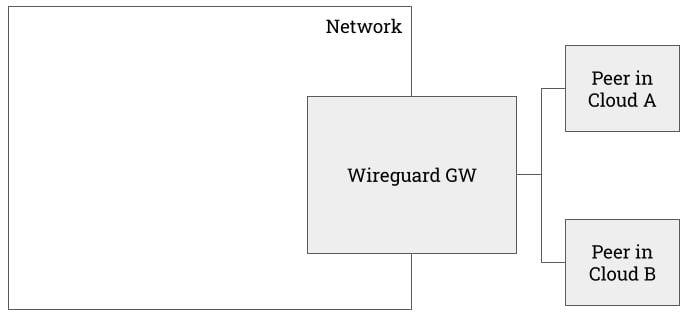
- Peer in Cloud A is an EC2 instance in AWS.
- Peer in Cloud B is a Droplet in DigitalOcean.
Peer in Cloud A
This EC2 instance runs an apache server but only allows inbound SSH traffic.
Peer in Cloud B
Similarly, this Droplet instance runs an apache server but only allows inbound SSH traffic.
Cross Cloud Boundary
Despite of the firewall rule configs in the respective environments, Peer 1 is able to talk to Peer 2 over the WireGuard subnet. From Peer 1Use Case 2: Private Access to Other Telnyx Services
If a WGW is created withenable_sip_trunking, the WGW will enable routing for all Telnyx public API endpoints.
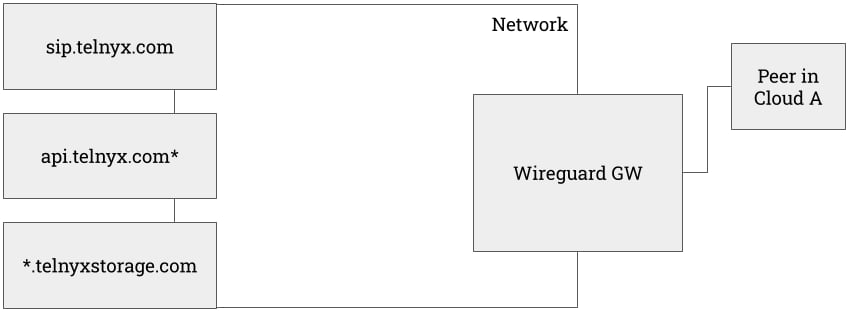
AllowedIPs.
Use Case 3: Cross-Region Network
The previous architecture can be extended to the following one.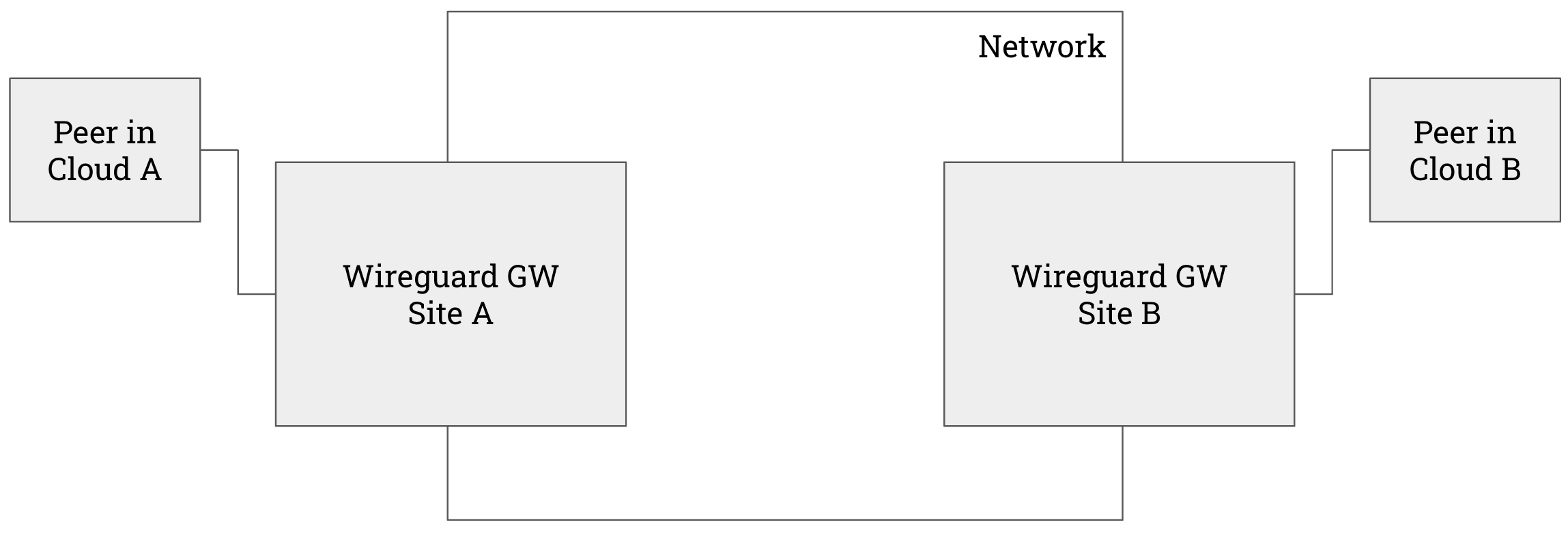
- Site A is Telnyx Ashburn
- Site B is Telnyx Amsterdam
- Cloud A is AWS
- Cloud B is Digital Ocean
Other use cases
- See Global IP (Coming Soon)
- See Internet Gateway (IGW) Guide
- See Private Wireless Gateway (PGW) Guide (Coming Soon)
Costs
- MRC for each WGW instance is $10.
- Connected Peers are free of charge.
API References
- WGW
- Peers
Linux Configuration
Source: https://developers.telnyx.com/docs/network/wireguard-peer-config/linux.md
Prerequisite
You come from here and have a.conf file ready.
Step 1: Install WireGuard
ubuntu@ip-10-10-11-10:~$ sudo apt install wireguard
Step 2: Bring up the Interface
Assuming the correct config file is located at/etc/wireguard/peer1.conf
Step 3: Validating and Testing
Next Steps
WireGuard Gateway (WGW) Guide outlines many use cases that may be valuable to you.macOS Configuration
Source: https://developers.telnyx.com/docs/network/wireguard-peer-config/macos.md
Prerequisite
You come from here and have a.conf file ready.
Step 1: Install WireGuard Client
From here, choose and install the macOS client.Step 2: Create a Tunnel
“Import Tunnel(s) from File…”
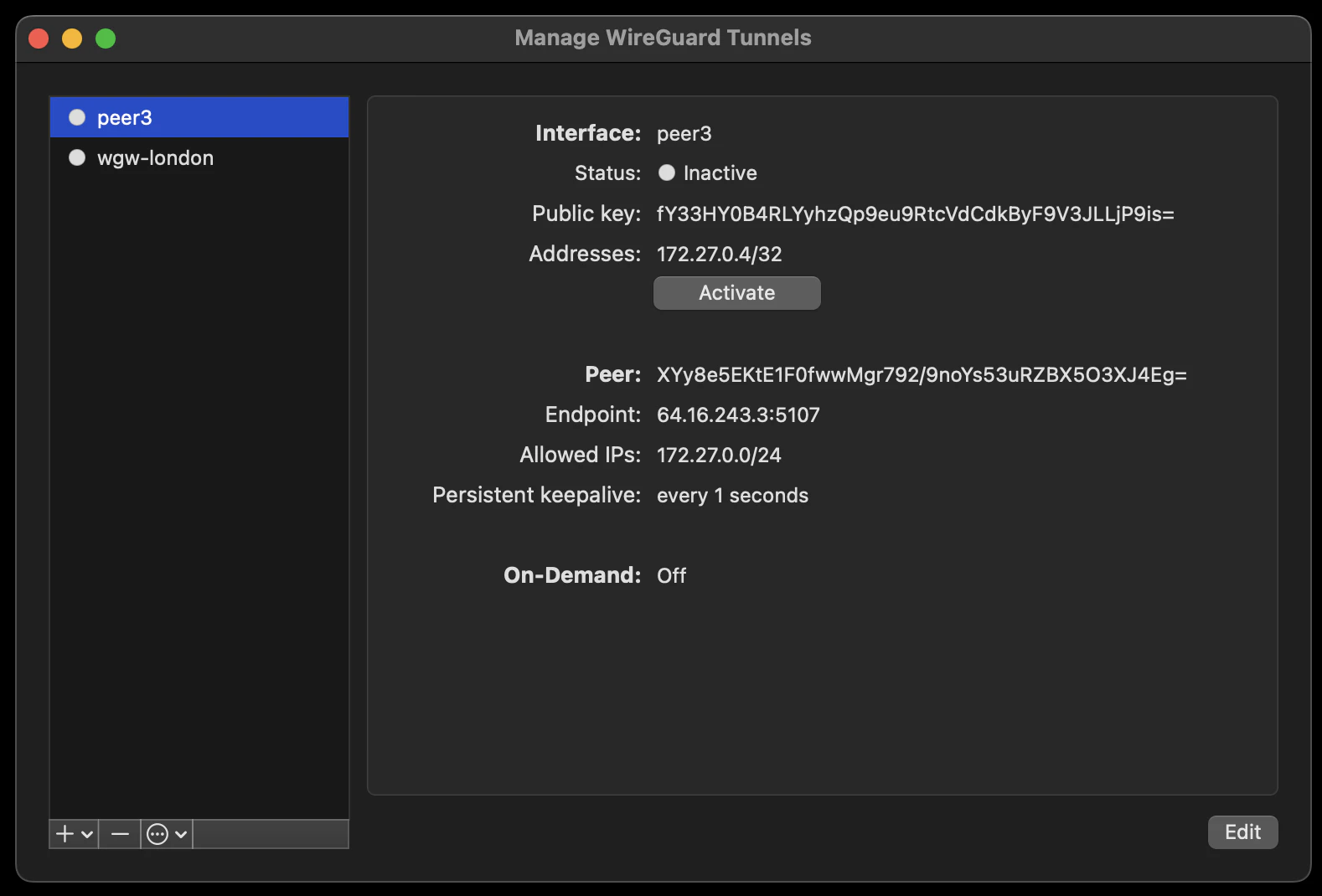
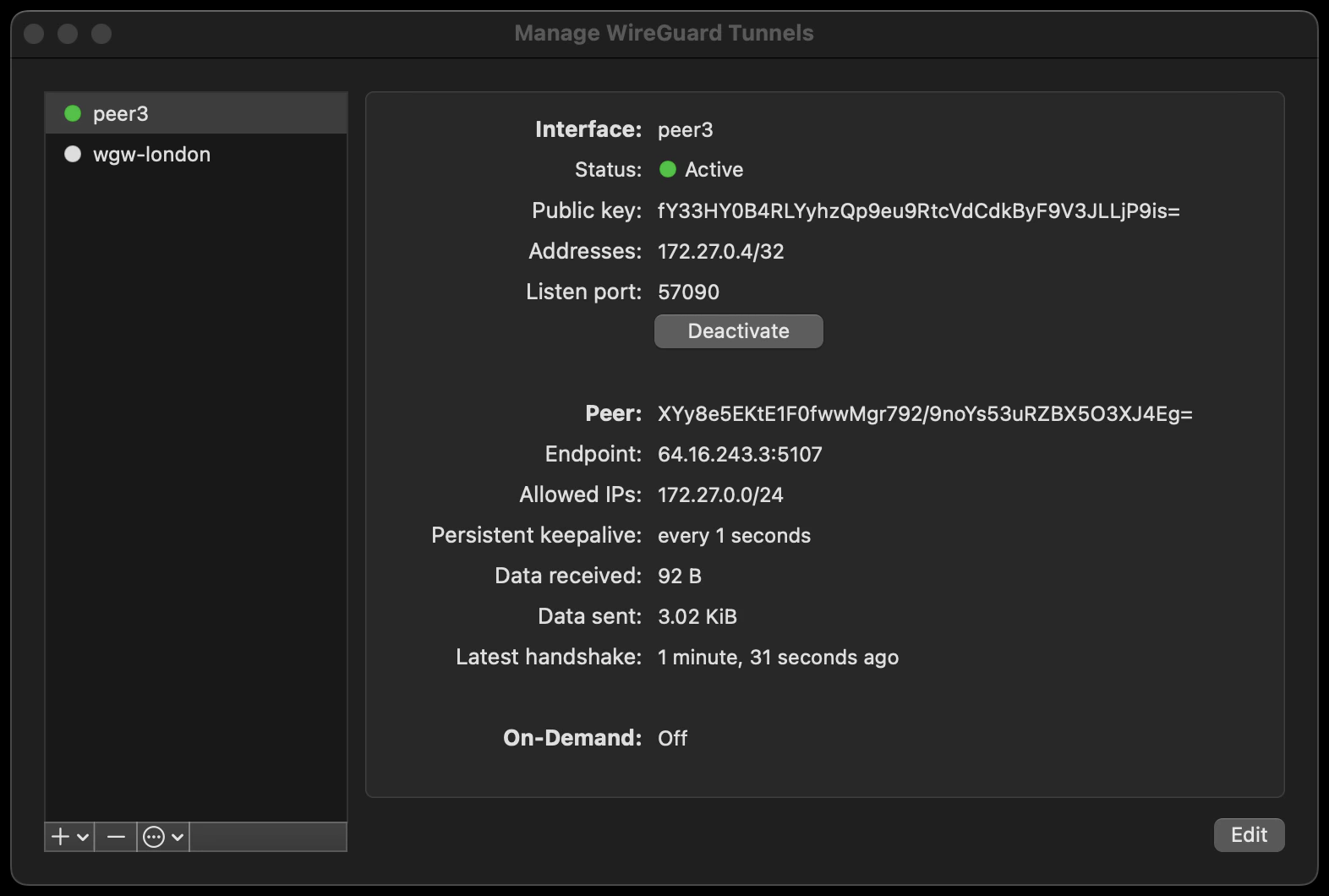
Step 3: Validating and Testing
A connected peer should be pingable.Next Steps
WireGuard Gateway (WGW) Guide outlines many use cases that may be valuable to you.Windows Configuration
Source: https://developers.telnyx.com/docs/network/wireguard-peer-config/windows.md
Prerequisite
You come from here and have a.conf file ready.
Step 1: Install WireGuard Client
From here, choose and install the Windows Installer.Step 2: Create a Tunnel
“Import Tunnel(s) from File…”
Step 3: Validating and Testing
You can try pinging to/from a connected peer. If that does not work you can also try to set up a barebones http server and hit it from the connected peer (or vice versa). An example barebones server in python:python3 server.py - assuming you saved the above example in a file named server.py) and reach it with a client / browser from the other peer:
Next Steps
WireGuard Gateway (WGW) Guide outlines many use cases that may be valuable to you.Internet Gateway (IGW)
Source: https://developers.telnyx.com/docs/network/gateways/internet-gateway.mdThis is a beta feature
Introduction
Internet Gateway (IGW) is an element that routes traffic between your Telnyx network and the internet. It is intended to be used with certain other elements.Creating an IGW
Step 1: Create a Network
Follow this guide.Step 2: Check for Coverage
Follow this guide. Usefilter[available_services][contains]=public_internet_gateway to look for a desired site at which to deploy the IGW. frankfurt-de is chosen for the subsequent steps.
Step 3: Create an IGW
Using the network created from Step 1 and the chosen region from Step 2, create the IGW. Once an IGW is created on a specific network, it cannot be “migrated” to another one; it needs to be recreated on the other network. Double check the correctnetwork_id is used in the following API request.
provisioning.
Step 4: Wait for Status Transition
The expected time for status to transition to provisioned is approximately 10 minutes. You can poll the IGW to check for status.Use Cases
Use Case 1: Pure play VPN
Internet Gateway (IGW) can be used with WireGuard Gateway (WGW) to create a simple VPN service.- Set up an IGW
- Set up a WGW and a peer.
- On the peer, amend its config with:
DNS— choose your resolver. In the following example, 8.8.8.8 is chosen.AllowedIPs— append with0.0.0.0/0so that reachability is beyond the private subnet.
Use Case 2: IGW + Private Wireless Gateway (PWG)
Coming Soon.Costs
- The monthly recurring cost (MRC) for each instance of IGW is $50.
- Traffic is not currently metered in beta phase. We will meter traffic in GA phase.
API References
Private Wireless Gateway (PGW)
Source: https://developers.telnyx.com/docs/network/gateways/private-wireless-gateway.md
Introduction
Private Wireless Gateway (PGW) is an element that routes traffic between a group of Telnyx SIMs and other network elements. Refer to this guide for more information on PGW.Creating a PGW
Step 1: Create a Network
Follow this guide.Step 2: Check for Coverage
Follow this guide. Usefilter[available_services][contains]=private_wireless_gateway to look for a desired site at which to deploy the WGW.
Currently, Ashburn, VA is the only supported site. We are working on making more sites available.
Step 3: Create a PGW
Once a PGW is created on a specific network, it cannot be “migrated” to another one; it needs to be recreated on the other network. Double check the correct network_id is used in the following API request.provisioning.
Step 4: Wait for Status Transition
The expected time forstatus.value to transition to provisioned is approximately 15 minutes. You can poll the PGW to check for status.
Step 5: Attach a SIM Group
The PGW is of little use when there is no SIMs are attached to it. Individual SIM must be added to a SIM group which then can be attached to the PGW. This is easily accomplished on the Mission Control Portal. PGW will show the SIM group after a successful attachment.Use Cases
In the following examples, abbreviations are consistently used for brevity.- PWG = Private Wireless Gateway
- WGW = WireGuard Gateway
- IGW = Internet Gateway
- VXC = Virtual Cross Connect
Use Case 1: PWG + WGW
We will construct this architecture which is useful when- Traffic to and from SIMs needs to be segmented and private, and
- They do not need high bandwidth connection back to your internal service.
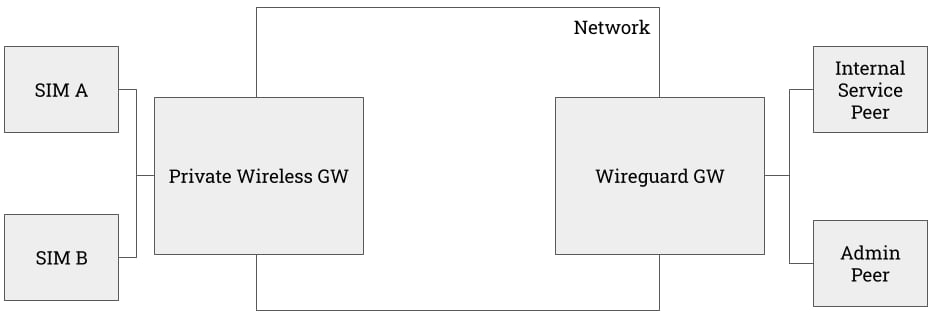
- The connected device is an iPhone.
- It only has access to the peers attached to the WGW; there exists no default route for them.
- Internal Service Peer is a Droplet on DigitalOcean that runs an toy Apache web server.
- Admin Peer is a local host.
AllowedIPs of the [Peer] config.
Use Case 2: PWG + WGW + IGW
The above architecture lacks a crucial functionality --- internet reachability. Though a workaround can be constructed by using one of the peers as an exit node for all default traffic, it’s far better to attach an IGW to the network.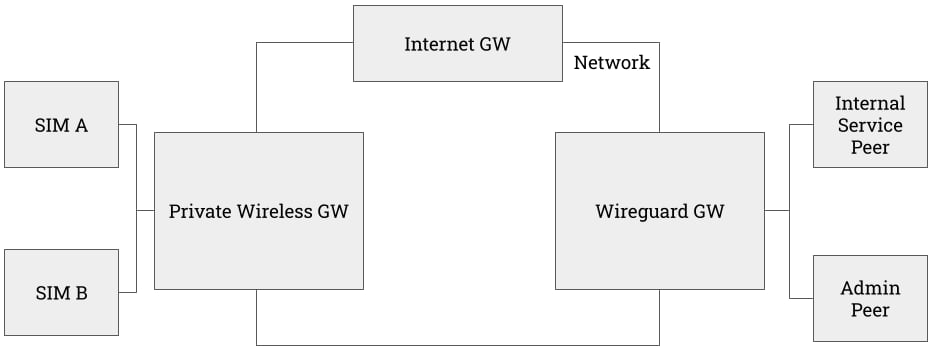
- the iPhone’s wifi is turned off
- its “Default Gateway IP” is
100.64.199.1which is that of the PGW - its “External IP” is
64.16.243.172which is that of the IGW - it can ping
google.com
Use Case 3: PWG + WGW + IGW + VXC
Currently, the PWG + WGW + IGW + VXC combination only works when WGW, IGW, and VXC are at the Frankfurt Site. We are working on expanding the coverage so it will work universally across all Telnyx sites. In the case where the user’s internal services reside in a cloud provider, the architecture can be augmented yet again. In this case, a VXC can be attached to the network to accommodate this scenario. In the following example, we will establish- a VXC from AWS
eu-central-1 - an EC2 in AWS
eu-central-1running a toy Apache server.
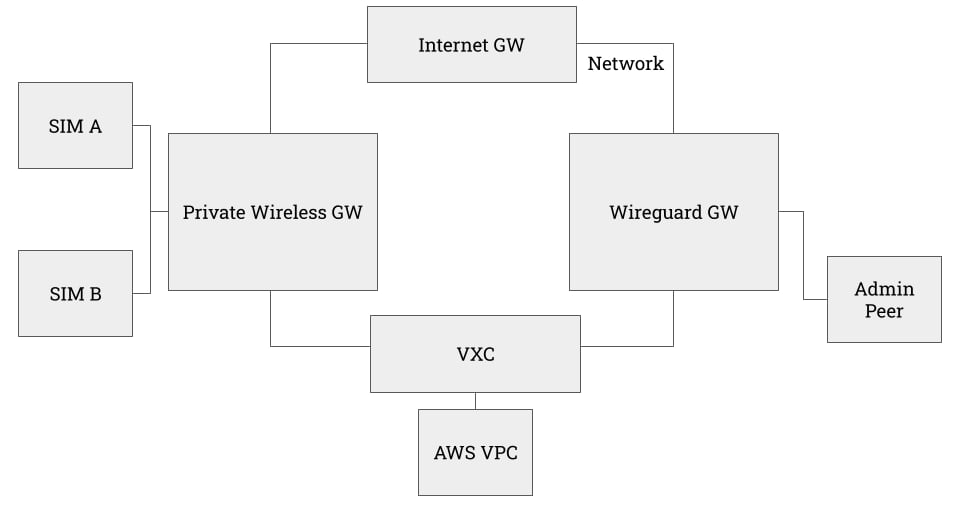
traceroute output from within the EC2 instance. Latency is high as expected since the EC2 is in Frankfurt while the device is attached to a PGW in Ashburn.
Costs
- The monthly recurring cost (MRC) for each instance of PGW is $100.
- Additional costs on SIM and data are applicable as well. Consult this guide for more detail.
API References
VXC Introduction
Source: https://developers.telnyx.com/docs/network/vxc/intro.mdThis guide first gives an overview of the product’s availability, costs, and the general API structure. Subsequently, it branches into cloud provider specific guides. The reader should only concern themselves with the section about the cloud provider that’s relevant to their use case.
Coverage & Availability
Source: https://developers.telnyx.com/docs/network/vxc/coverage.mdRefer to the coverage API to ensure the desired resource is offered at the desired region.
Pricing
Source: https://developers.telnyx.com/docs/network/vxc/cost.mdYou will be charged by Telnyx AND your cloud provider. Telnyx charges an MRC for each VXC instance according to the following schedule, which may change at our discretion according to the general T&C. We can neither interpret nor advise how your cloud provider may charge your account. Please consult your cloud provider’s documentation.
AWS
GCP
Azure
VXC API
Source: https://developers.telnyx.com/docs/network/vxc/api.mdThe API resource in question is
/v2/virtual_cross_connects. The following group of parameters needs to be provided regardless of the cloud provider.
The rest of the parameters are cloud provider specific. Please consult the subsequent sections.
AWS Direct Connect
Source: https://developers.telnyx.com/docs/network/vxc/aws.md
Architecture
We will construct the following architecture:
Prerequisites
VPC
This step is performed on AWS.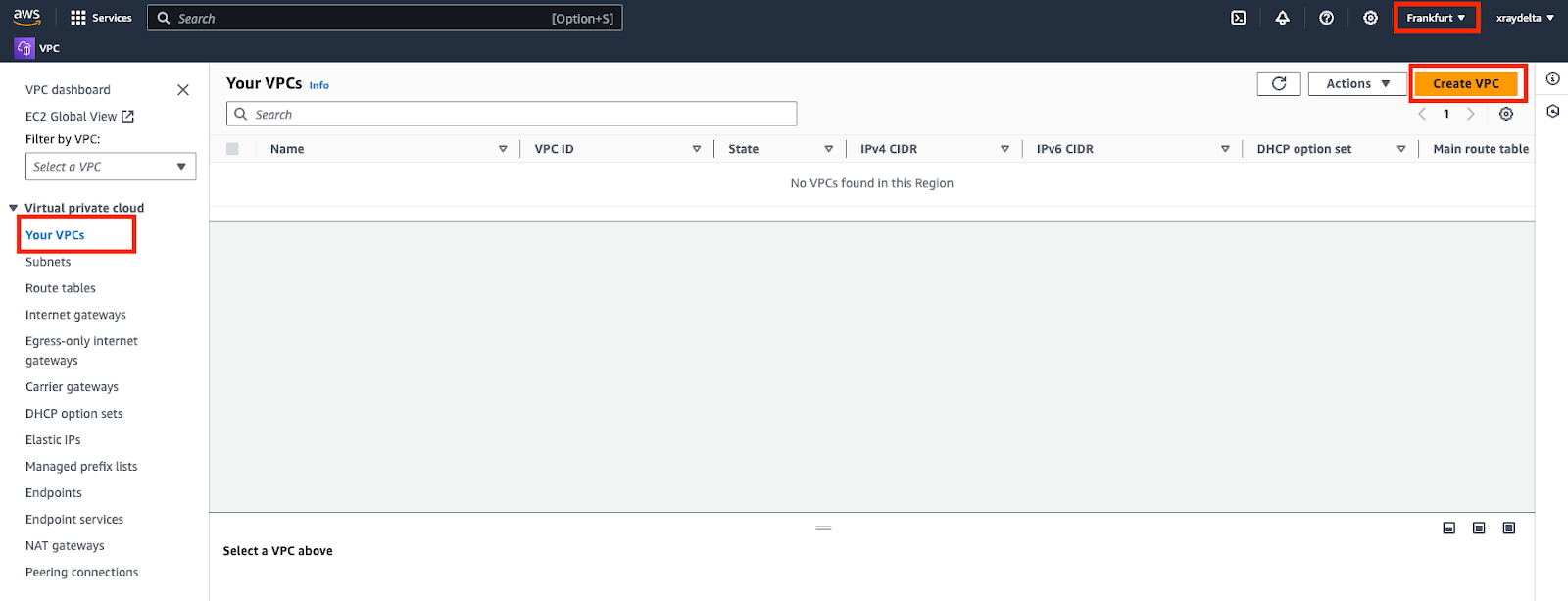
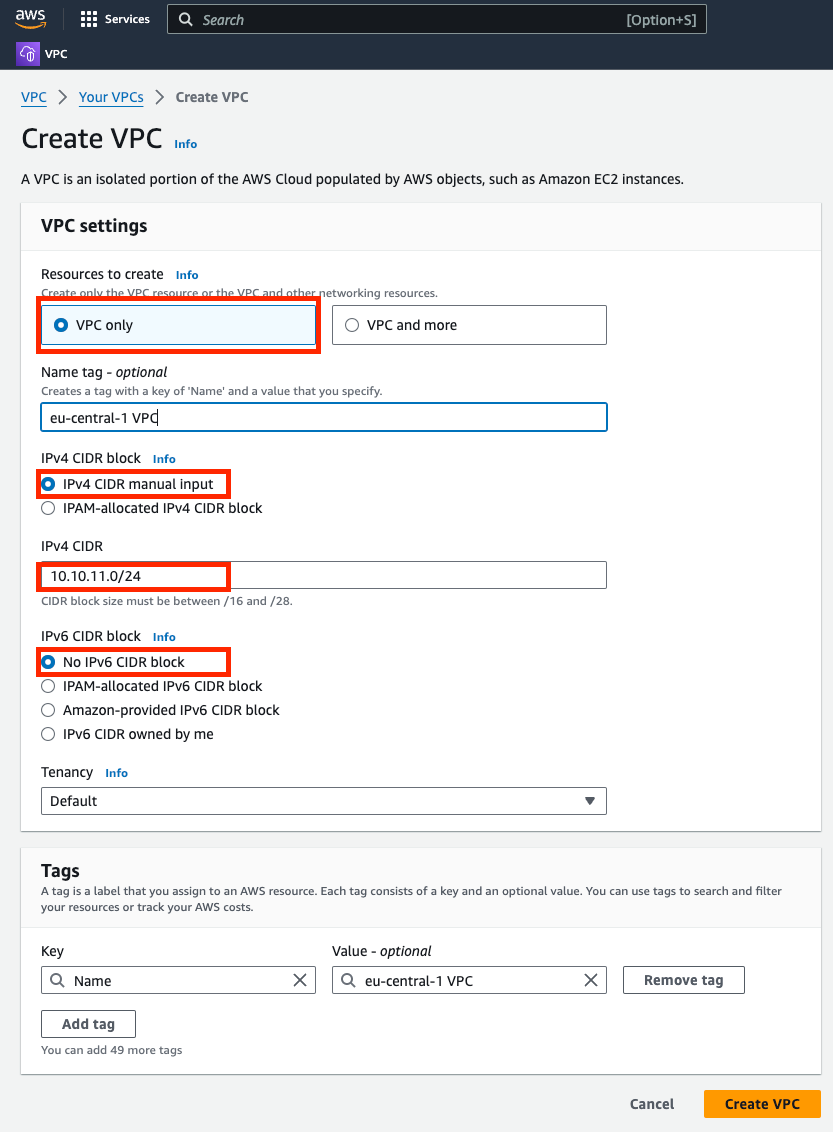
Virtual Private Gateway
This step is performed on AWS. Create and attach a virtual private gateway to the VPC created.
VPC Route Table
This step is performed on AWS.

Internet Gateway
This step is performed on AWS. This is optional. Create and attach an internet gateway to the VPC created.
Subnet
This step is performed on AWS. Assuming you don’t have a subnet setup — Choose the VPC created. Subnet CIDR block should be chosen from within the VPC block.
EC2
This step is performed on AWS. Assuming you don’t have an EC2 instance — spin one up in the same region. Assign the VPC and Subnet created previously. Enable public IP on the instance so you can ssh into it.
Account ID
This step is performed on AWS. ⚠️ You would need this number when you create the Telnyx VXC later.
Telnyx Network
This step is performed on Telnyx. If you don’t have a network created already, you may follow this guide to create one.Procedure
Create a VXC resource
This step is performed on Telnyx.request
Take note of the VXC id returned in the response.
Direct Connect
This step is performed on AWS. If you haven’t accepted the connection from your AWS account within 1 hour of the VXC creation, the VXC would be deleted and you will have to start over.
Enable Primary Connection
This step is performed on Telnyx. The connection must be enabled to be used.request
Virtual Interface
This step is performed on AWS. The connection created above needs to have an interface to which to connect.
Lastly you should see the following – the interface is “available”.

Validate Connection
This step is performed on AWS. ssh into your EC2 instance and either ping or traceroute to one of the IP in the route table of the VPC. You can see the route went over the VXC instead of the public internet.
Google Cloud Interconnect
Source: https://developers.telnyx.com/docs/network/vxc/gcp.md
Architecture
We will construct the following architecture on Google Cloud.
Prerequisites
VLAN Attachment
This step is performed on Google
- “Partner Interconnect Connection”
- “Set up unencrypted Interconnect”


- “Network”: Choose the one you are connecting from
- “Region”: Choose the one that there is a Telnyx PoP in proximity
- “MTU”: 8896
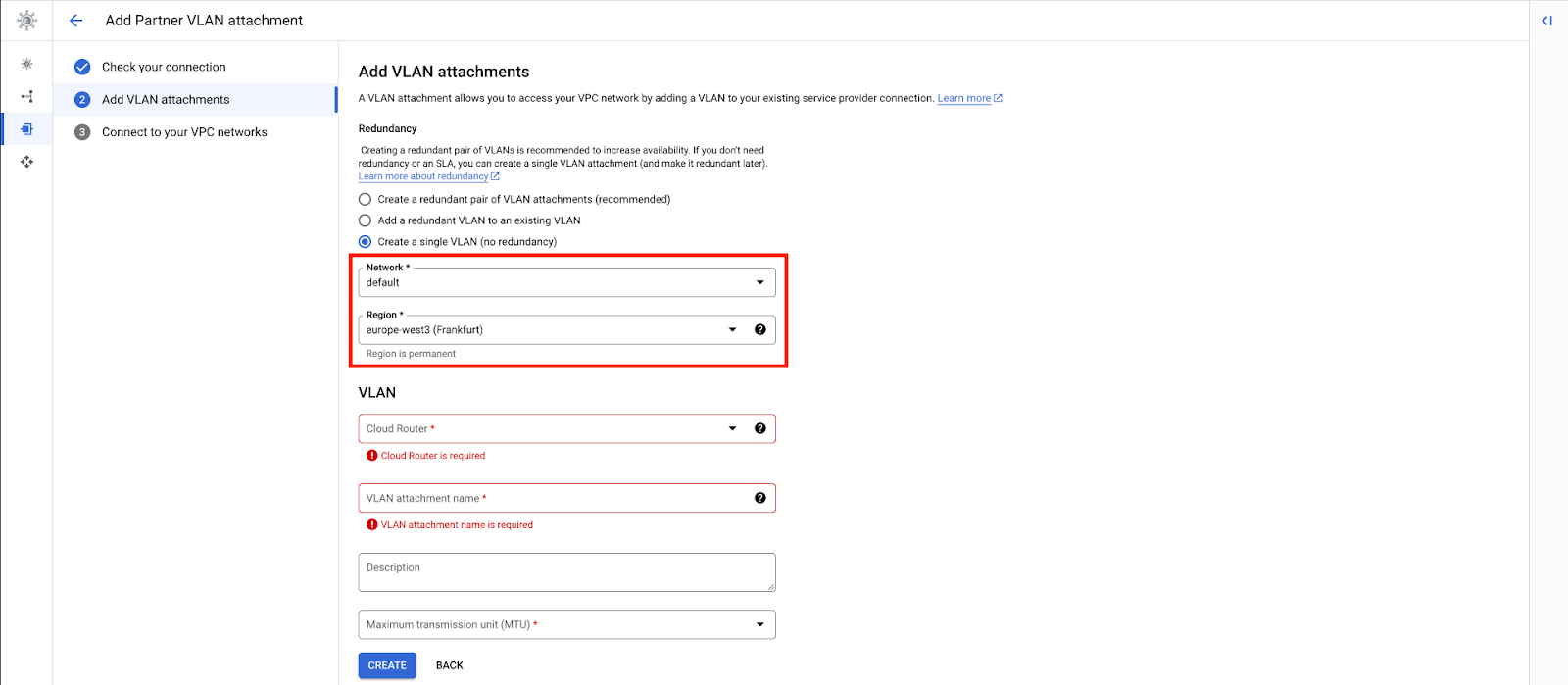
- Create a router or choose an existing one.
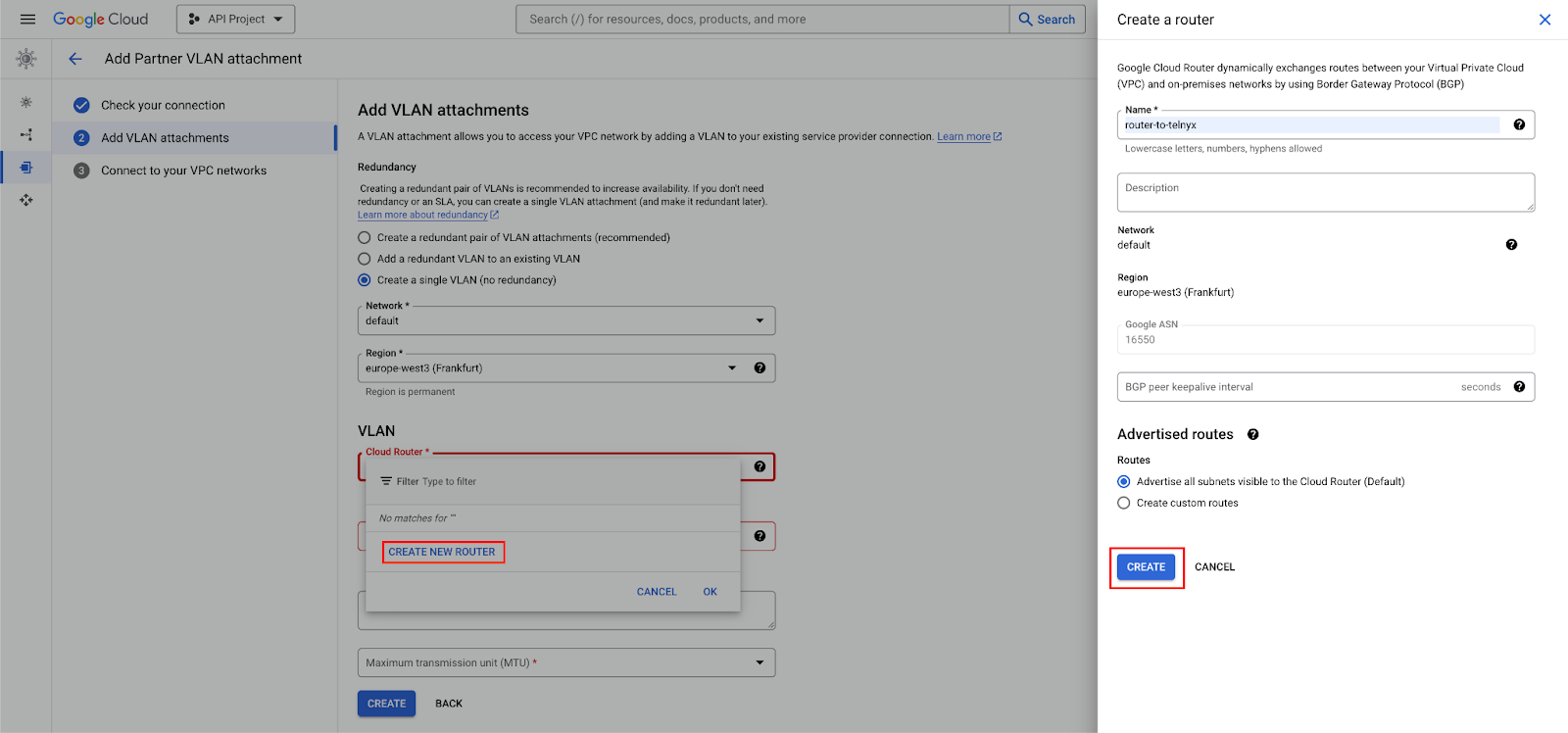

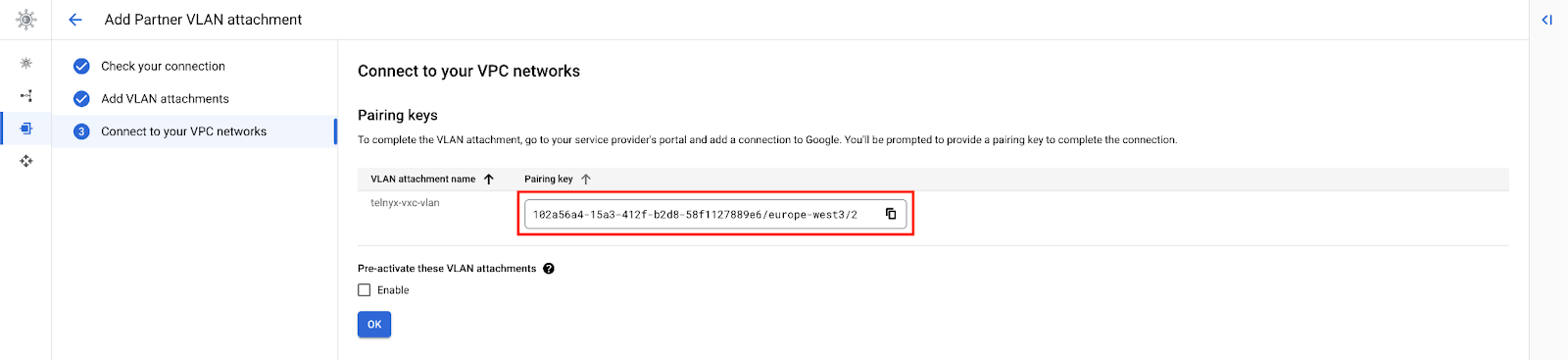
Telnyx Network
This step is performed on Telnyx. If you don’t have a network created already, you may follow this guide to create one.Procedure
Create a VXC resource
This step is performed on Telnyx.Activate Connection
This step is performed on Google.
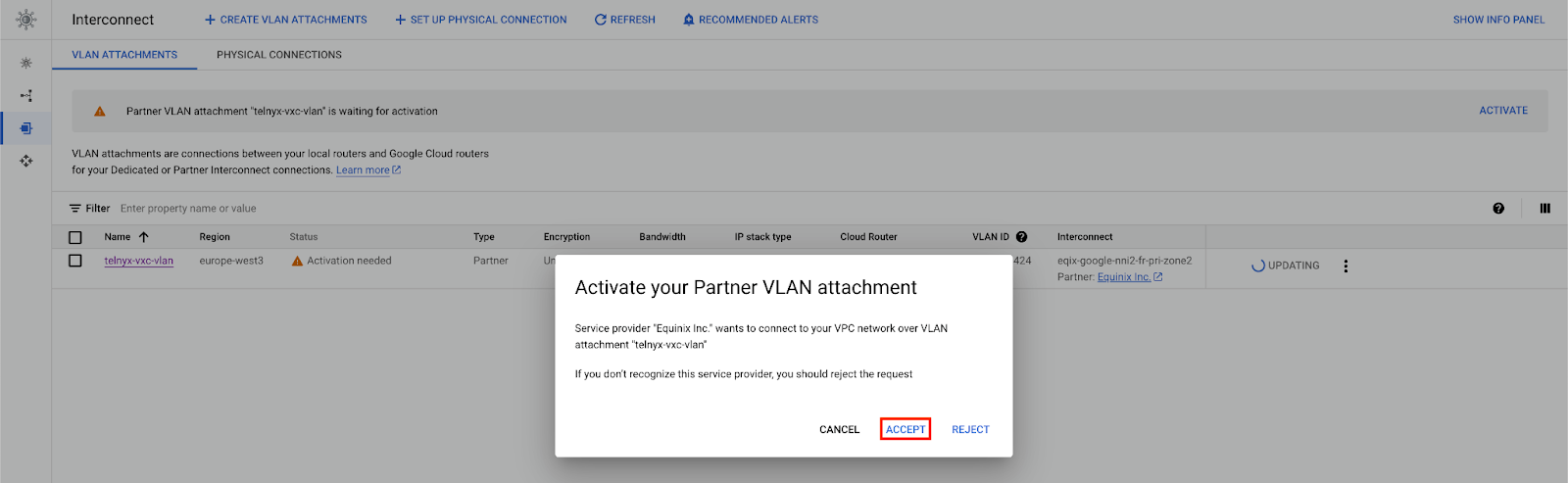

primary_bgp_key

Update BGP Peering
This step is performed on Telnyx. At this point, the connection is “Down”. We need to take the Google assigned GBP IPs and set them on the VXC.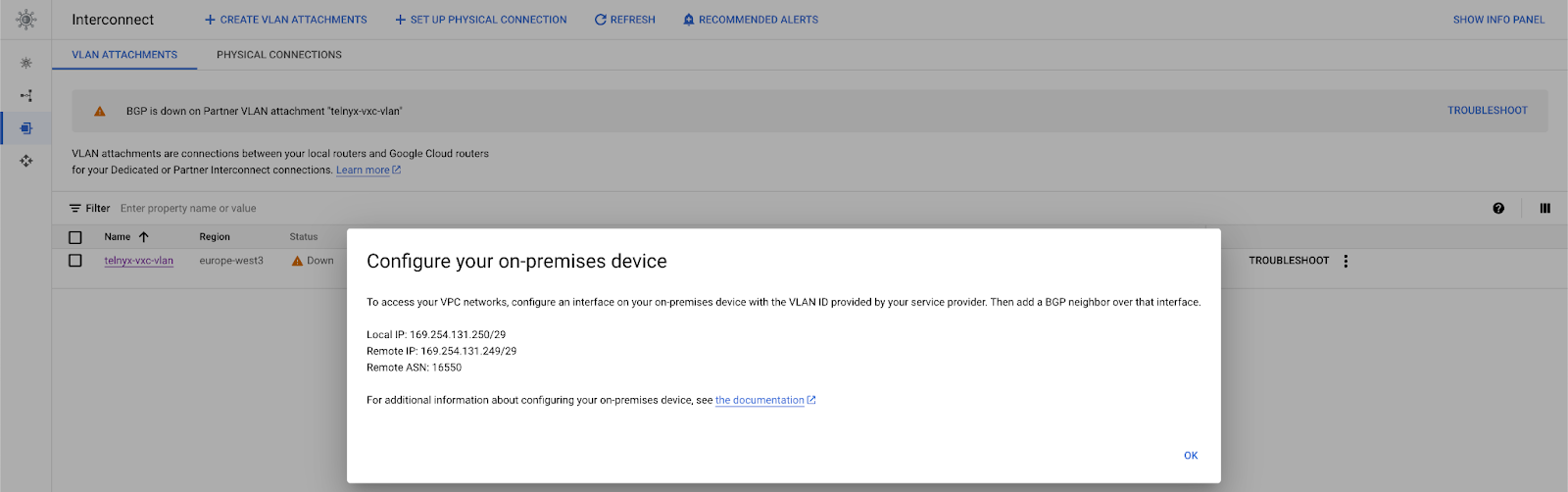
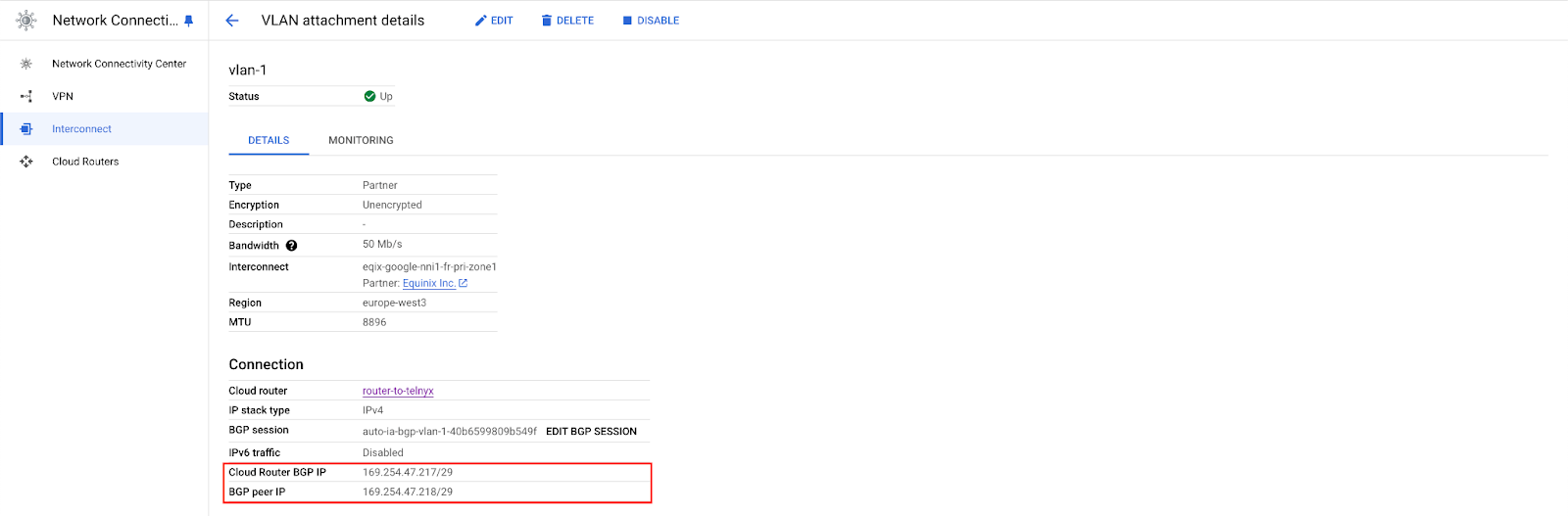
primary_cloud_ip— “Cloud Router BGP IP” or “Remote IP” in the “Troubleshooting” pageprimary_telnyx_ip— “BGP peer IP” or “Local IP”in the “Troubleshooting” page

Validate Connection
This step is performed on Google.- Under VPC networks, you should see the routes advertised over the cloud router created.
- You can also ssh in one of your instances in the same network and perform a traceroute.
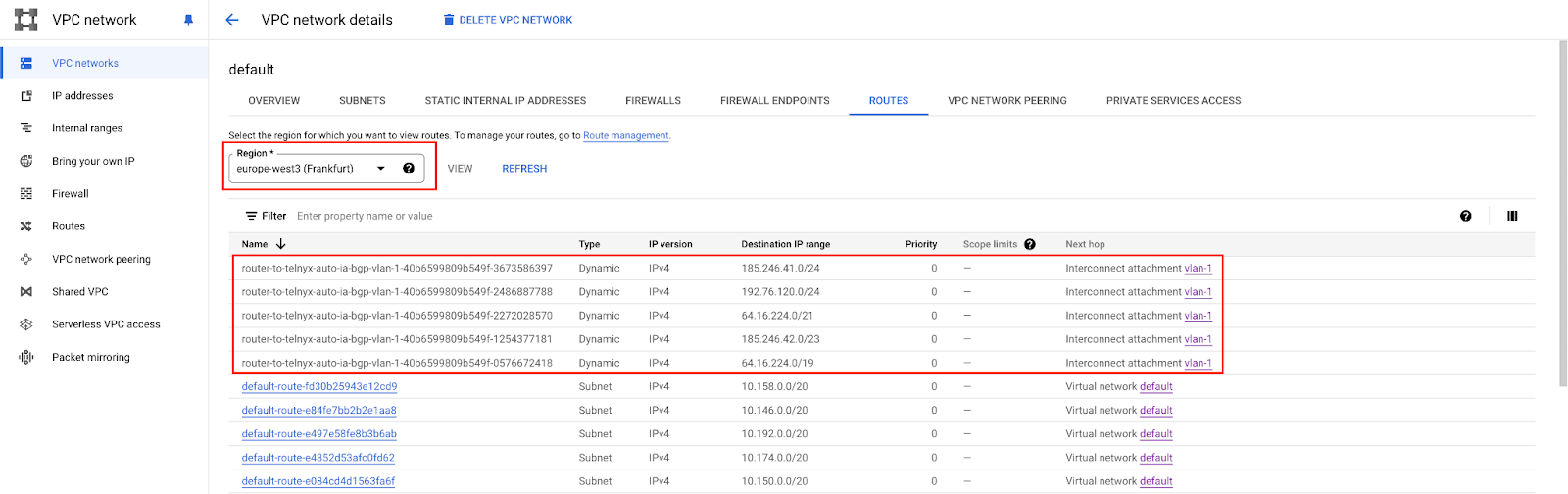
Azure ExpressRoute
Source: https://developers.telnyx.com/docs/network/vxc/azure.md
Architecture
We will construct the following architecture.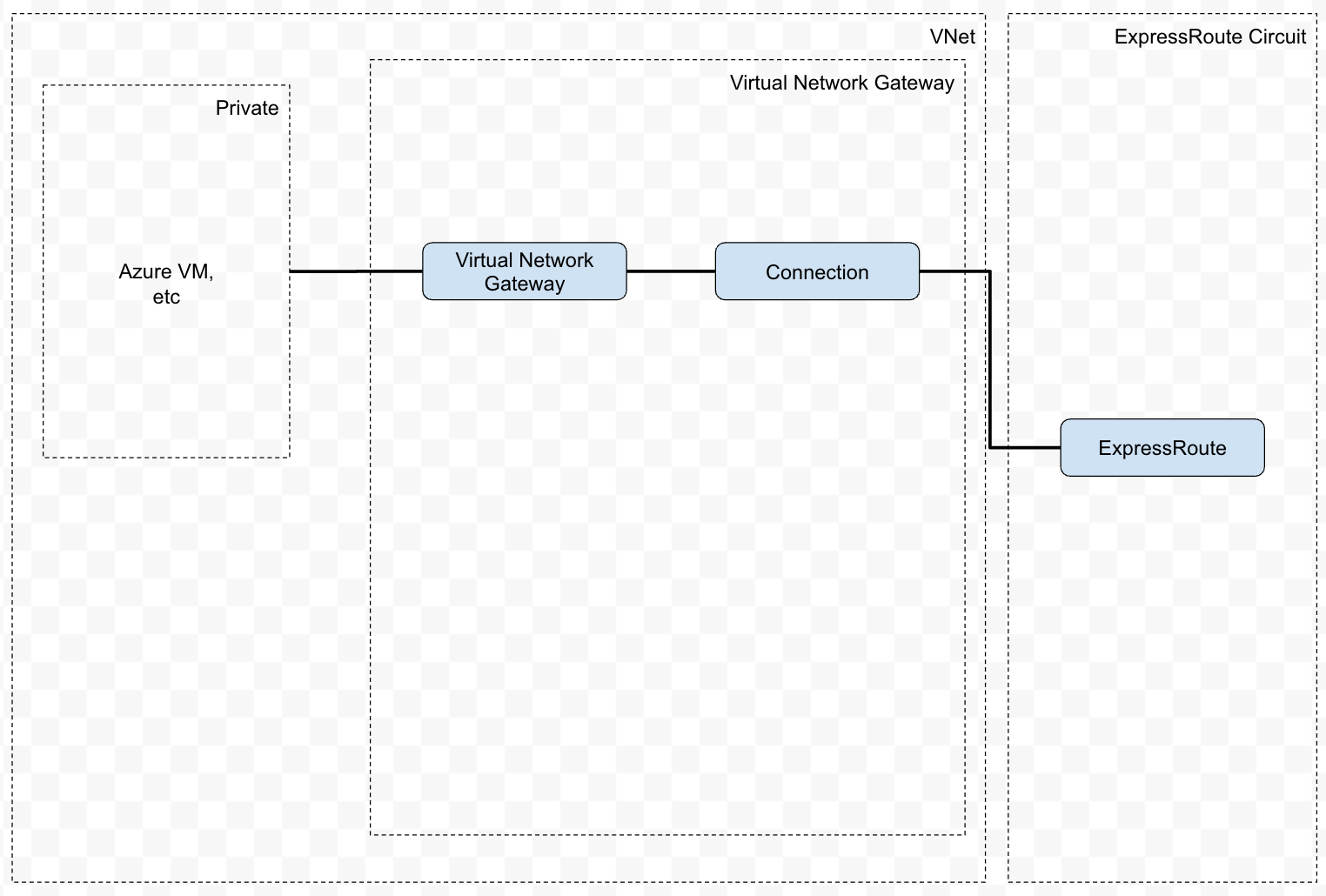
Prerequisites
Create ExpressRoute Circuit
This step is performed on Azure.
Choose the rest of the parameters at your own discretion.
Telnyx Network
This step is performed on Telnyx. If you don’t have a network created already, you may follow this guide to create one.Procedure
Create a VXC resource
This step is performed on Telnyx.request
Take note of the following info in the response; you will need it later.
idprimary_cloud_ipprimary_bgp_key
Enable Primary Connection
This step is performed on Telnyx.request
status is provisioned before proceeding to the next step. You can poll the status using GET request on the specific VXC.
Azure Private Peering
This step is performed on Azure. “Provider status” must show “Provisioned” before performing this step.
After saving, you may need to wait for some time before performing the next step.

Virtual Network
Next, add a Gateway subnet. Keep all parameters as default.
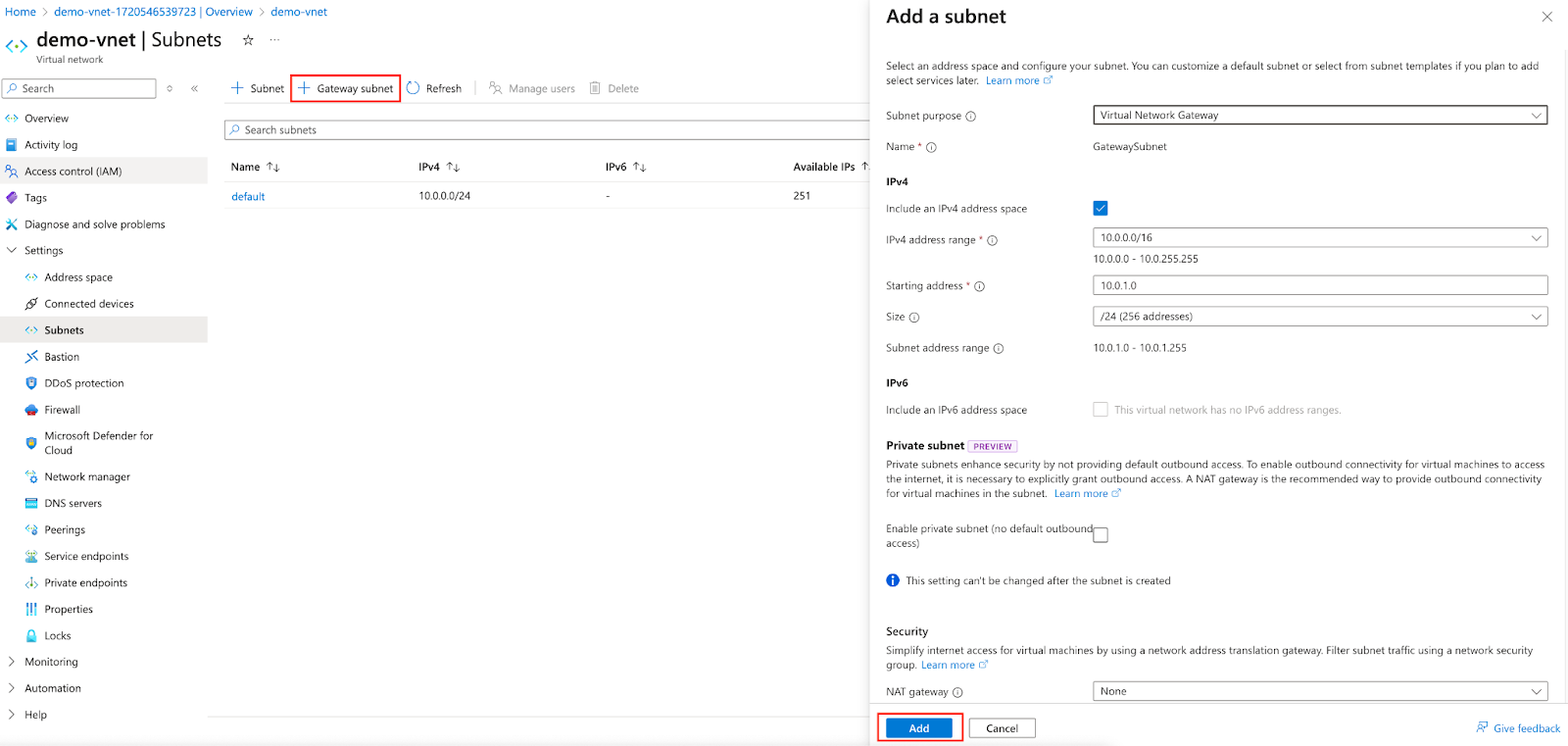
Virtual Network Gateways
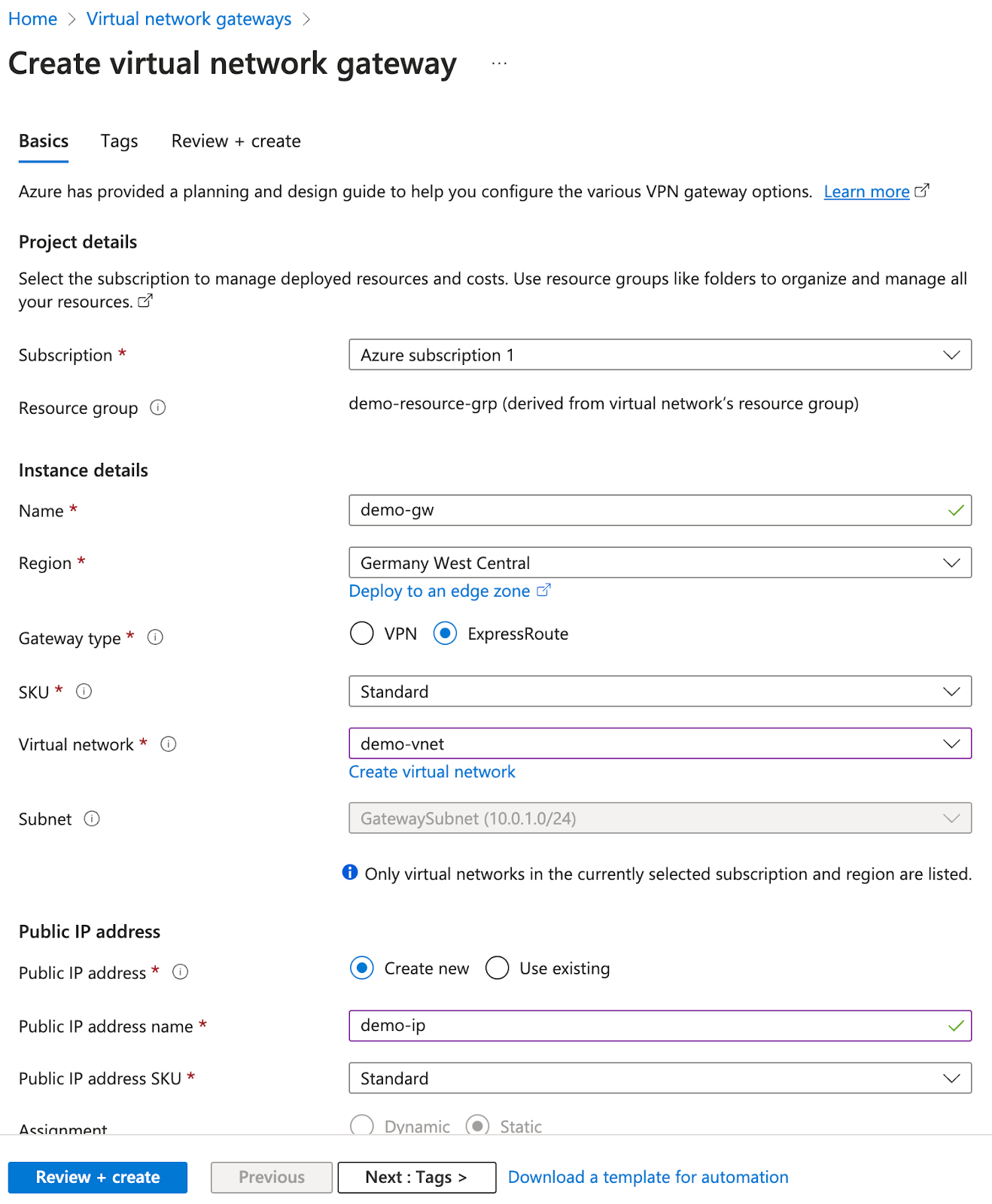
The gateway creation will take a while; upward of 20 minutes. In the meantime, you can proceed to the following step.
Virtual Machines
You can keep the rest default or choose at your discretion.
Add Gateway Connection
This step is performed on Azure. The Virtual Gateway you created must be successfully deployed before this step is performed.
Validate Connection
This step is performed on Azure. Ensure all of the following are successfully deployed:- ExpressRoute
- Virtual network
- Virtual network gateway & connection
- Virtual machine
API Reference (Compute)
Regions
- List all Regions: List all regions and the interfaces that region supports
Networks
- List all Networks: List all Networks.
- Create a Network: Create a new Network.
- Retrieve a Network: Retrieve a Network.
- Update a Network: Update a Network.
- Delete a Network: Delete a Network.
- Get Default Gateway status.: Get Default Gateway status.
- Create Default Gateway.: Create Default Gateway.
- Delete Default Gateway.: Delete Default Gateway.
- List all Interfaces for a Network.: List all Interfaces for a Network.
WireGuard Interfaces
- List all WireGuard Interfaces: List all WireGuard Interfaces.
- Create a WireGuard Interface: Create a new WireGuard Interface. Current limitation of 10 interfaces per user can be created.
- Retrieve a WireGuard Interfaces: Retrieve a WireGuard Interfaces.
- Delete a WireGuard Interface: Delete a WireGuard Interface.
- List all WireGuard Peers: List all WireGuard peers.
- Create a WireGuard Peer: Create a new WireGuard Peer. Current limitation of 5 peers per interface can be created.
- Retrieve the WireGuard Peer: Retrieve the WireGuard peer.
- Update the WireGuard Peer: Update the WireGuard peer.
- Delete the WireGuard Peer: Delete the WireGuard peer.
- Retrieve Wireguard config template for Peer: Retrieve Wireguard config template for Peer
Private Wireless Gateways
- Get all Private Wireless Gateways: Get all Private Wireless Gateways belonging to the user.
- Create a Private Wireless Gateway: Asynchronously create a Private Wireless Gateway for SIM cards for a previously created network. This operation may take several minutes so you can check the P…
- Get a Private Wireless Gateway: Retrieve information about a Private Wireless Gateway.
- Delete a Private Wireless Gateway: Deletes the Private Wireless Gateway.
Public Internet Gateways
- List all Public Internet Gateways: List all Public Internet Gateways.
- Create a Public Internet Gateway: Create a new Public Internet Gateway.
- Retrieve a Public Internet Gateway: Retrieve a Public Internet Gateway.
- Delete a Public Internet Gateway: Delete a Public Internet Gateway.
Virtual Cross Connects
- List all Virtual Cross Connects: List all Virtual Cross Connects.
- Create a Virtual Cross Connect: Create a new Virtual Cross Connect.<br /><br />For AWS and GCE, you have the option of creating the primary connection first and the secondary connection later…
- Retrieve a Virtual Cross Connect: Retrieve a Virtual Cross Connect.
- Update the Virtual Cross Connect: Update the Virtual Cross Connect.<br /><br />Cloud IPs can only be patched during the
createdstate, as GCE will only inform you of your generated IP once th… - Delete a Virtual Cross Connect: Delete a Virtual Cross Connect.
- List Virtual Cross Connect Cloud Coverage: List Virtual Cross Connects Cloud Coverage.<br /><br />This endpoint shows which cloud regions are available for the
location_codeyour Virtual Cross Connect…
Global IPs
- List all Global IPs: List all Global IPs.
- Create a Global IP: Create a Global IP.
- Retrieve a Global IP: Retrieve a Global IP.
- Delete a Global IP: Delete a Global IP.
- List all Global IP Allowed Ports: List all Global IP Allowed Ports
- Global IP Assignment Health Check Metrics
- List all Global IP assignments: List all Global IP assignments.
- Create a Global IP assignment: Create a Global IP assignment.
- Update a Global IP assignment: Update a Global IP assignment.
- Delete a Global IP assignment: Delete a Global IP assignment.
- Global IP Assignment Usage Metrics
- List all Global IP Health check types: List all Global IP Health check types.
- List all Global IP health checks: List all Global IP health checks.
- Create a Global IP health check: Create a Global IP health check.
- Retrieve a Global IP health check: Retrieve a Global IP health check.
- Delete a Global IP health check: Delete a Global IP health check.
- Global IP Latency Metrics
- List all Global IP Protocols: List all Global IP Protocols
- Global IP Usage Metrics