Supported Providers
Telnyx currently supports importing assistants from:- Vapi - Import your Vapi voice assistants with all configurations.
- ElevenLabs - Import your ElevenLabs conversational AI agents. Agents that use an ElevenLabs workflow are imported as a single Telnyx assistant with a Telnyx conversation flow.
- Retell - Import your single- and multi-prompt Retell agents. Multi-prompt agents are imported as a single assistant with the Telnyx conversation flow described in Workflows (a.k.a. conversation flows).
Video Tutorial
Watch this quick demonstration of importing a Vapi assistant to Telnyx:Import Walkthrough
- Vapi
- ElevenLabs
Importing from Vapi
Viewing your Assistants
From the assistants page, you can select Import Assistants.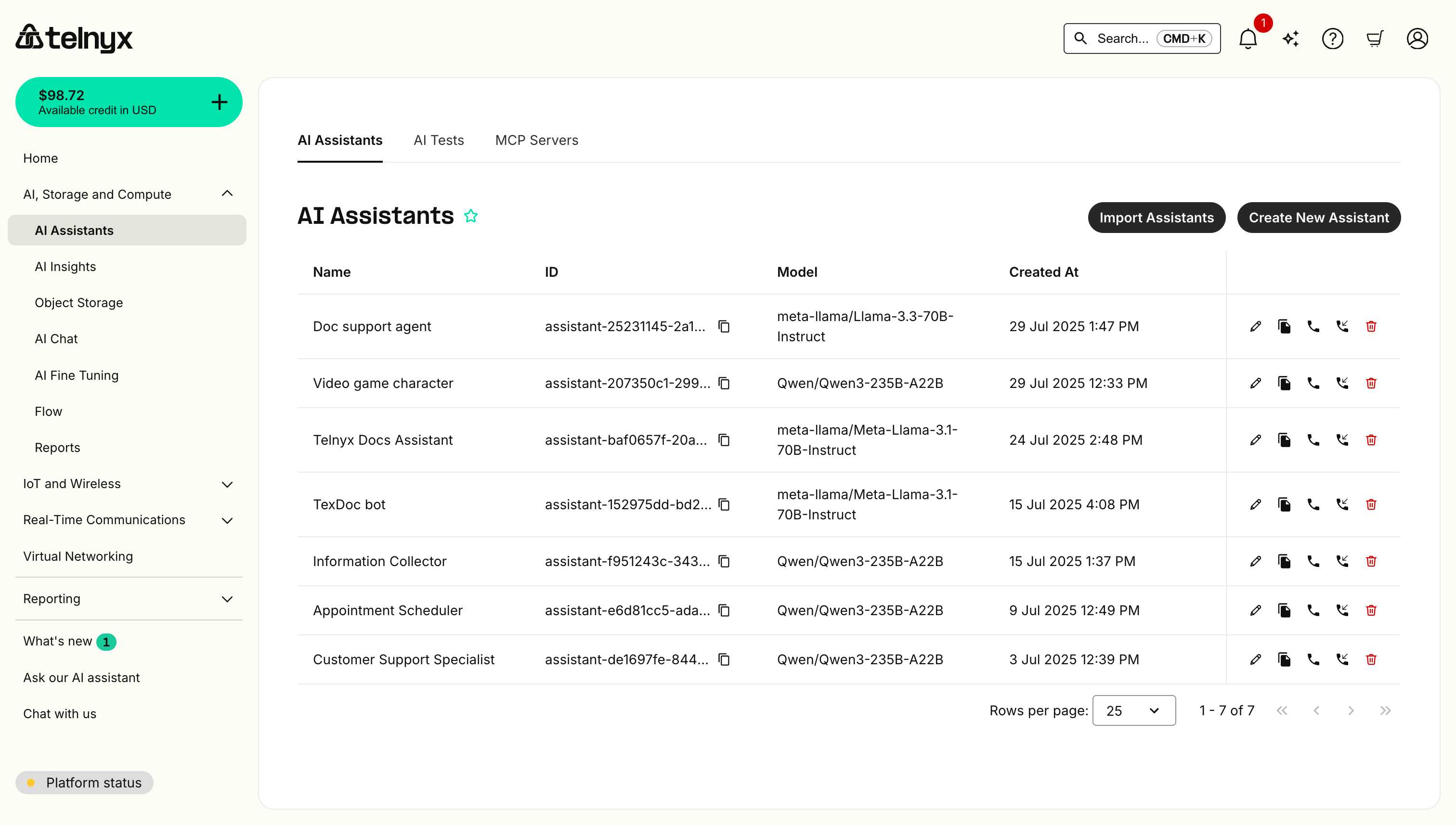
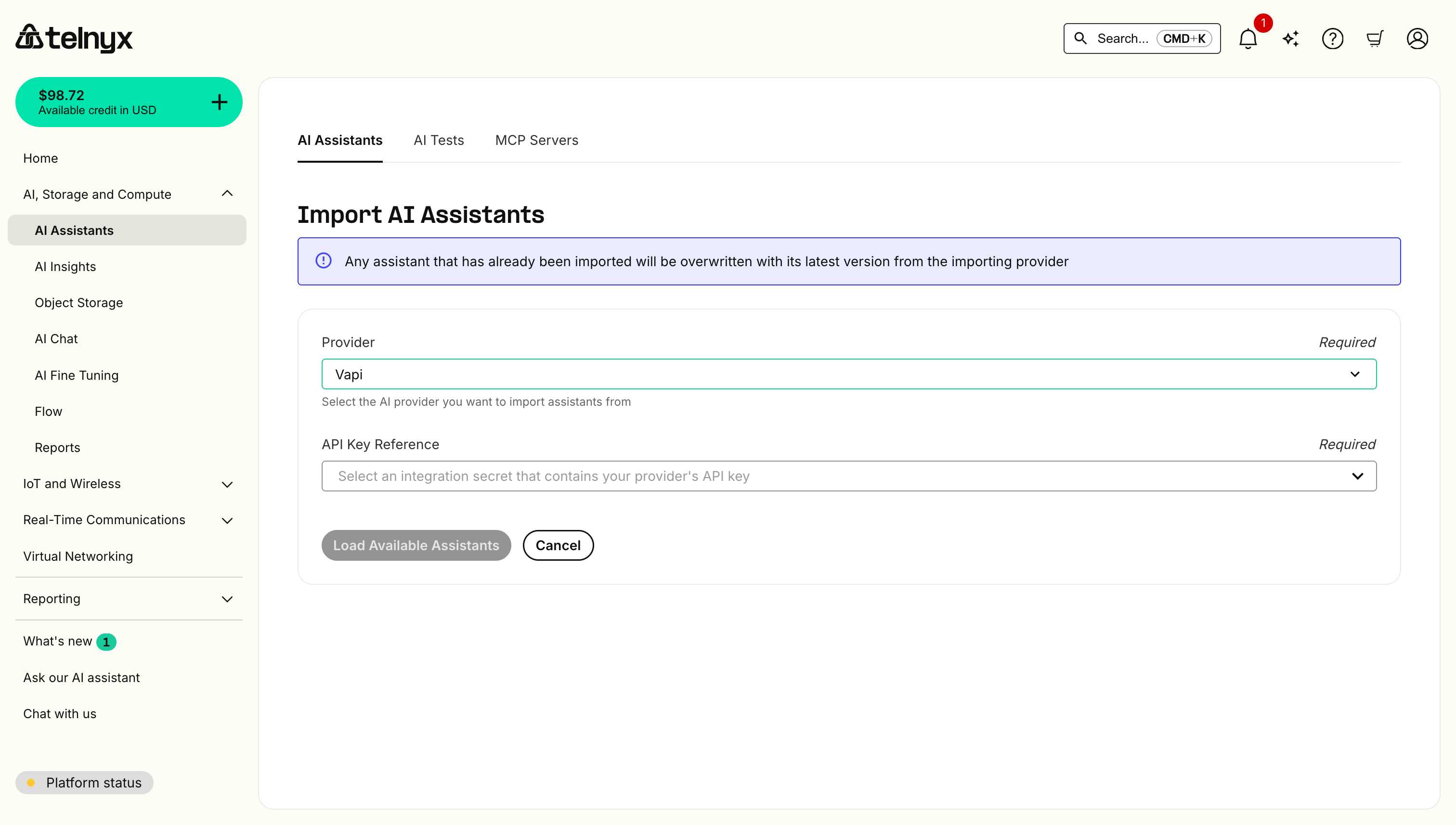
Selecting your Provider
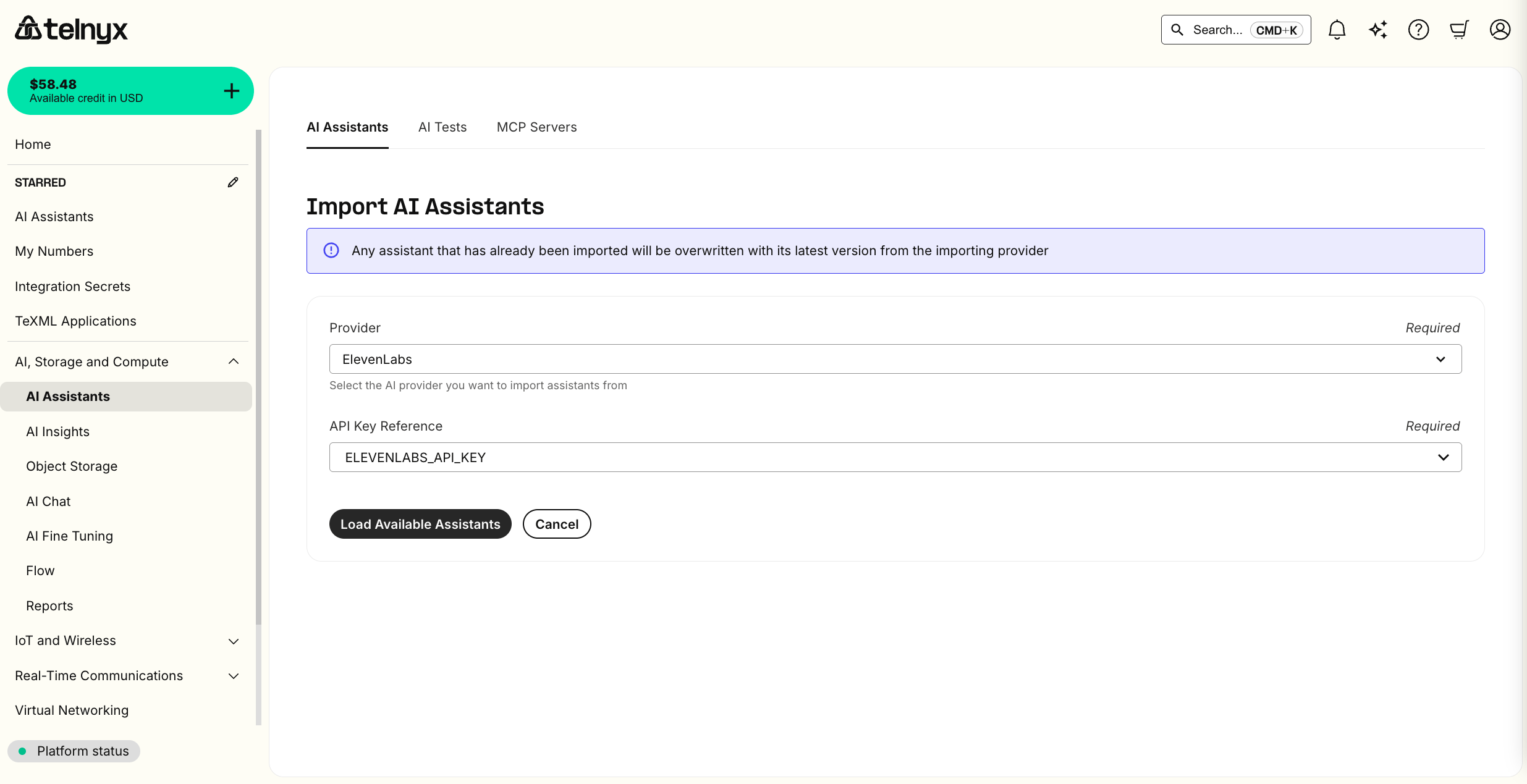
On the next page, select Vapi from the provider list and securely store your Vapi API Key with Telnyx to initiate the import.Any assistant that has already been imported will be overwritten with its latest version from Vapi.
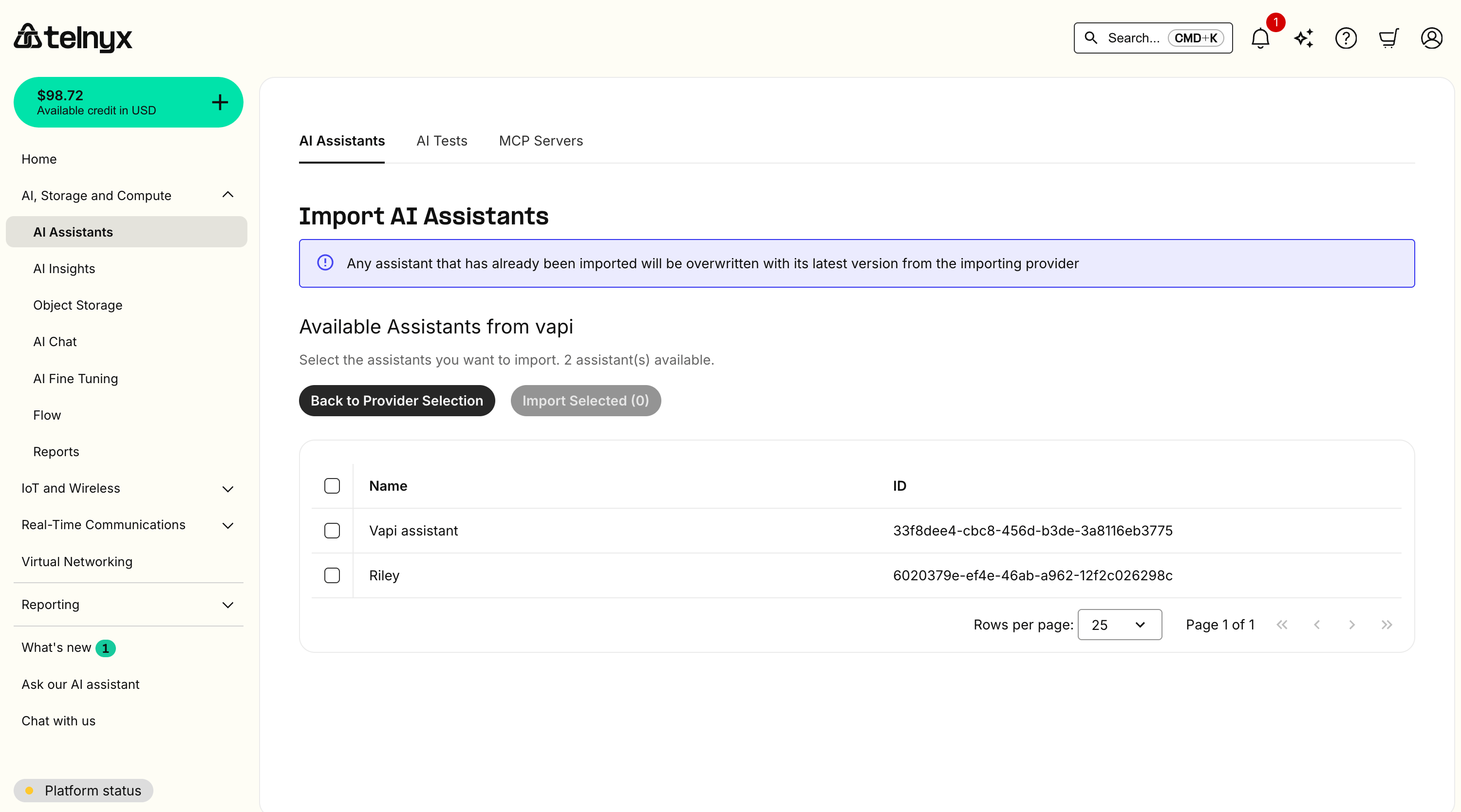
Selecting your Assistants
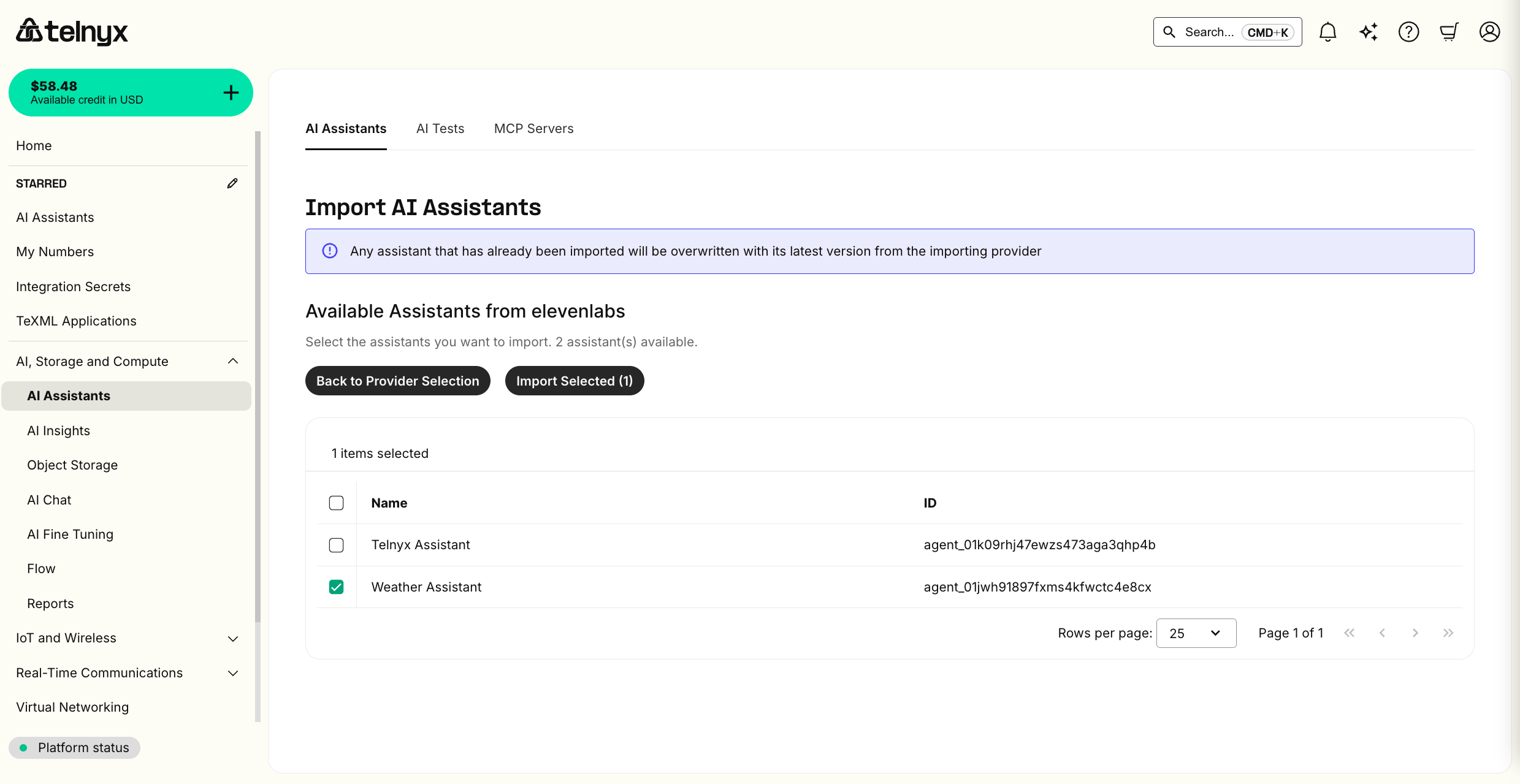
You can then select which Vapi assistants to import.Trial accounts have a limit of 1 AI Assistant.
Testing your imported Assistant
You should now see your new assistants listed and can click the pencil icon to edit or the telephone icon to test them in the portal.Check out the quickstart tutorial for more information on editing or creating our Assistants.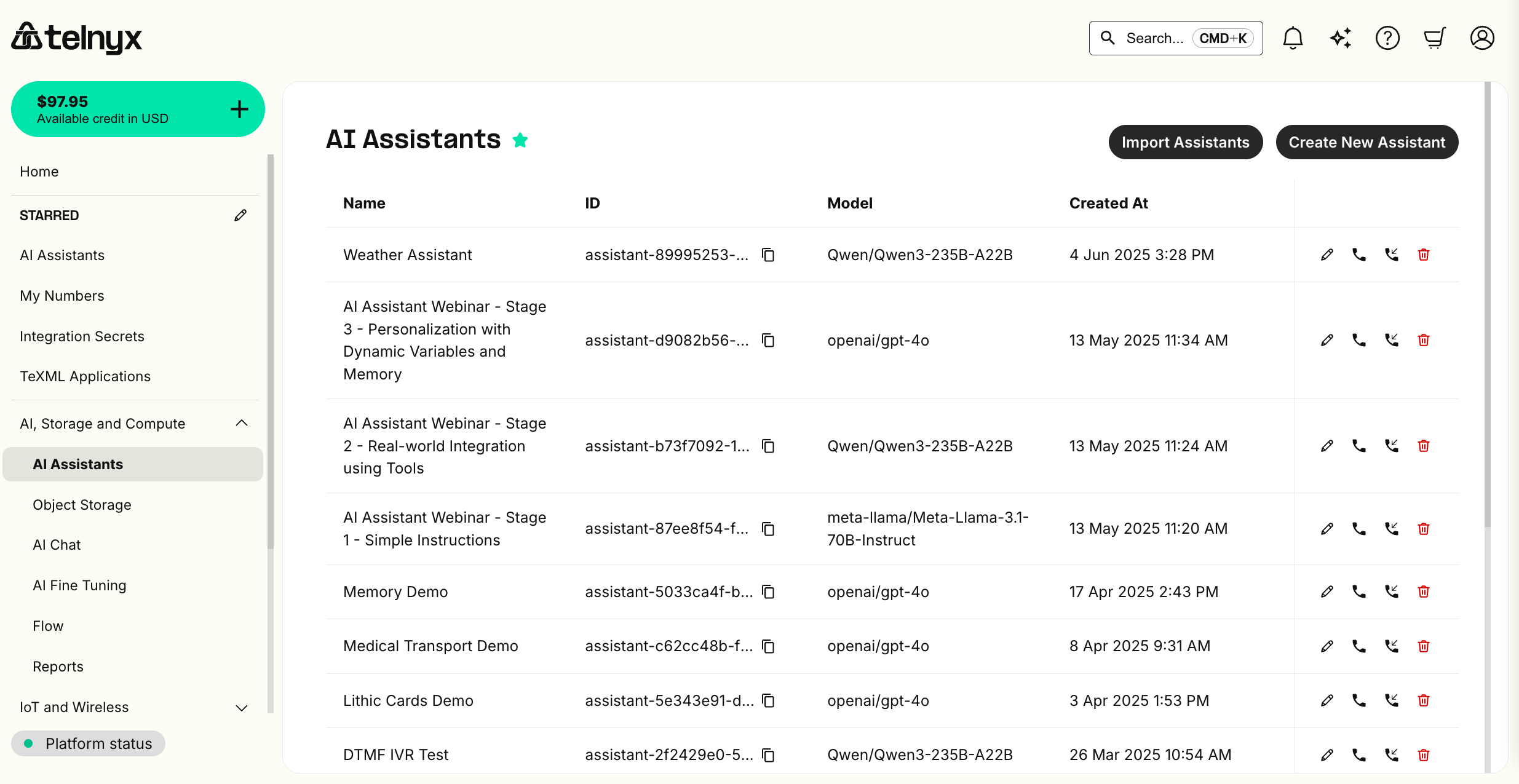
Supported Import Functionality
Instructions
Your assistant’s instructions will be imported as is.Greeting (a.k.a. first message)
Your assistant’s greeting will be imported as is.LLM
By default, the LLM assistant will be set to our flagship on-prem LLM, which provides optimal latency, cost, and intelligence. You can BYO LLM with third-party providers by storing an API Key.Voice
When importing from Vapi or ElevenLabs, the voice will be imported as is. Otherwise, the LLM assistant will be set to our flagship on-prem TTS, which provides optimal latency, cost, and realism. You can BYO TTS with other third-party providers by storing an API Key.Dynamic Variables
References to dynamic variables and their defaults will be imported as is. See our guide on how to set these values per call.Tools
Hangup, transfer, and webhook tools will be imported as is.Workflows (a.k.a. conversation flows)
ElevenLabs agents that use a workflow — and Retell multi-prompt agents — are imported as a single Telnyx assistant with a conversation flow: the workflow’s graph is mapped onto the equivalent Telnyx workflow nodes and edges rather than being dropped or split into multiple assistants. Imported assistants with a flow show a Workflow tab in the portal where you can inspect and edit the imported graph. How the source graph is translated:- Prompt steps become Telnyx prompt nodes, with the step’s instructions appended to the assistant’s own instructions.
- Tool steps become Telnyx tool nodes that run the tool’s imported shared tool, then continue along their edges. Steps that branch on the tool’s result route deterministically on whether the tool call succeeded or failed, in the same way a hand-built tool node does.
- Transfer steps (a phone number) become a prompt node with the transfer destination configured on the imported assistant’s transfer tool.
- Call end steps become a tool node that hangs up the call.
- Hand-offs to another agent become an edge that routes the conversation to that agent’s imported assistant counterpart.
- Steps without a direct equivalent are imported as generic prompt nodes so the flow stays connected, but their step-specific actions are not carried over — check the imported flow for any such steps the import warns about in your import log.
- Edges become Telnyx edge conditions: an LLM condition when the source relied on the model’s judgment, and a deterministic condition for tool result routing (see Workflows: tool node execution). An edge that always fires becomes the node’s default edge.
MCP Servers (a.k.a. Integrations)
Integrations with MCP Servers will be imported as is.Insights (a.k.a. analysis, success criteria, structured data…)
Structured and unstructured call analysis configuration is imported as is.Data Retention
If you have disabled data retention with another provider, this setting will be imported as is.Knowledge Bases
Knowledge base content hosted by your provider is imported automatically. When importing from Vapi, ElevenLabs, or Retell, that content is brought into a Telnyx knowledge base, and a retrieval tool connected to it is added to the imported assistant — no manual re-upload is needed. One exception: a Vapi custom knowledge base — content your own server serves to Vapi through a custom retrieval endpoint — is not migrated, because only knowledge base files that Vapi itself hosts are. Knowledge base items the import doesn’t support, or that can’t be retrieved during the import, are skipped without failing the import. After importing, check the assistant’s knowledge base on the assistants page and add anything that’s missing.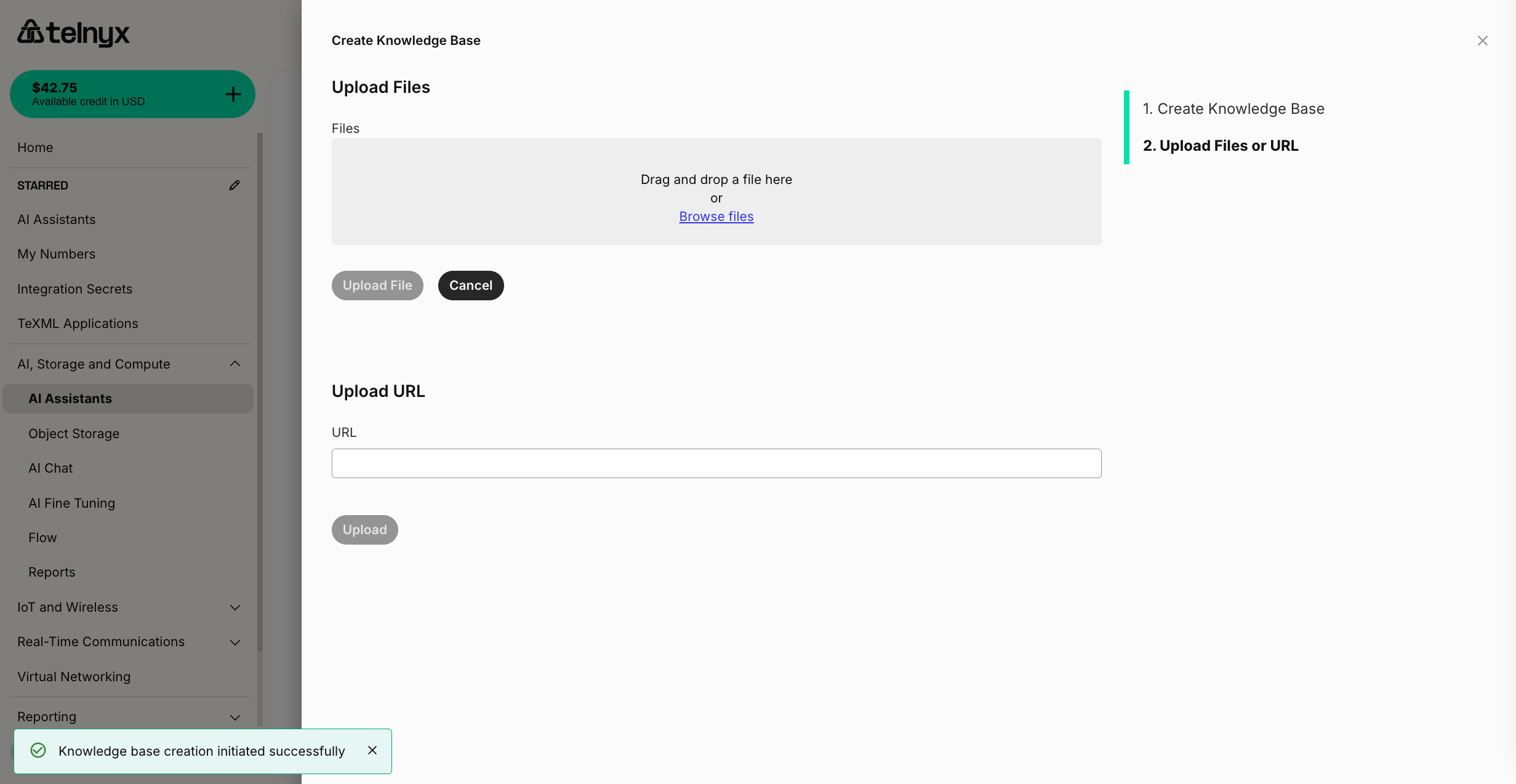
Secrets
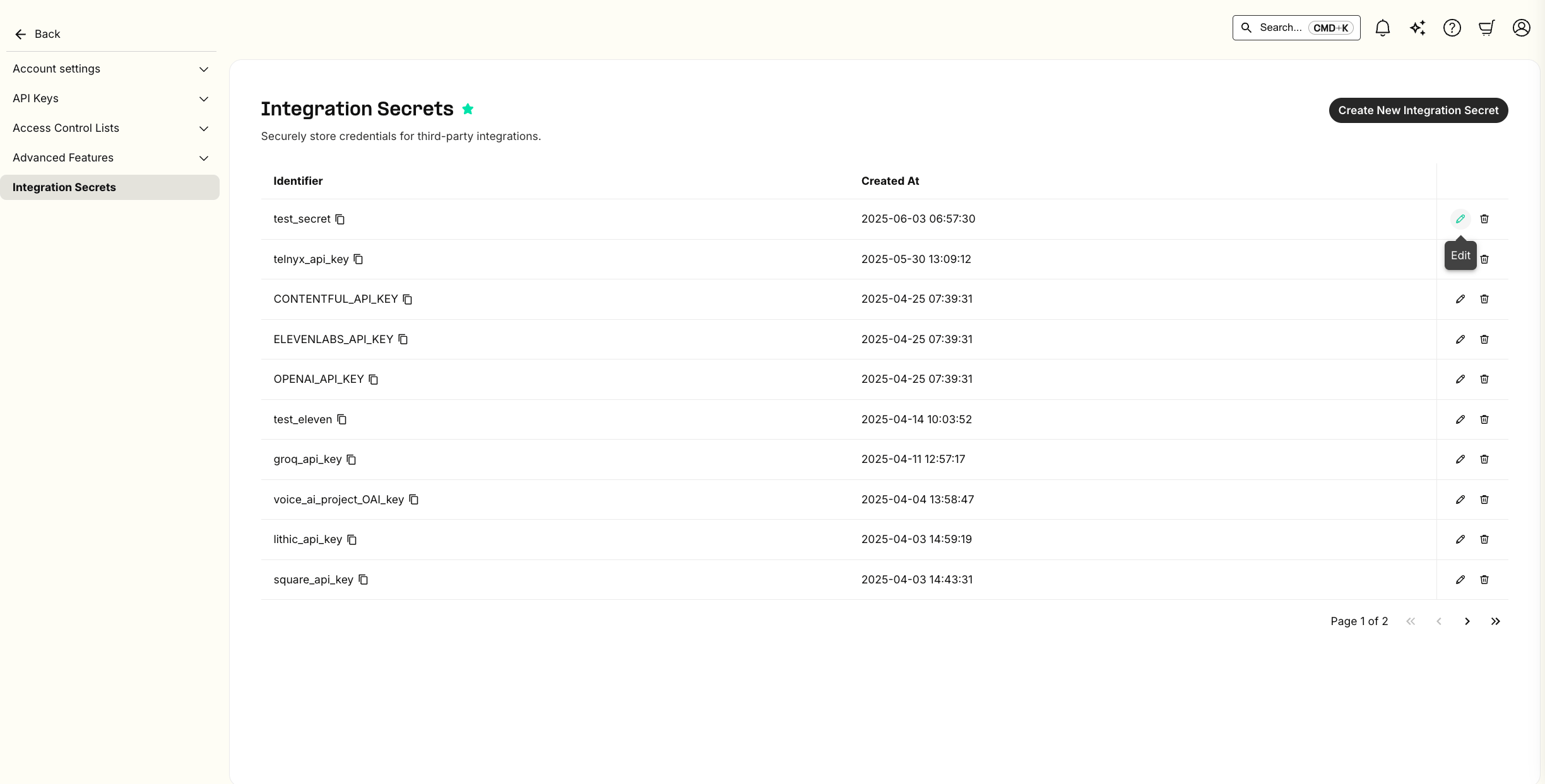
Telnyx will create placeholder integration secrets for you with the same name as they are configured in the importing provider. You will need to resupply the value of the secret on the Telnyx integration secrets page.