Telnyx Remote Model Context Protocol (MCP)
Remote endpoint
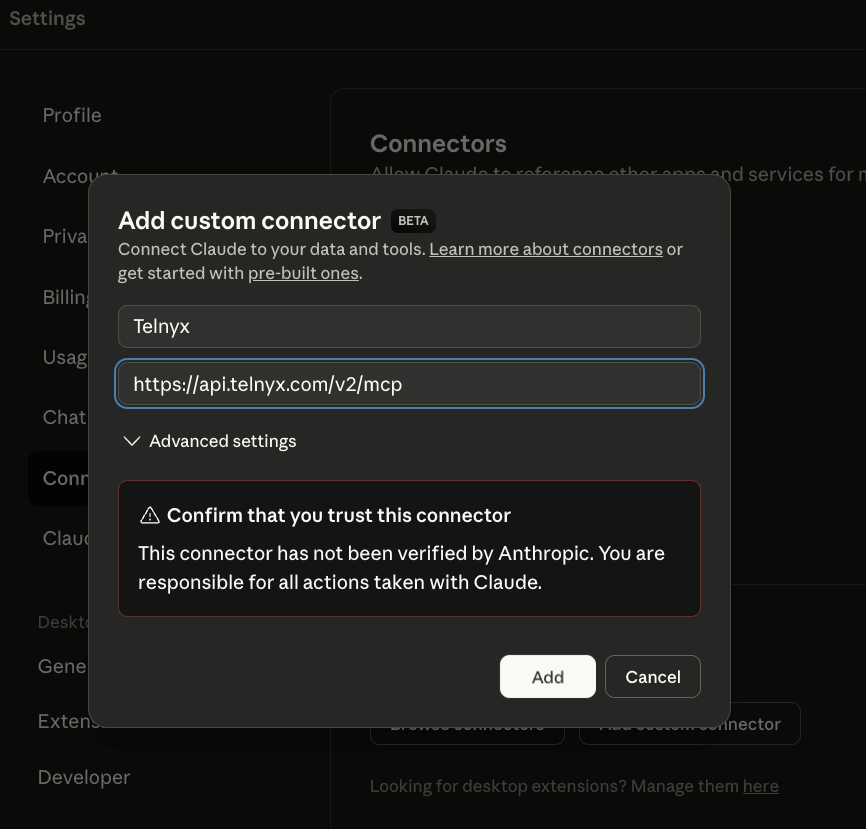
The canonical Telnyx API MCP endpoint ishttps://api.telnyx.com/v2/mcp.
Use this endpoint for MCP clients or scanners that need Telnyx API actions. It uses streamable HTTP and Bearer authentication with Authorization: Bearer <TELNYX_API_KEY>.
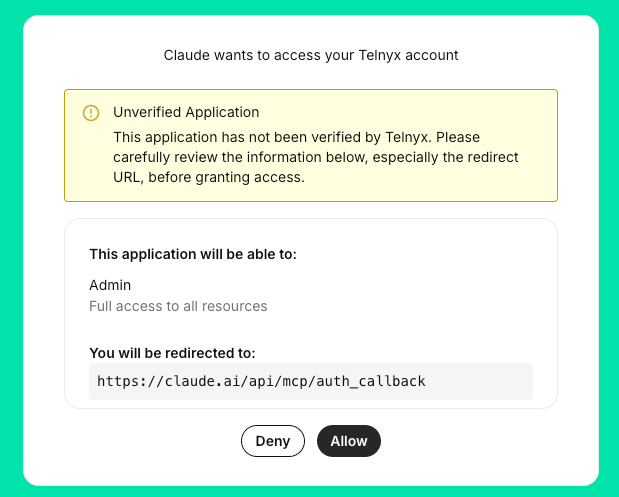
The API action server card describes this API endpoint. Inspect the selected endpoint schema and obtain authorization before invoking billable or state-changing actions.
For documentation search and retrieval, use https://developers.telnyx.com/mcp. Its documentation server card describes a separate, documentation-focused service. It is not a mirror of the API action server card. Documentation search and retrieval are read-only, but the submit_feedback tool writes documentation feedback. Documentation retrieval does not execute Telnyx API actions; connect to https://api.telnyx.com/v2/mcp for those actions.
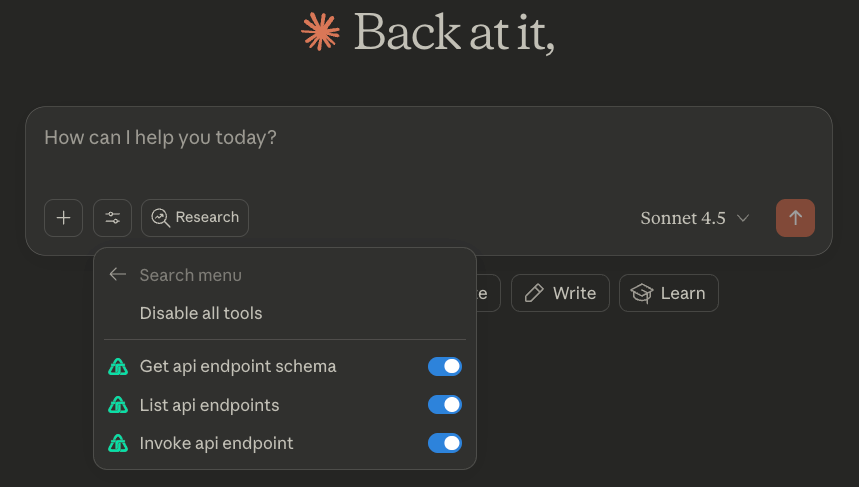
Quickstart with Claude Desktop
Connect via Portal
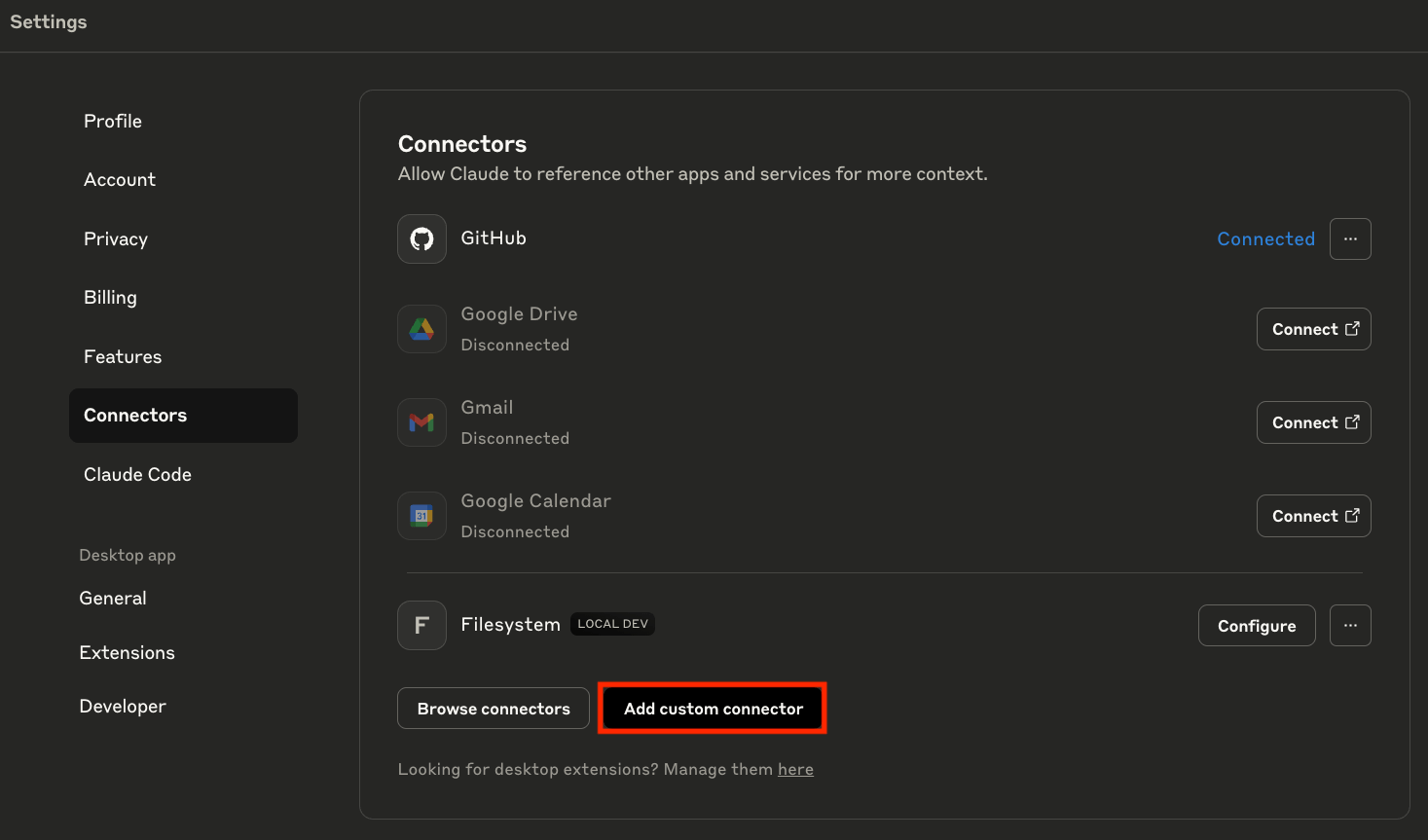
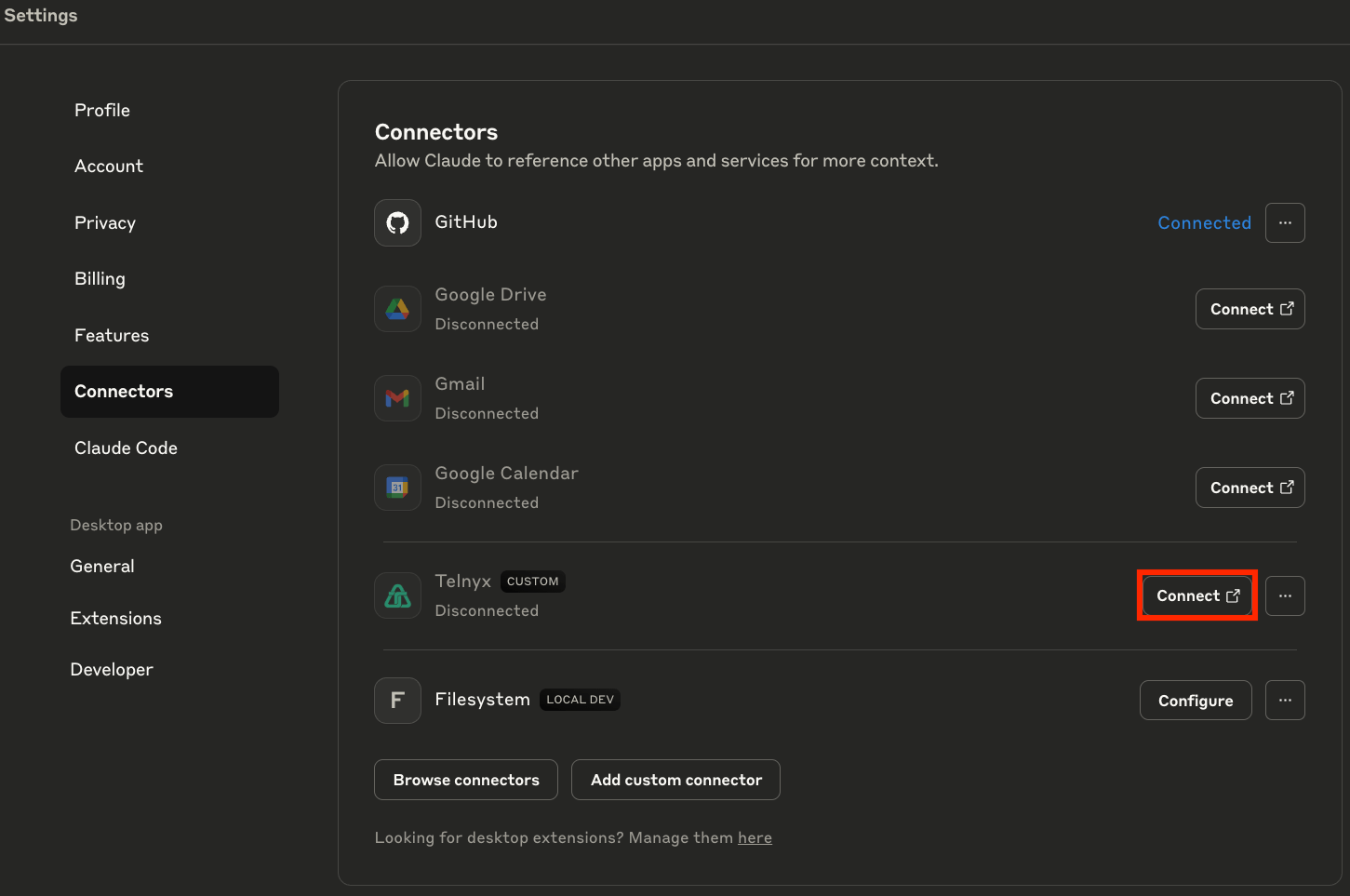
Requires a Claude / Claude Desktop plan with access to Custom Connectors. Go to Claude > Settings > Connectors