

Prerequisites
- Node.js 22.13 or later, and
telnyx-edge0.5.7 or later on thePATH(orTELNYX_EDGE_BINpointing at it). - The CLI, installed and signed in:
telnyx-acp update keeps it current from then on, and the CLI says when a newer release exists; Utilities has both.
1. Create
- Wizard
- CLI
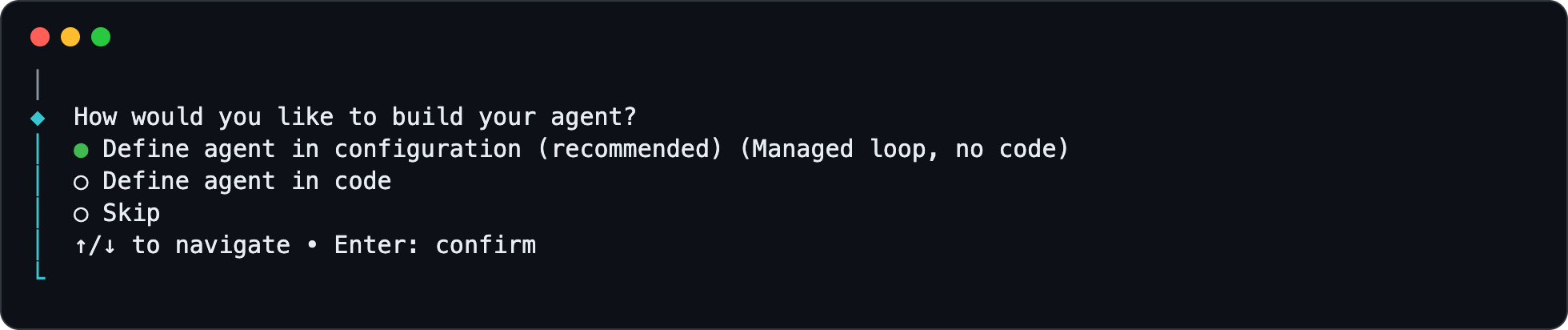
create with no flags opens the wizard, the recommended way in: it asks one question at a time, checks each answer as it goes (a number is looked up in the account, a model picked from the ones the account can use), and shows what it will write before it writes it. It asks, in order, for:- the project name
- how to build the agent, and the language for a code project
- the model
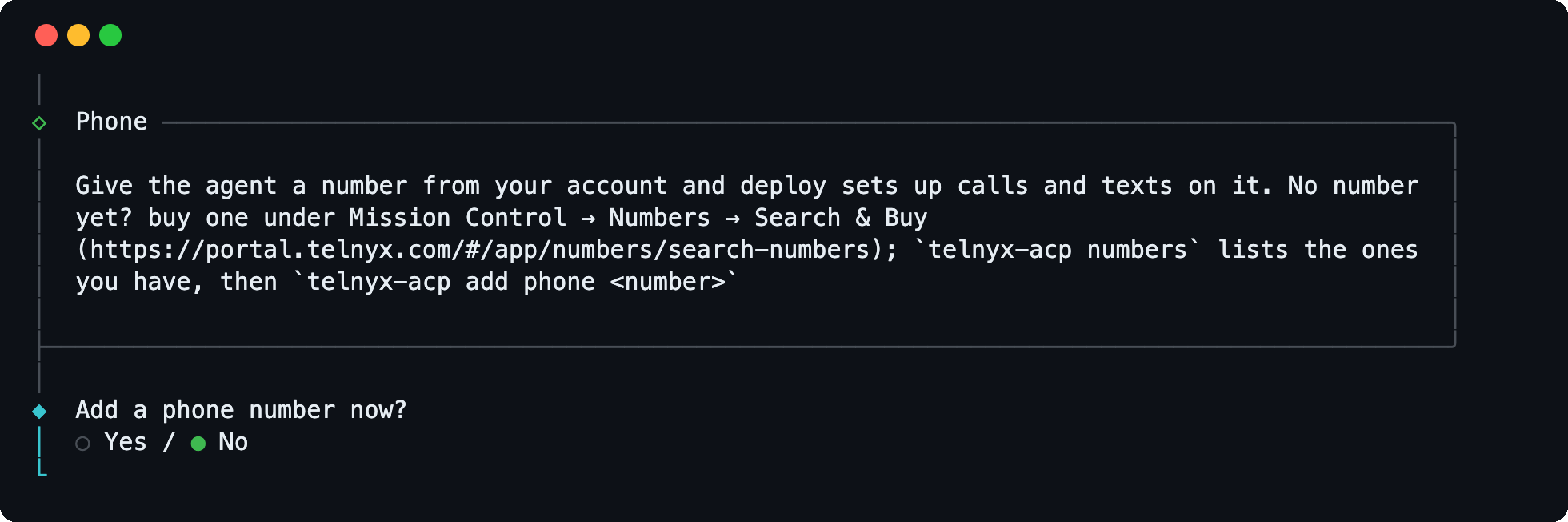
- a phone number
- a channel by artifact id
- a browser page
- a call greeting, when a number was added
- memory
- a step limit

zai-org/GLM-5.3-Flash: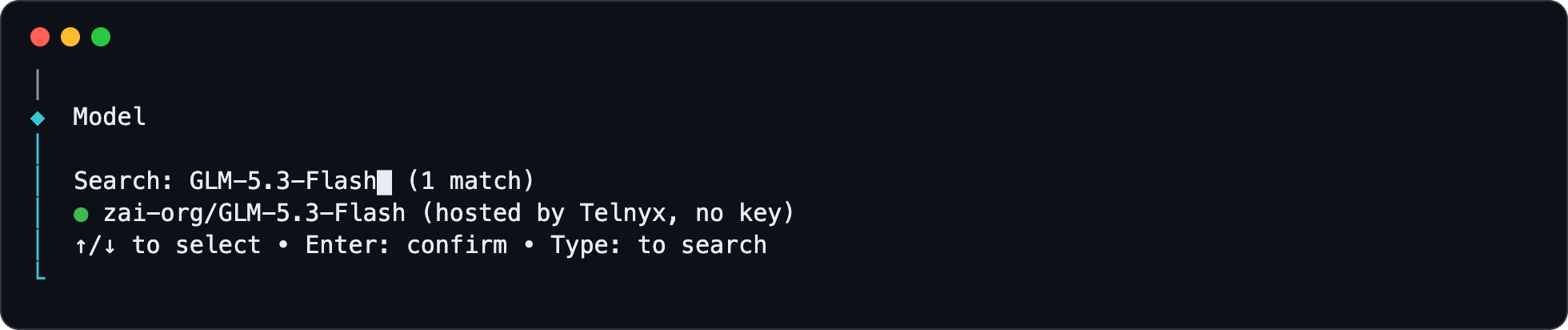
add later.Keep memory on:
create will write, and it writes it: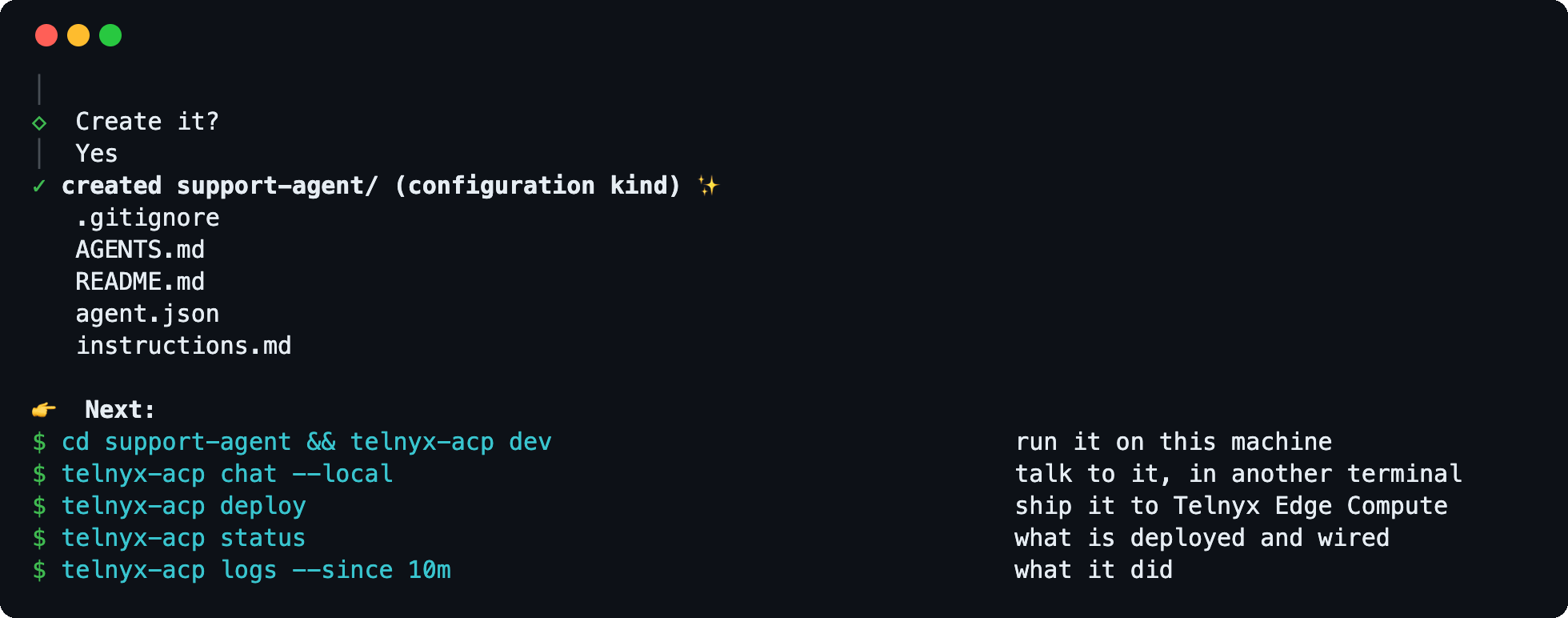
zai-org/GLM-5.3-Flash is hosted by Telnyx, so the agent answers with no key added. telnyx-acp models lists what else the account can use; Models and Instructions covers the BYOK scenario.
create writes a starter system prompt in instructions.md. Models and Instructions covers customization.
2. Run It Locally
chat; each line is a turn on the same conversation.
invoke is one turn per command, so turns across sessions can interleave; each conversation keeps its own context.
--stream prints each assistant message as it lands. The outbound calls are the model’s and those of any tools; inbound channels and memory need a deploy; with a number or a voice block, the page’s mic button tries the voice settings locally. Local Development lists what else differs.
3. Deploy
deploy registers the agent and builds it (a build typically takes about ten minutes; deploy waits up to 25); every deploy after that is a new revision. The agent comes up at its mount, the function’s public URL:
.telnyx/ is written beside the project files by dev and on every deploy; the scaffolded .gitignore already excludes it. After the first deploy agent.json also records the function id, the mount URL, the actor type and the active revision under deployed.4. Invoke the Deployed Agent
5. Give the Agent a Phone Number
Prerequisites:- A number in the account with voice and messaging enabled.
telnyx-acp numberslists them; if there is none, buy one in Mission Control → Numbers → Search & Buy. - The account’s webhook public key (Mission Control → Account → Keys & Credentials → Public Key).
telnyx-acp text "hi" sends an SMS from one of the account’s own numbers and prints the reply; both numbers are Telnyx’s, so no 10DLC registration is needed. A text from a personal phone reaches the agent, but a US handset gets the reply only once the number is 10DLC-registered, and a phone outside the US cannot reach a US long code at all; Messaging has the detail.
6. Change It, Ship Again
Editinstructions.md, or change one field of agent.json with telnyx-acp set, and run telnyx-acp deploy again. Every deploy is a new revision; telnyx-acp versions support-agent lists them, with the project’s git short SHA when the project is a git repository.
7. Tear Down
delete removes the Telnyx resources deploy created and restores the webhooks of pre-existing ones; local project files stay.