Step 1: Create your XML
In order to create XML documents, you can use the new TeXML editor in the Mission Control Portal. You’ll find the TeXML editor by navigating to the Programmable Voice section on the left menu and selecting ‘TeXML Bin’.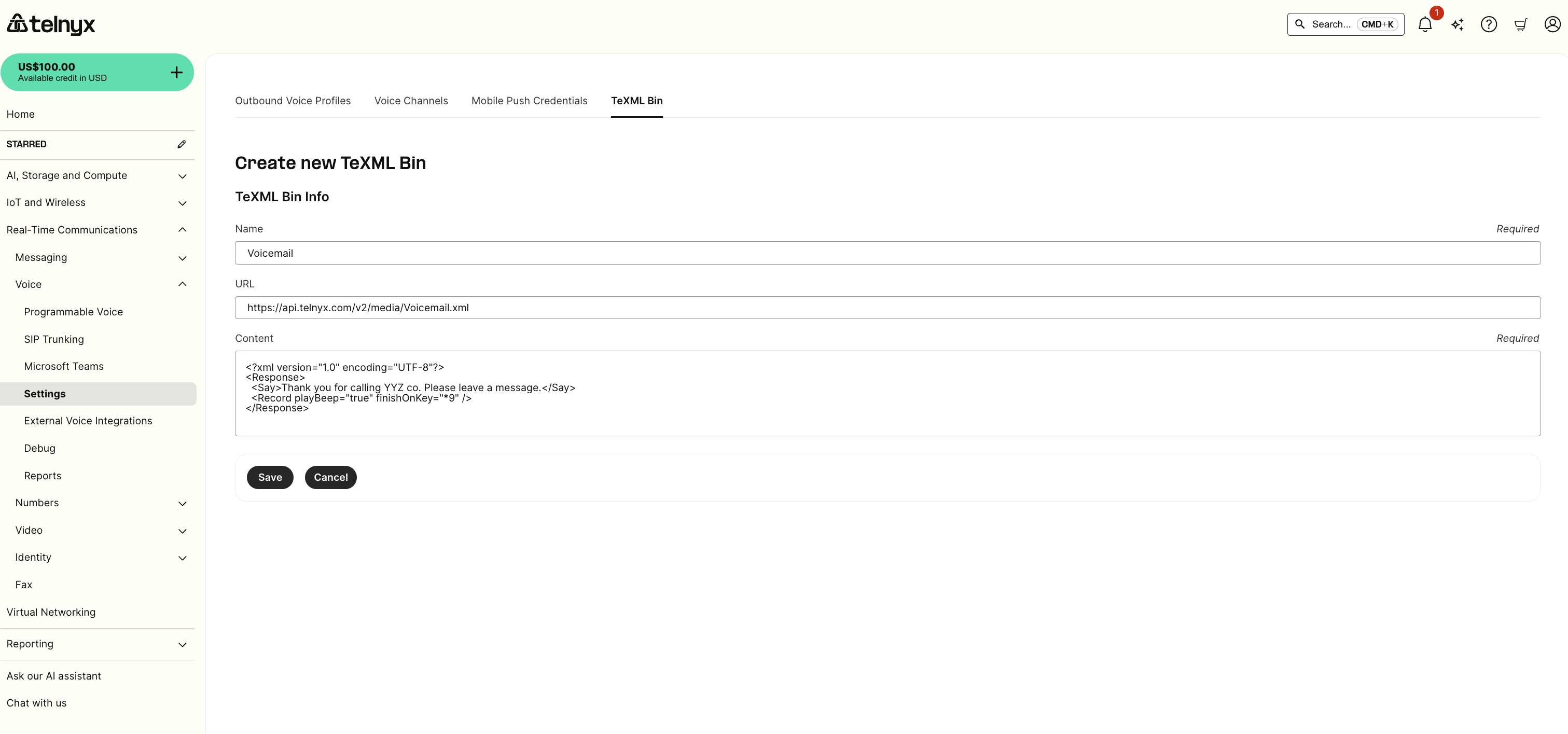
Simple voicemail
Simple call forward
Step 2: Set up your XML application in Mission Control
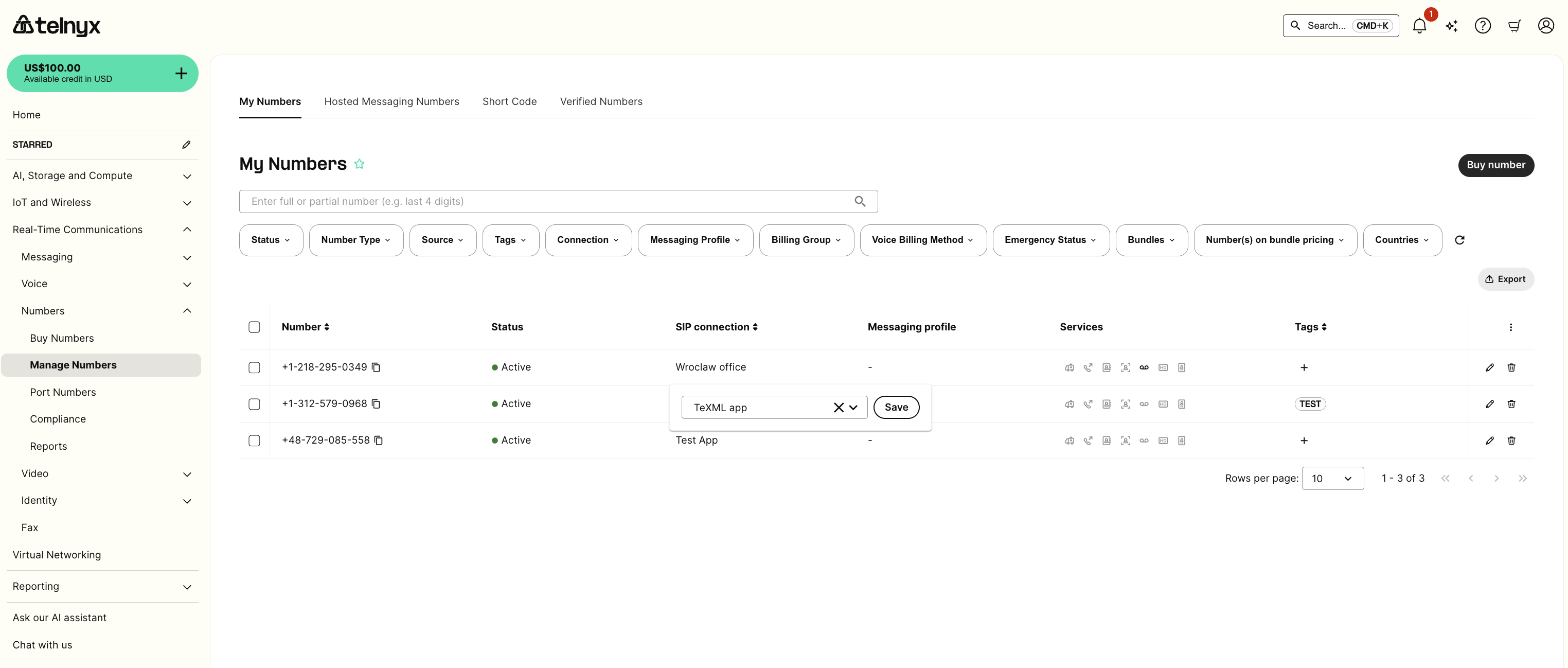
You can set up your XML application to use the created script by selecting it from the drop-down list.
Step 3: Test your application
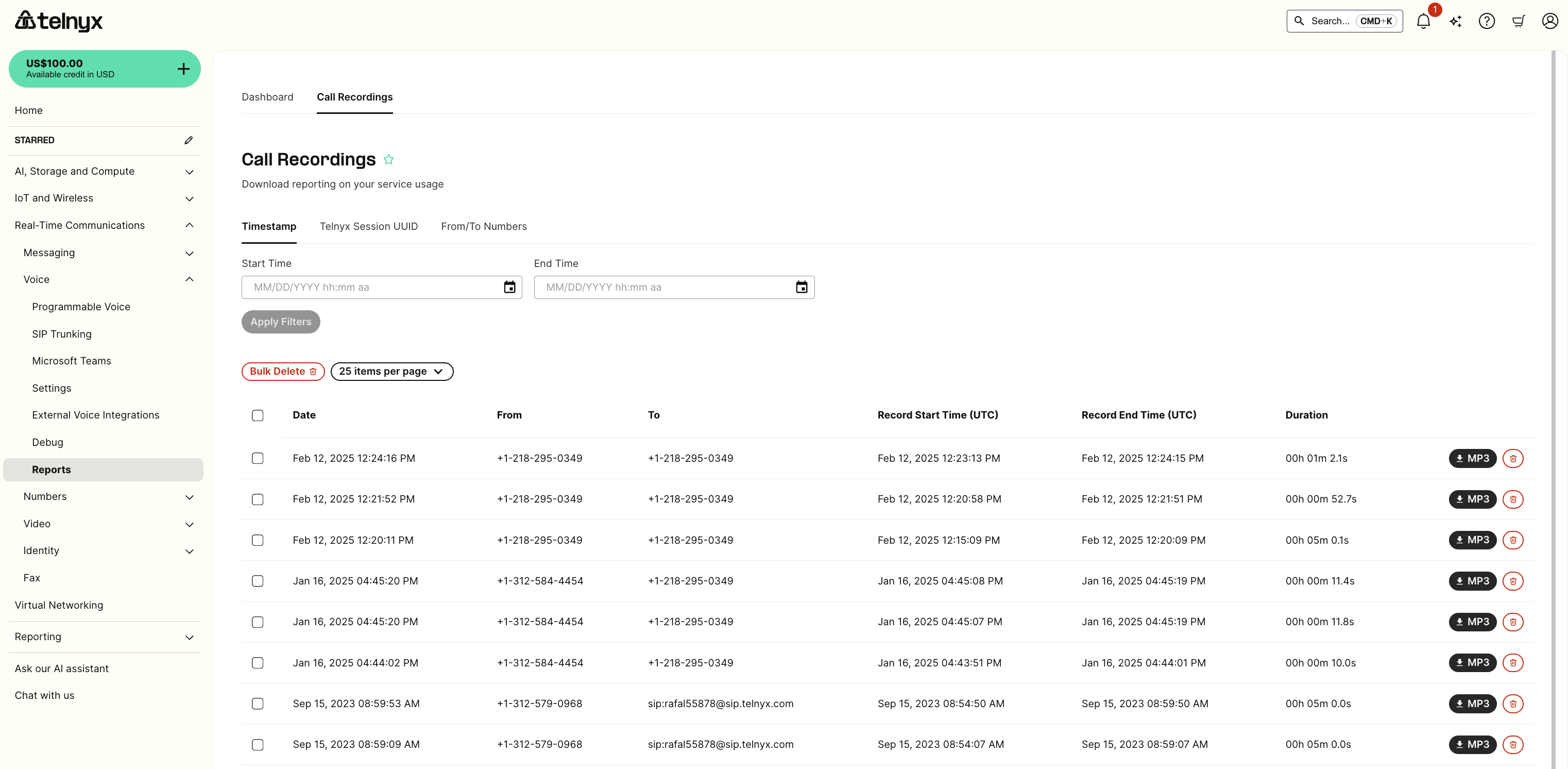
Test your application by:- Assigning a phone number to the application
- Dialing the number from the PSTN and leave a message
- Retrieving your voicemail